
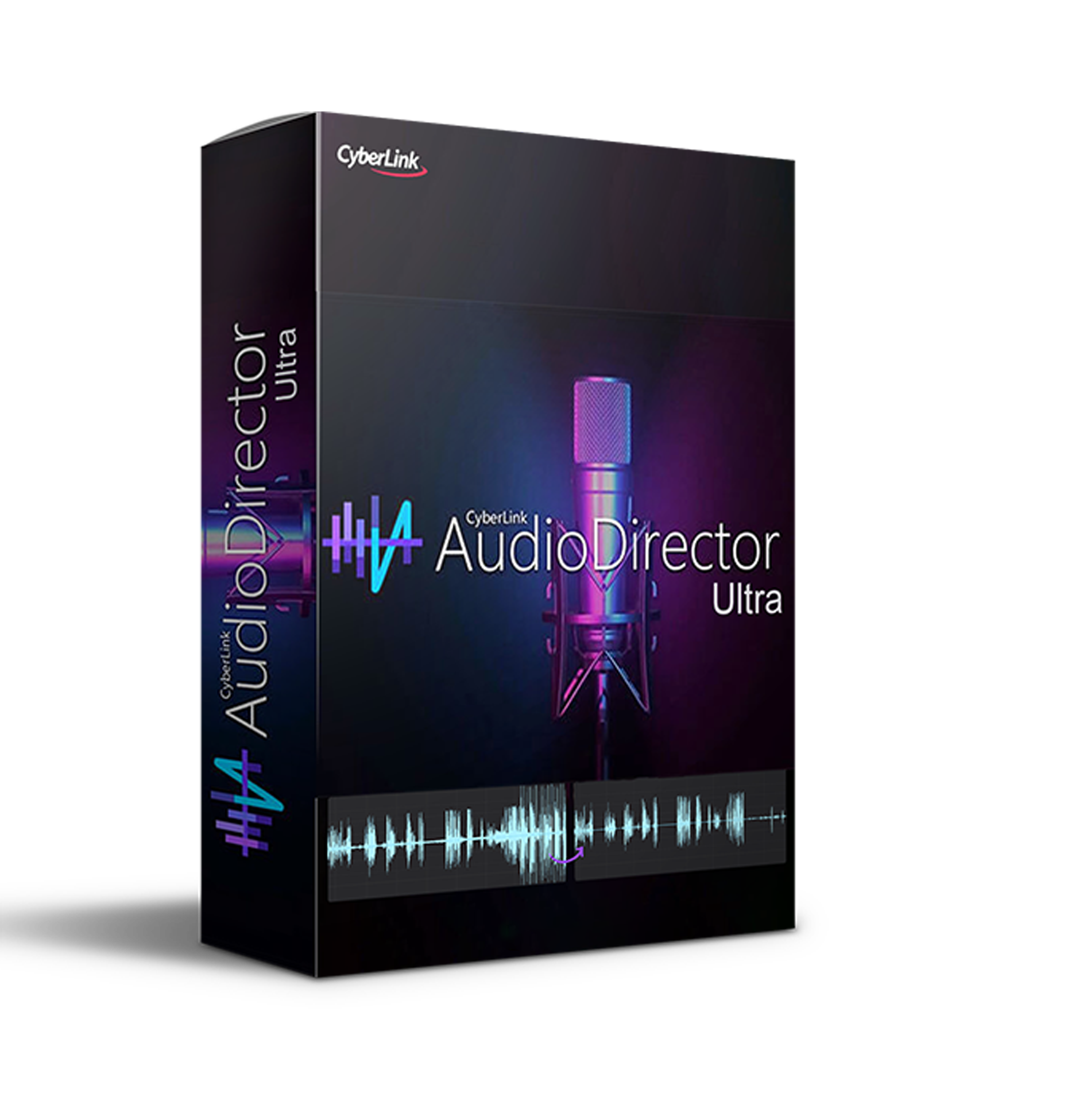
Discover CyberLink AudioDirector Ultra (Windows)
CyberLink AudioDirector Ultra is a powerful toolkit for music processing. AudioDirector allows you to create your own soundtracks using multi-track recording, use mixing tools, automatically remove noise and interference, and perform audio restoration. With the ability to play video in parallel with audio editing, AudioDirector users can synchronize audio adjustments with the picture. AudioDirector offers support for a…
AI Wind Remove: Kiss those wind gusts goodbye in outdoor recordings with a simple click.
Punch & Roll Recording: Easily adjust long voiceovers or podcasts to perfect your dialogue tracks.
Restoration Adjustment Tools: Say bye-bye to distracting sounds with options like Dialogue Contour, Plosive Removal, Noise Reduction, Declip, Declick, Hiss and Hum…
Explore product features & full description
Overview of CyberLink AudioDirector Ultra
CyberLink AudioDirector Ultra is a powerful toolkit for music processing. AudioDirector allows you to create your own soundtracks using multi-track recording, use mixing tools, automatically remove noise and interference, and perform audio restoration. With the ability to play video in parallel with audio editing, AudioDirector users can synchronize audio adjustments with the picture. AudioDirector offers support for a wide range of video and audio formats, as well as multi-channel audio.
Features of CyberLink AudioDirector Ultra
- AI Wind Remove: Kiss those wind gusts goodbye in outdoor recordings with a simple click.
- Punch & Roll Recording: Easily adjust long voiceovers or podcasts to perfect your dialogue tracks.
- Restoration Adjustment Tools: Say bye-bye to distracting sounds with options like Dialogue Contour, Plosive Removal, Noise Reduction, Declip, Declick, Hiss and Hum Removal.
- Visual-Spatial Audio Editing: Fine-tune audio direction and pitch for 360 videos right in the visual preview window.
- 360º Video Support: Edit multi-channel audio clips, preview, and export in 360 formats for seamless workflows.
- Vocal Transformer: Transform vocals with natural-sounding filters or create your custom presets.
- Multi-Channel Device Recording: Record from multiple audio channels simultaneously without sync issues.
- Track Alternatives in Mixer Room: Experiment with different effects and recordings on the same track hassle-free.
- Ambiance Creator: Maintain consistent ambiance by using a background sound consistently.
- Surround Sound Panner: Craft intricate surround sound projects with dynamic panning.
- Auto-Fit Background Music: Automatically adjust background music tracks to your video length.
- Batch Processing: Apply favorite effects to multiple audio files simultaneously for efficient editing.
- Codec Preview: Identify artifacts before production to create better-sounding tracks.
-
-
Clean Up Audio
Remove noise, hiss, hum, or distortion with precision restoration tools using state-of-the-art AI.
Restore Audio in 1 Click with AI
With the AI Restoration Assistant, auto-remove unwanted noises and fix audio issues in a single click with recommended tools.

Crystal Clear Speech
Restore and fine-tune speech in your video and audio projects. Create podcasts & voiceovers with unmatched clarity even in loud or noisy environments.

Voice Profiler & EQ Match
Create templates from your audio files to replicate on other tracks.

-
Compatibility checklist
- Windows 10,11 (64Bit Only)
- Lifetime Activation & Access To Download
- Full Version
- VST3, and Standalone host.
- Formats: VST3 · Standalone
Requirements vary by supplied version. Confirm your setup with support before purchasing.
Delivery & activation
- Complete your purchaseReview compatibility and purchase details.
- Download your filesAccess available downloads through your order and account.
- Follow the included setup guideContact GetPlugins if you need installation help.
Activation, where included, is provided by GetPlugins. Publisher-account registration, transferable publisher keys and a publisher-issued licence are not included. Read the activation policy.
Frequently asked questions
How do I receive my download?
After payment, access available files from your order details and GetPlugins account. Contact support if a download is missing.
What activation is included?
Follow the activation instructions supplied with your download. Activation is provided by GetPlugins. Confirm device allowances and reinstall arrangements before ordering.
Will this work with my computer and DAW?
Check the compatibility information for this listing and ask us to confirm the exact supplied build. Libraries may require a compatible sampler or additional software.
What if I need installation help?
Email support@getplugins.io with your order number, operating system, DAW and any error message.
Which updates are included?
Activation and updates are separate. Confirm the available version and update arrangements before ordering; do not assume access to future publisher releases.
How do I request a refund?
Contact support with your order number and issue details. Read our Refund Policy for eligibility and the request process.
Reviews
There are no reviews yet.