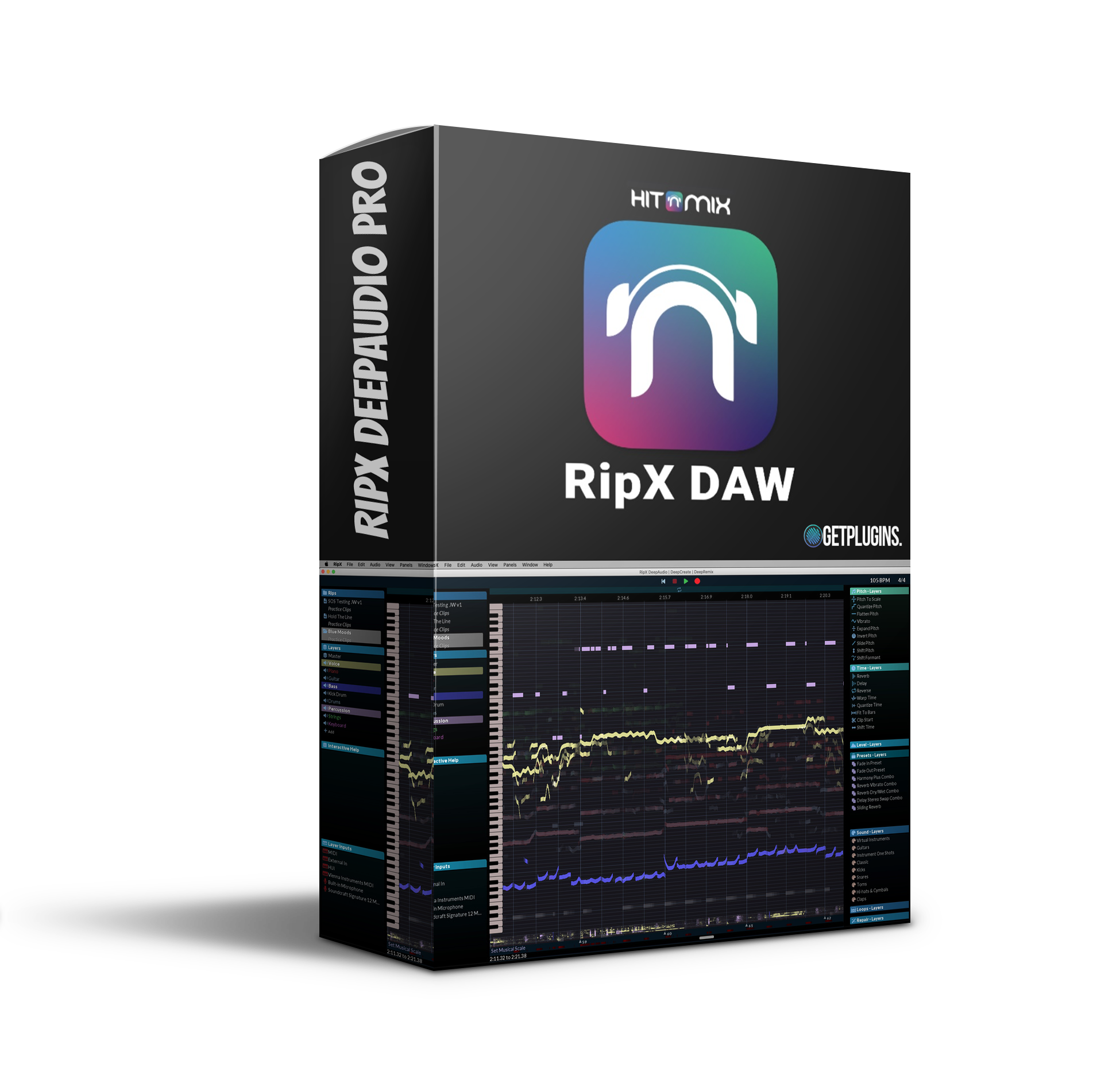
Hit’n’Mix – RipX DeepAudio Pro (Windows)

RipX DAW PRO adds award-winning Audioshop tools and the Harmonic editor for the most precise audio editing available…
Formats: VST3

£30.00

Discover Hit’n’Mix – RipX DeepAudio Pro (Windows)

RipX DAW PRO adds award-winning Audioshop tools and the Harmonic editor for the most precise audio editing available for creating an AI DAW with unlimited possibilities. Also included are two additional panels: Repair for fast, non-destructive audio cleanup and RipScripts for writing custom tools.

Award-winning Audioshop ® tools for quickly and easily fixing and cleaning up recordings

Non-switchable audio editor for cleaning up noise separately from high-pitched sounds

Powerful and unique harmonic editor for unrivaled audio editing

Explore product features & full description

Overview of RipX DAW PRO:

RipX DAW PRO adds award-winning Audioshop tools and the Harmonic editor for the most precise audio editing available for creating an AI DAW with unlimited possibilities. Also included are two additional panels: Repair for fast, non-destructive audio cleanup and RipScripts for writing custom tools.

RipX DAW PRO comes with all the features of RipX AI DAW, then adds advanced stem cleanup and audio manipulation tools to your workflow so you can create the highest quality extracted audio and customize/create audio with unprecedented levels of detail. Think of it as a built-in Izotope RX package.

Features of RipX DAW PRO:

  • Award-winning Audioshop ® tools for quickly and easily fixing and cleaning up recordings
  • Non-switchable audio editor for cleaning up noise separately from high-pitched sounds
  • Powerful and unique harmonic editor for unrivaled audio editing
  • RipScript scripting language for creating and setting up your instruments
  • Powerful and fast pitch adjustment, time stretching, copying and pasting of individual notes or groups of notes, hisses, and unmuteed sounds.
  • The Edit Unsent Audio tool displays all the unsent audio distributed throughout the rip, from top to bottom. Click and drag to select and edit the area of unsent audio.
  • Draw notes, drums, and samples on your rip using the Draw Sound tool.
  • Use the Split tool to divide your notes into sections for further editing.
  • Merge notes so you can edit them as a whole using the Merge tool.
  • Clone characteristics such as pitch changes (such as vibrato), sound (timbre with volume), and note transitions, for example, to replicate the playing style of a real instrumentalist, using the Clone tool.
  • Fine-tune pitches and slides with a simple click and drag using the Draw Pitch tool.
  • Add pitch, formant, volume, and pan variations to your notes using the Apply Template tool.
  • Mix the pitch, formant, timbre, volume, and/or stereo panography of notes by clicking and dragging them with the Area Smoothing tool.
Compatibility checklist

  • Windows 10,11 (64Bit Only)
  • VST3 Only
  • Formats: VST3

Requirements vary by supplied version. Confirm your setup with support before purchasing.

Delivery & activation

  1. Complete your purchaseReview compatibility and purchase details.
  2. Download your filesAccess available downloads through your order and account.
  3. Follow the included setup guideContact GetPlugins if you need installation help.

Activation, where included, is provided by GetPlugins. Publisher-account registration, transferable publisher keys and a publisher-issued licence are not included. Read the activation policy.

Frequently asked questions

How do I receive my download?

After payment, access available files from your order details and GetPlugins account. Contact support if a download is missing.

What activation is included?

Follow the activation instructions supplied with your download. Activation is provided by GetPlugins. Confirm device allowances and reinstall arrangements before ordering.

Will this work with my computer and DAW?

Check the compatibility information for this listing and ask us to confirm the exact supplied build. Libraries may require a compatible sampler or additional software.

What if I need installation help?

Email support@getplugins.io with your order number, operating system, DAW and any error message.

Which updates are included?

Activation and updates are separate. Confirm the available version and update arrangements before ordering; do not assume access to future publisher releases.

How do I request a refund?

Contact support with your order number and issue details. Read our Refund Policy for eligibility and the request process.

Customer Reviews

Reviews

There are no reviews yet.

Be the first to review “Hit’n’Mix – RipX DeepAudio Pro (Windows)”

Your email address will not be published. Required fields are marked *