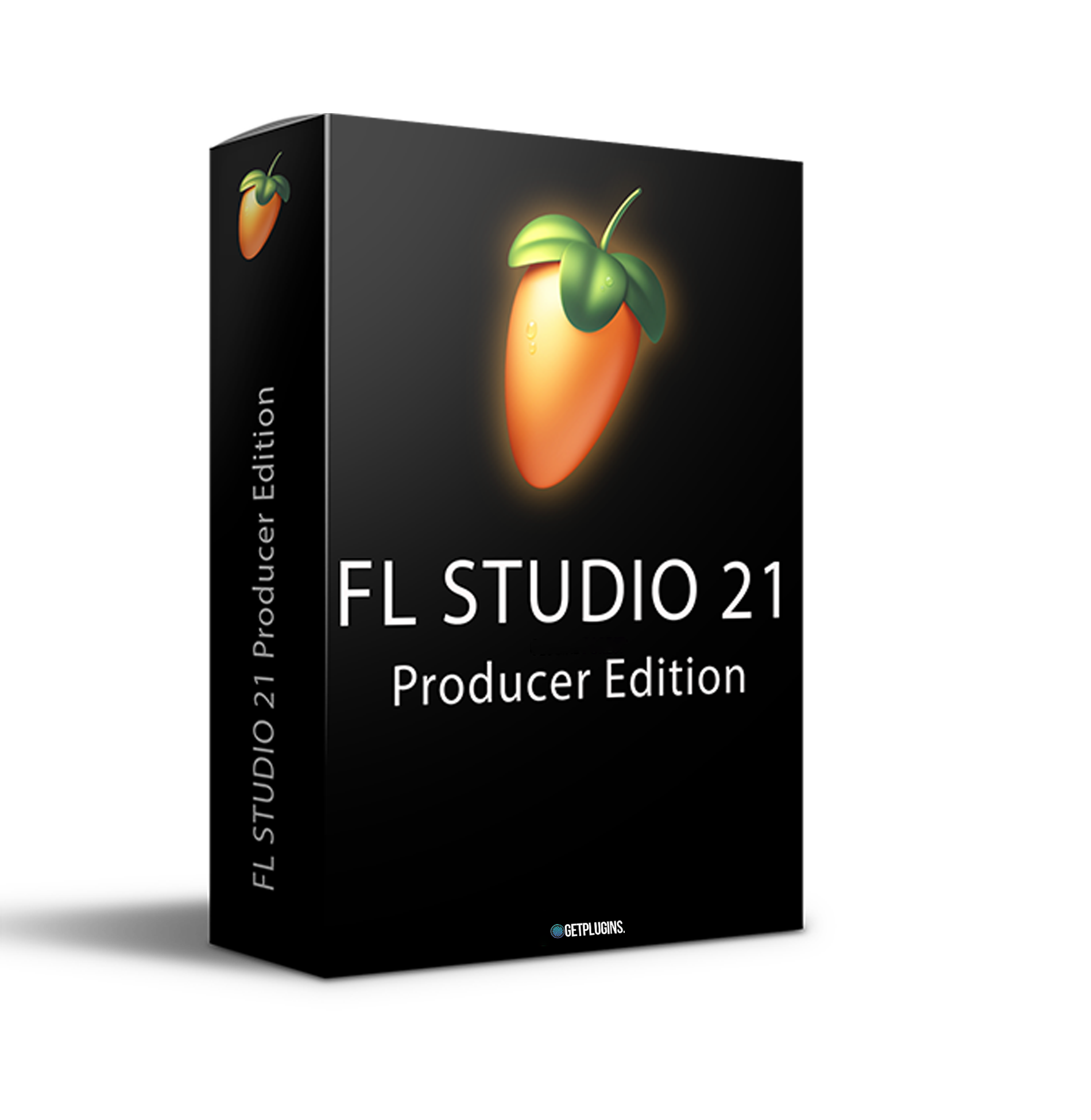
FL Studio is a complete software environment for music creation or a digital audio workstation (DAW). With more than 20 years of innovative development, it combines everything you need to compose, arrange, record, edit, mix, and produce professional-quality music.
Comprehensive Composition Tools: Access a variety of tools for creating beats, melodies, and diverse musical elements.
Editing & Arranging: Easily arrange and edit your tracks with a user-friendly interface.
Recording Capabilities: Capture live performances or vocals seamlessly within the software.
Explore product features & full description
FL Studio is a complete software environment for music creation or a digital audio workstation (DAW). With more than 20 years of innovative development, it combines everything you need to compose, arrange, record, edit, mix, and produce professional-quality music.
FL Studio 21.2.2:
Comprehensive Composition Tools: Access a variety of tools for creating beats, melodies, and diverse musical elements.
Editing & Arranging: Easily arrange and edit your tracks with a user-friendly interface.
Recording Capabilities: Capture live performances or vocals seamlessly within the software.
Mixing & Mastering: Fine-tune your sounds with professional-grade mixing and mastering tools.
Vast Sound Library: Explore a broad range of sounds, instruments, and effects to elevate your compositions.
Seamless Workflow: Intuitive design ensures a smooth workflow, boosting productivity.
Plug-in Support: Integrate third-party plug-ins for added versatility.
Automation: Control parameters over time to create dynamic changes in your music.
Live Performance: Enable live triggering of clips and loops for on-the-fly performances.
Support & Community: Active user forums and support for troubleshooting and learning.
Cloud Mastering: Enhance post-production capabilities with efficient mastering tools.
Stem Extractor: Streamline your workflow with the ability to extract stems from your tracks.
Advanced Features: Take advantage of additional features for a more sophisticated music production experience.
User-Friendly Interface: Navigate the software easily for a hassle-free music creation process.
Customization Options: Tailor the software to your preferences for a personalized experience.
Regular Updates: Stay current with the latest features and improvements through regular software updates.
Export Options: Easily export your creations in various formats for sharing and distribution.
Learning Resources: Access tutorials and guides to enhance your skills and maximize your creativity.
Time-Saving Tools: Utilize features that save time, allowing you to focus on the creative aspects of music production.
Stability: Enjoy a stable and reliable environment for your musical endeavors.
Risk Consideration: Be cautious when using cracked versions, considering potential risks to your system and work.
FLEX EXTENSIONS
Drumful Treasure
Essential Bass Guitars
Essential Guitars
Essential Pianos
Essential Strings
Essential Winds
General Midi Library
Histibe Electronics
Olbaid Bass Utopia
Olbaid Compendium
Saif Sameer Synthwave
SeamlessR Monsters
Sense Gemini Magnificence
SH-1 Floor Shakers
SH-1 Jump Up Repertoire
Compatibility checklist
Confirm the supplied build, operating system and required host before ordering.
Complete your purchaseReview compatibility and purchase details.
Download your filesAccess available downloads through your order and account.
Follow the included setup guideContact GetPlugins if you need installation help.
Activation, where included, is provided by GetPlugins. Publisher-account registration, transferable publisher keys and a publisher-issued licence are not included. Read the activation policy.
Frequently asked questions
How do I receive my download?
After payment, access available files from your order details and GetPlugins account. Contact support if a download is missing.
What activation is included?
Follow the activation instructions supplied with your download. Activation is provided by GetPlugins. Confirm device allowances and reinstall arrangements before ordering.
Will this work with my computer and DAW?
Check the compatibility information for this listing and ask us to confirm the exact supplied build. Libraries may require a compatible sampler or additional software.
What if I need installation help?
Email support@getplugins.io with your order number, operating system, DAW and any error message.
Which updates are included?
Activation and updates are separate. Confirm the available version and update arrangements before ordering; do not assume access to future publisher releases.
How do I request a refund?
Contact support with your order number and issue details. Read our Refund Policy for eligibility and the request process.
Customer Reviews
Reviews
There are no reviews yet.
Be the first to review “FL Studio 21 Producer Edition (Windows)” Cancel reply

Reviews
There are no reviews yet.