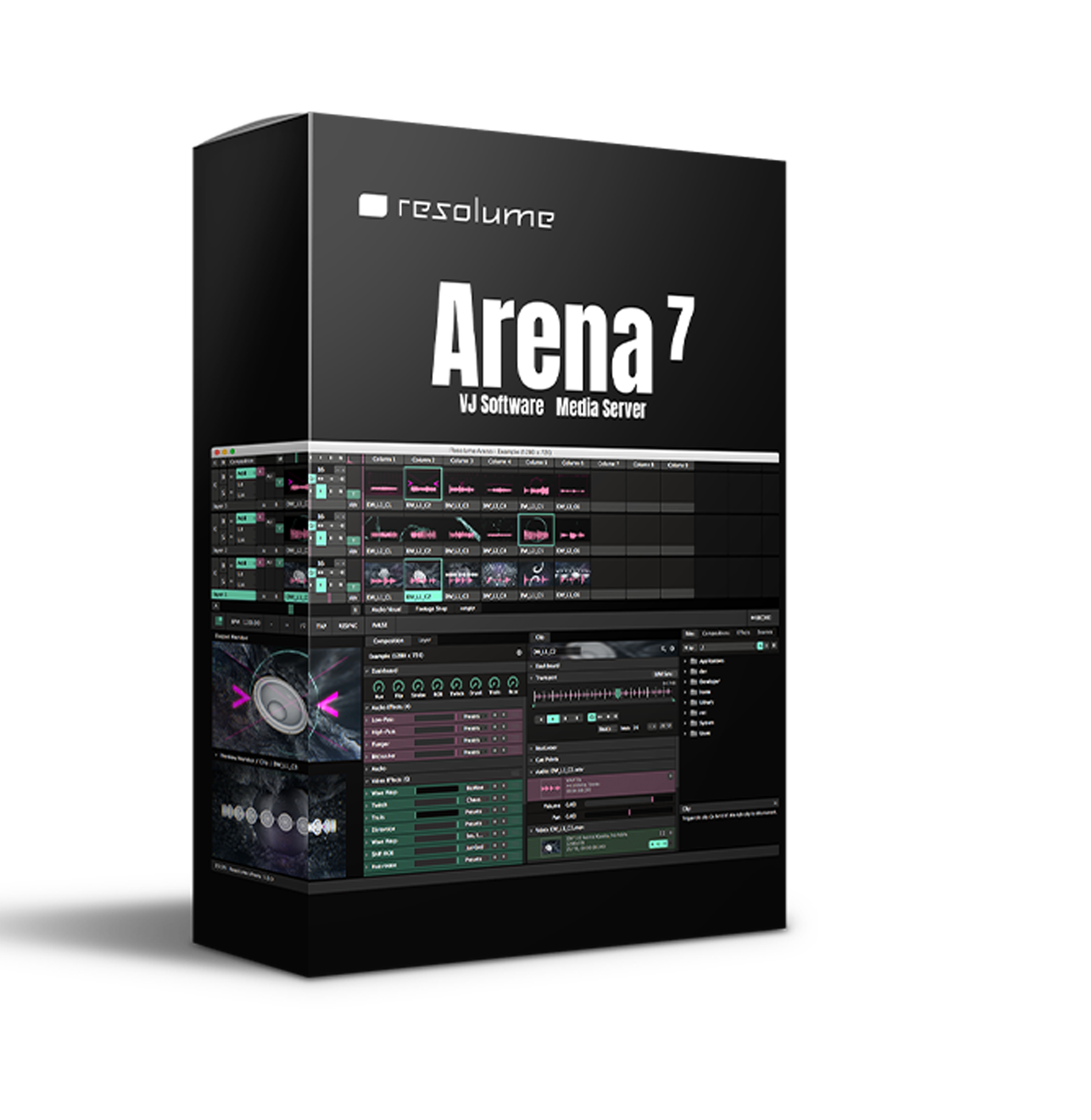
Resolume Arena 7 (Windows)

Project video on any type of surface. Complex geometrical structures or whole buildings. Resolume does all the hard…
Formats: VST3

£30.00

Discover Resolume Arena 7 (Windows)

Project video on any type of surface. Complex geometrical structures or whole buildings. Resolume does all the hard work, so you can concentrate on the important part: being creative.

Explore product features & full description

Projection Mapping with Arena

Project video on any type of surface. Complex geometrical structures or whole buildings. Resolume does all the hard work, so you can concentrate on the important part: being creative.

Blend Projectors with Arena

With edge blending you can seamlessly project one beautiful widescreen image with two or more projectors. It can even wrap around for a full 360 degree experience.

Project on Cars, Buildings or Pumpkins

With Arena you can take on any size mapping project. From projecting on DJ booths to cars, buildings, and LED mappings on giant stages like Ultra.

LED There Be Light

Think outside the screen and colour the lights, too! With Arena, you can send colours to DMX fixtures, and the lights will be in sync with your visuals.

Live Composite & Effects

Adjust the scale and position of your clips to suit your needs. Apply effects to change the look of your video drastically. Everything runs on the video card so you get the fastest performance and best image quality possible.

Real Time Rendering

Apply effects, blend, mix, cut and edit, everything happens on the spot.

Audio & Visual Plugins

All visual effects in Resolume are plugins and you can easily add more effects by downloading 3rd party plugins. You can even program your own using OpenGL. On the audio side you can use VST plugins to play your favourite effects.

Integrate With Other Apps

With Syphon on the Mac and Spout on Windows you can share visuals in real-time between Resolume and other apps running on the same computer. You can even program your apps that integrate with Resolume.
All Hands on Deck

Liberate yourself from the mouse. Use your favourite MIDI controller or get physical with your iPhone via OSC.

Control from a Lighting Desk

You can control Arena from a lighting desk using DMX. So you can operate the lights and video with the touch of a fader


Compatibility checklist

  • Used for creating, editing, mixing & improving visual effects.
  • Windows 10,11 (64Bit Only)
  • VST3
  • Formats: VST3

Requirements vary by supplied version. Confirm your setup with support before purchasing.

Delivery & activation

  1. Complete your purchaseReview compatibility and purchase details.
  2. Download your filesAccess available downloads through your order and account.
  3. Follow the included setup guideContact GetPlugins if you need installation help.

Activation, where included, is provided by GetPlugins. Publisher-account registration, transferable publisher keys and a publisher-issued licence are not included. Read the activation policy.

Frequently asked questions

How do I receive my download?

After payment, access available files from your order details and GetPlugins account. Contact support if a download is missing.

What activation is included?

Follow the activation instructions supplied with your download. Activation is provided by GetPlugins. Confirm device allowances and reinstall arrangements before ordering.

Will this work with my computer and DAW?

Check the compatibility information for this listing and ask us to confirm the exact supplied build. Libraries may require a compatible sampler or additional software.

What if I need installation help?

Email support@getplugins.io with your order number, operating system, DAW and any error message.

Which updates are included?

Activation and updates are separate. Confirm the available version and update arrangements before ordering; do not assume access to future publisher releases.

How do I request a refund?

Contact support with your order number and issue details. Read our Refund Policy for eligibility and the request process.

Customer Reviews

Reviews

There are no reviews yet.

Be the first to review “Resolume Arena 7 (Windows)”

Your email address will not be published. Required fields are marked *