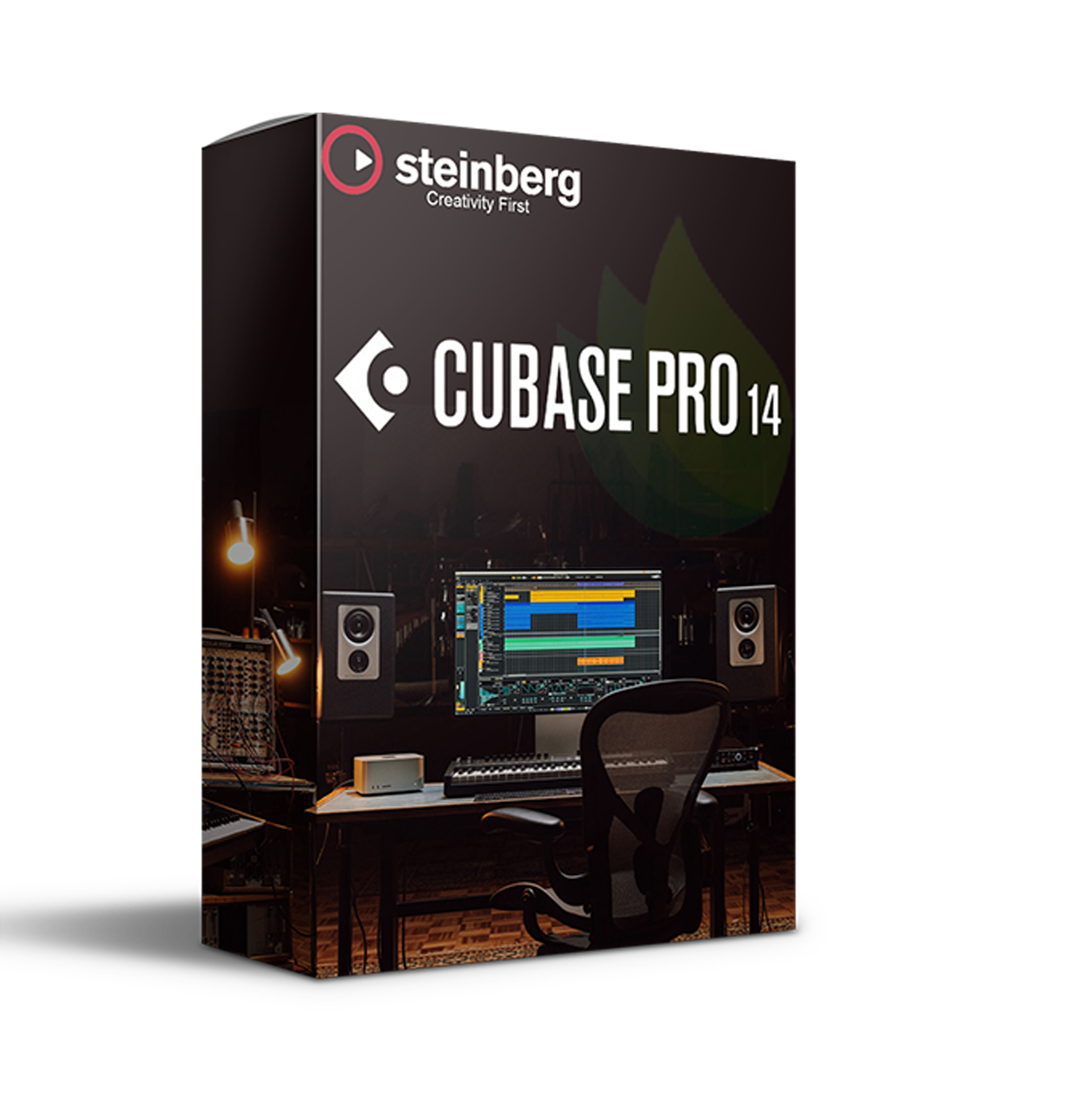
Steinberg – Cubase Pro 14 (Windows)
£49.99
Discover Steinberg – Cubase Pro 14 (Windows)
The complete digital audio workstation is trusted by many Hollywood blockbuster composers and Billboard Hot 100 producers worldwide.
Professional composition, recording, mixing, and editing workflows
Advanced MIDI editing
Powerful modulation system
Explore product features & full description
Cubase Pro 14
The complete digital audio workstation is trusted by many Hollywood blockbuster composers and Billboard Hot 100 producers worldwide.
Highlights
- Professional composition, recording, mixing, and editing workflows
- Dolby Atmos support
- Advanced MIDI editing
- Powerful modulation system
- Pro-plug-in set including Spectral Comparison EQ
Cubase 14 unlocks new creative possibilities with groundbreaking features, streamlined workflows, and intuitive design to elevate your music production experience.
Make your move
Experiment with the powerful, yet super-intuitive Modulators. Adding movement to your music has never been this exciting.
Blazing grooves
Program thrilling beats with just a few clicks, randomize your grooves and explore new rhythmic worlds with the deeply-integrated Pattern Editor.
More new features
Multi-assignment
Device ports for external FX or instruments can now be shared.
- Pro
- Artist
Session exchange
Exchange project data across multiple DAWs from different manufacturers.
- Pro
- Artist
Monitoring speaker layouts
The internal Dolby Atmos renderer now supports 7.1.2 and Stereo Direct.
- Pro
Probability variety
Set the play probability of each note in the Key Editor to add variation to your projects. Boost the liveliness to your compositions with velocity variance per note.
- Pro
- Artist
Know your limits
When your projects test the limit of your processing power, the performance monitor will show you exactly when and where to find the culprits.
- Pro
- Artist
- Elements
64-bit file format
Cubase project files now support 64-bit format.
- Pro
- Artist
- Elements
Auto saves folder
Backup files are now stored in a dedicated Auto Saves folder.
- Pro
- Artist
- Elements
https://youtu.be/e5B2aCaw73U
Compatibility checklist
- Confirm the supplied build, operating system and required host before ordering.
Requirements vary by supplied version. Confirm your setup with support before purchasing.
Delivery & activation
- Complete your purchaseReview compatibility and purchase details.
- Download your filesAccess available downloads through your order and account.
- Follow the included setup guideContact GetPlugins if you need installation help.
Activation, where included, is provided by GetPlugins. Publisher-account registration, transferable publisher keys and a publisher-issued licence are not included. Read the activation policy.
Frequently asked questions
How do I receive my download?
After payment, access available files from your order details and GetPlugins account. Contact support if a download is missing.
What activation is included?
Follow the activation instructions supplied with your download. Activation is provided by GetPlugins. Confirm device allowances and reinstall arrangements before ordering.
Will this work with my computer and DAW?
Check the compatibility information for this listing and ask us to confirm the exact supplied build. Libraries may require a compatible sampler or additional software.
What if I need installation help?
Email support@getplugins.io with your order number, operating system, DAW and any error message.
Which updates are included?
Activation and updates are separate. Confirm the available version and update arrangements before ordering; do not assume access to future publisher releases.
How do I request a refund?
Contact support with your order number and issue details. Read our Refund Policy for eligibility and the request process.

Reviews
There are no reviews yet.