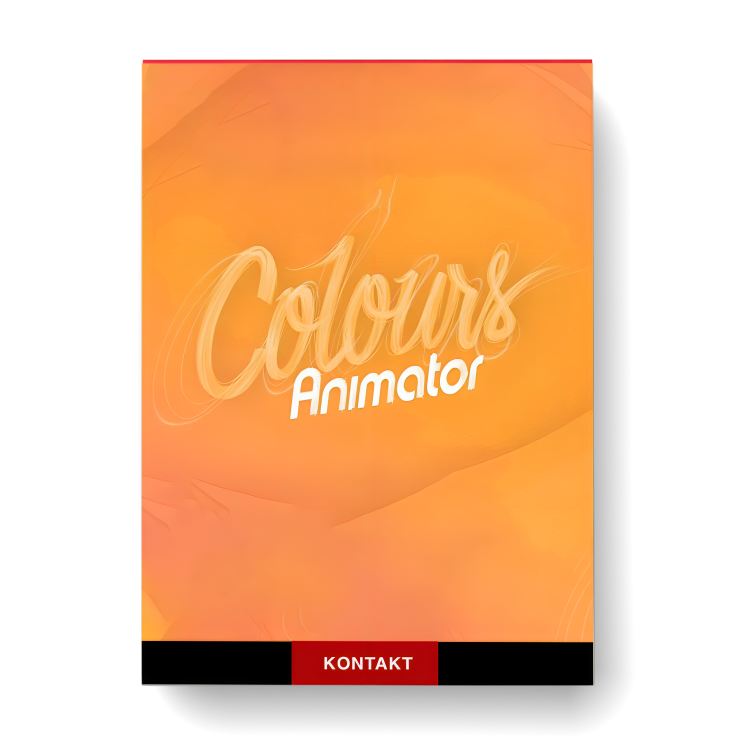
ProjectSam Symphobia Colours Animator

You Must Purchase Kontakt Pro From Us To Install & Use This Library In Full Version Click Here
Formats: confirm before ordering

£20.99

Discover ProjectSam Symphobia Colours Animator

You Must Purchase Kontakt Pro From Us To Install & Use This Library In Full Version Click Here

Runs – Major and Wholetone

Phrases – Collection 1

Phrases – Collection 2

Explore product features & full description

Just updated to 2.0! A brand-new design, with greatly improved control over the features you need most.

Laughing clarinets, jazzy staccatos, xylophone winks and trombone slides – Colours: Animator is a library dedicated to all things funny. Instantly playable, ANIMATOR will become your go-to source when scoring cartoons, animated features, light games, or sitcoms.

Animator, the first library of its kind, pays homage to the masters of animation scoring – Scott Bradley and Carl Stalling. Featuring an ensemble that consists of (bass) clarinet, bassoon, trumpet, trombone, violin, contrabass, piano, harp and percussion, the library focuses on short, snappy and playable articulations, phrases and special effects. These recordings are grouped by action, with names such as ‘Wink Wink’, ‘Uh Oh’ and ‘Laughter’, enabling you to quickly find the sound you need.


Instruments

Patch listing

  • In Disguise
  • Syncy Winky
  • Tiptoe
  • Uh Oh
  • Keep it Short
  • Laughter
  • Glisses and Slides
  • Victory
  • Let’s Play Tag
  • Cartoon Percussion
  • Miscellaneous
  • Runs – Major and Wholetone
  • Runs – Chromatic
  • Phrases – Collection 1
  • Phrases – Collection 2
  • Phrases – Flea Circus
  • Phrases – Is It Jazz
  • Phrases – Big Band Chromatic Runs
  • Phrases – Big Band Chord Trills
  • Additional Cartoon Percussion
  • Cartoon Hits Collection
  • Loads of Birds
  • Ocarina

Library Specs

  • Recording location: Concert hall
  • Mic positions: 3
  • Audio pool size: 5 GB (2.5 GB on disk)
  • Audio format: 44.1 kHz 24 bit
  • Current library version: 2.0
  • Kontakt Player license: Yes
  • NKS support: Yes

Compatibility checklist

  • Confirm the supplied build, operating system and required host before ordering.

Requirements vary by supplied version. Confirm your setup with support before purchasing.

Delivery & activation

  1. Complete your purchaseReview compatibility and purchase details.
  2. Download your filesAccess available downloads through your order and account.
  3. Follow the included setup guideContact GetPlugins if you need installation help.

Activation, where included, is provided by GetPlugins. Publisher-account registration, transferable publisher keys and a publisher-issued licence are not included. Read the activation policy.

Frequently asked questions

How do I receive my download?

After payment, access available files from your order details and GetPlugins account. Contact support if a download is missing.

What activation is included?

Follow the activation instructions supplied with your download. Activation is provided by GetPlugins. Confirm device allowances and reinstall arrangements before ordering.

Will this work with my computer and DAW?

Check the compatibility information for this listing and ask us to confirm the exact supplied build. Libraries may require a compatible sampler or additional software.

What if I need installation help?

Email support@getplugins.io with your order number, operating system, DAW and any error message.

Which updates are included?

Activation and updates are separate. Confirm the available version and update arrangements before ordering; do not assume access to future publisher releases.

How do I request a refund?

Contact support with your order number and issue details. Read our Refund Policy for eligibility and the request process.

Customer Reviews

Reviews

There are no reviews yet.

Be the first to review “ProjectSam Symphobia Colours Animator”

Your email address will not be published. Required fields are marked *