Perfect Runs, Every Time
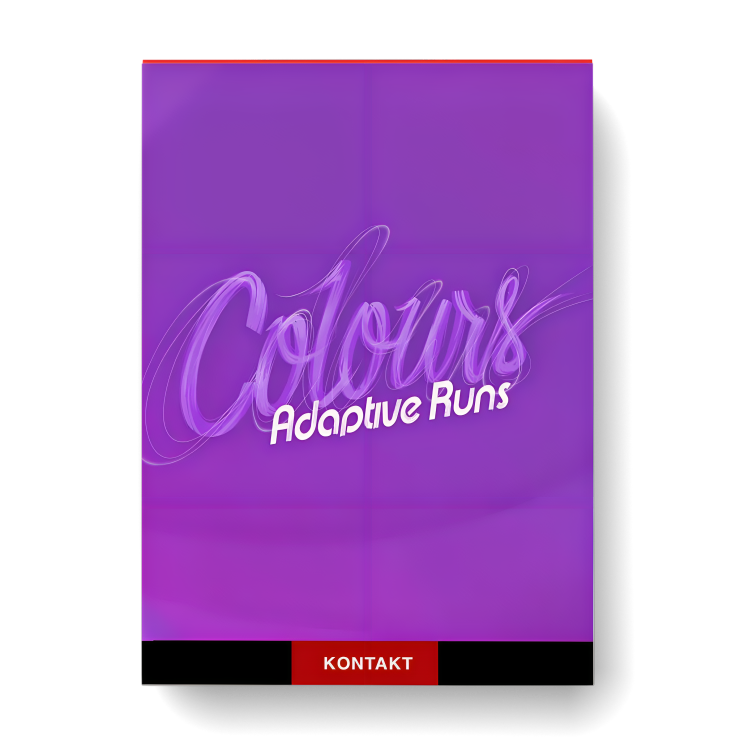
Adaptive Runs is the smartest and most intuitive orchestral runs library yet. Tapping from a vast audio pool, with runs ranging from a 4th interval to 4 octaves, Adaptive Runs perfectly and effortlessly syncs to your track, allowing you to keep focusing on your composition.
Our Adaptive Sync engine effortlessly syncs the orchestral runs to the next downbeat or any custom number of beats or seconds. The engine automatically picks the best matching recording, then tweaks it further so that it hits the mark exactly. Turning off synchronization automatically reloads the samples in disk streaming mode, a useful feature in low-RAM situations.
The Range toggle allows you to quickly switch to a run with either a narrower or wider orchestrated range, all while maintaining the other sync settings.
Adaptive Runs will become your new go-to runs library from the moment you start using it.
A Clean, New Interface for The Colours Series
Adaptive Runs is part of our Colours series. With Adaptive Runs, we have given the library series a fresh, new look, offering a clean layout with improved control over the features that you need most.
The Renowned SAM Sound
Adaptive Runs is a perfect addition to our other libraries, as it was recorded in the same, lush concert hall environment as the Symphobia and Orchestral Essentials series. Four individual stereo mic sets are available, as well as a fifth, cinematic sounding, pre-mixed mic set.
The orchestral runs were recorded for the following six sections, performed in unison:
- Violins I & II performing together
- Violas & Cellos performing together
- 3 Flutes + 1 Piccolo performing together
- Solo Piccolo
- 3 Oboes, 3 Clarinets & 3 Bassoons performing together
- 3 Trumpets performing together
Adaptive Runs offers these sections as individual presets, but also packs a number of different combos. This way, you have access to massive 4-octave runs, covering the full string section, as well as common orchestrations such as the violins and flutes playing together.
Load Only What You Need
Keep your template light by only loading the elements that you need. Load or unload sections, mics, scales and run directions on the fly.
With both up and down directions loaded, the useful Bounce feature is available. With Bounce enabled, holding down the sustain pedal will automatically bounce-loop the orchestral run-up and down, in sync with your music.
By clicking the cogwheel icon, you get access to more advanced settings, such as the controller assignment for the run scales & directions (keyswitch, velocity or CC).
Instruments
Combos
- All Strings & Winds Full Range Runs
- High Strings & Winds Runs
- Flutes & Piccolo Runs
- High Strings & Flutes & Trumpets Runs
- Low Strings & Winds Runs
Individual Sections
- All Strings Full Range Runs
- Violins Runs
- Violas & Cellos Runs
- All Winds Full Range Runs
- Flutes Runs
- Piccolo Runs
- Oboes & Clarinets & Bassoons Runs
- Flutes Effects Runs
- Trumpets Runs
- Trumpets Chromatic Runs
Library Specs
- Recording location: Concert hall
- Mic positions: 4 individual mic channels + pre-mixed mic
- Audio pool size: 28.3 GB
- Download size: 14 GB
- Audio format: 48 kHz 24 bit



Reviews
There are no reviews yet.