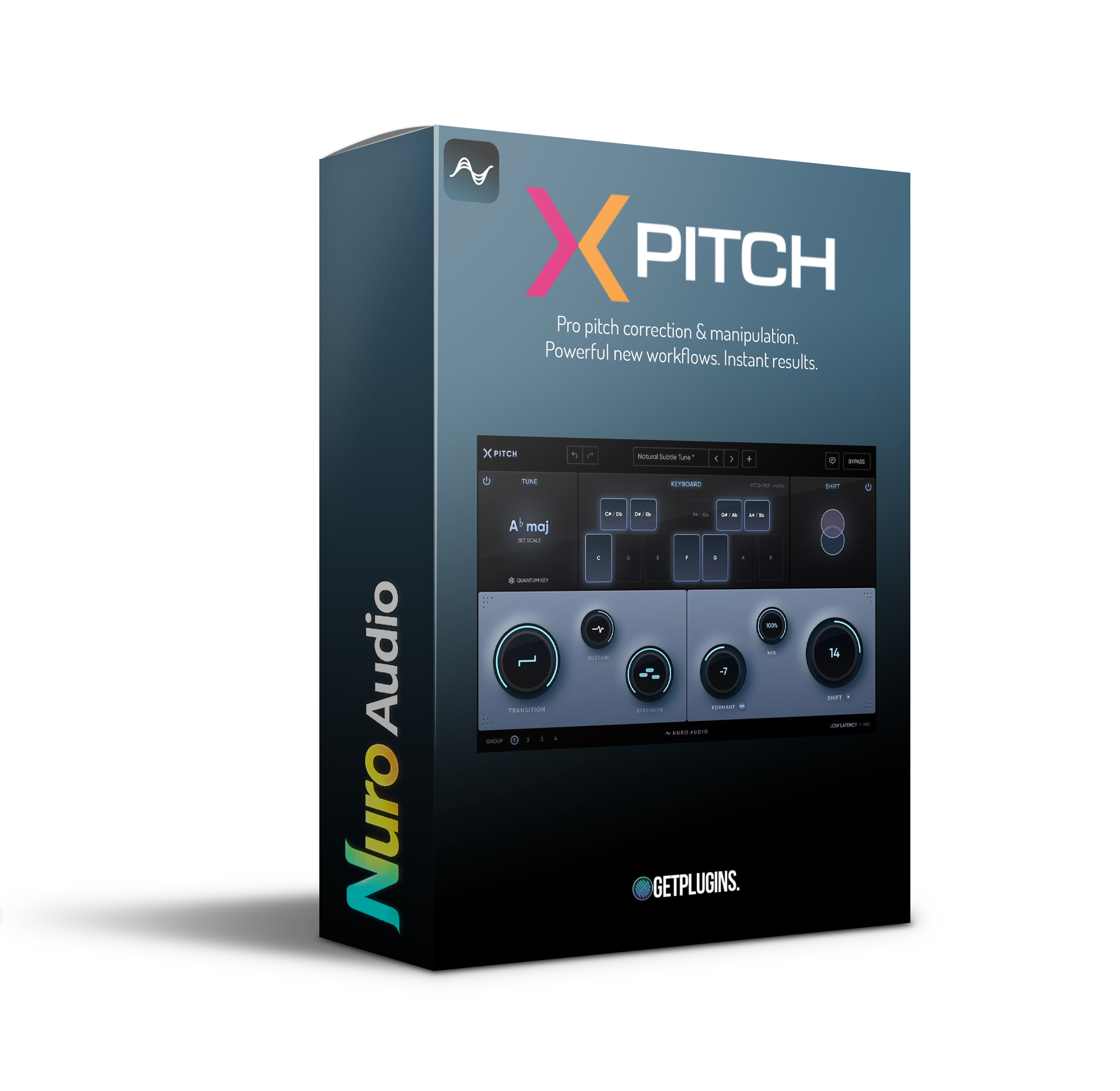
Nuro Audio – Xpitch (Windows)

Professional pitch correction and manipulation. New powerful workflows. Instant results.
Formats: VST3

£35.00

Discover Nuro Audio – Xpitch (Windows)

Professional pitch correction and manipulation. New powerful workflows. Instant results.

Explore product features & full description

Professional pitch correction and manipulation. New powerful workflows. Instant results.

The most intuitive automatic pitch control and tuning plugin ever created. From natural pitch correction to classic robotic effects, it’s faster and easier than ever before.
Powerful customization for all styles Xpitch, powered by our next-generation pitch correction algorithm, provides a full range of customization options right out of the box.
Make subtle, natural adjustments that retain the human element of your performance. Or get super-fast automatic tuning for a classic robotic sound. With intuitive controls, Xpitch makes it easy to get just the kind of tuning you want.
Transition
Use a slow speed for natural transitions. Or use a fast speed for a classic robotic setup effect.
Sustain
Increase Sustain to retain more human variation and vibrato. Or decrease Sustain to smooth out long notes and control pitch drift.
Strength
At 100%, perfectly tune your vocals to the center of the pitch. Or use a lower setting to retain even more of the natural character of your performance.
Formant
Shift the formant completely independently of the pitch. Or use the link button to adjust the Formant and Pitch Shift values.
Mixing
Create the perfect blend of shifted and unshifted signals. Discover new vocal tones or get creative with parallel harmonies, octaves, and more.
Pitch Shift
Change the fundamental pitch of your vocals from -24 to +24, with a super-smooth gear-shifting algorithm even at extreme speeds.
Xpitch has a brand new Real-Time mode. Perfect for tracking and using in real time with absolutely zero latency – and incredibly light on your CPU. When you’re done tracking, switch it to HQ mode for even more precise tuning and pitch bending.
Compatibility checklist

  • Windows 10,11 (64Bit Only)
  • VST3 Only
  • Formats: VST3

Requirements vary by supplied version. Confirm your setup with support before purchasing.

Delivery & activation

  1. Complete your purchaseReview compatibility and purchase details.
  2. Download your filesAccess available downloads through your order and account.
  3. Follow the included setup guideContact GetPlugins if you need installation help.

Activation, where included, is provided by GetPlugins. Publisher-account registration, transferable publisher keys and a publisher-issued licence are not included. Read the activation policy.

Frequently asked questions

How do I receive my download?

After payment, access available files from your order details and GetPlugins account. Contact support if a download is missing.

What activation is included?

Follow the activation instructions supplied with your download. Activation is provided by GetPlugins. Confirm device allowances and reinstall arrangements before ordering.

Will this work with my computer and DAW?

Check the compatibility information for this listing and ask us to confirm the exact supplied build. Libraries may require a compatible sampler or additional software.

What if I need installation help?

Email support@getplugins.io with your order number, operating system, DAW and any error message.

Which updates are included?

Activation and updates are separate. Confirm the available version and update arrangements before ordering; do not assume access to future publisher releases.

How do I request a refund?

Contact support with your order number and issue details. Read our Refund Policy for eligibility and the request process.

Customer Reviews

Reviews

There are no reviews yet.

Be the first to review “Nuro Audio – Xpitch (Windows)”

Your email address will not be published. Required fields are marked *