

Discover Native Instruments – Kontakt Factory Selection
You Must Purchase Kontakt Pro From Us To Install & Use This Library In Full Version Click Here
Explore product features & full description
Native Instruments – Kontakt Factory Selection

SUPPORTED INTERFACES
macOS (64-bit only): Stand-alone, VST, VST3, AU, AAX
Windows (64-bit only): Stand-alone, VST, VST3, AAX
KONTAKT PLAY SERIES
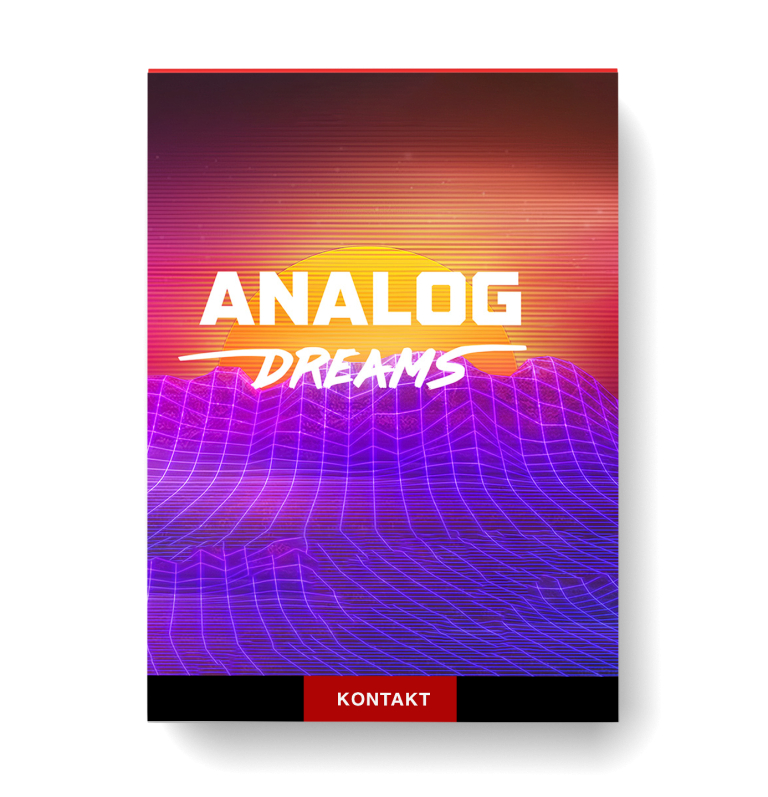
KONTAKT 6 ships with three Play Series instruments: ANALOG DREAMS, ETHEREAL EARTH, and HYBRID KEYS. These libraries combine two morphable sound layers, many of which utilize KONTAKT’s wavetable synthesis engine, for exciting hybrid textures.
KONTAKT Play Series instruments all feature eight carefully tailored controls, designed to control a number of complimentary parameters, allowing powerful performance and editing in a streamlined interface, that automatically maps to NI hardware controllers.

RETRO MACHINES MK2
FACTORY LIBRARY

SYSTEM REQUIREMENTS
Intel Macs (i5 or higher): macOS 10.14, 10.15, 11 or 12 (latest update)
Apple Silicon Macs (via Rosetta 2 & natively on ARM in Standalone or in hosts that support it): macOS 11 or 12 (latest update)
Windows 10 or 11 (latest Service Pack), Intel Core i5 or equivalent CPU, 2 GB RAM
Graphics hardware support for OpenGL 2.1 or higher
Compatibility checklist
- Confirm the supplied build, operating system and required host before ordering.
Requirements vary by supplied version. Confirm your setup with support before purchasing.
Delivery & activation
- Complete your purchaseReview compatibility and purchase details.
- Download your filesAccess available downloads through your order and account.
- Follow the included setup guideContact GetPlugins if you need installation help.
Activation, where included, is provided by GetPlugins. Publisher-account registration, transferable publisher keys and a publisher-issued licence are not included. Read the activation policy.
Frequently asked questions
How do I receive my download?
After payment, access available files from your order details and GetPlugins account. Contact support if a download is missing.
What activation is included?
Follow the activation instructions supplied with your download. Activation is provided by GetPlugins. Confirm device allowances and reinstall arrangements before ordering.
Will this work with my computer and DAW?
Check the compatibility information for this listing and ask us to confirm the exact supplied build. Libraries may require a compatible sampler or additional software.
What if I need installation help?
Email support@getplugins.io with your order number, operating system, DAW and any error message.
Which updates are included?
Activation and updates are separate. Confirm the available version and update arrangements before ordering; do not assume access to future publisher releases.
How do I request a refund?
Contact support with your order number and issue details. Read our Refund Policy for eligibility and the request process.

Reviews
There are no reviews yet.