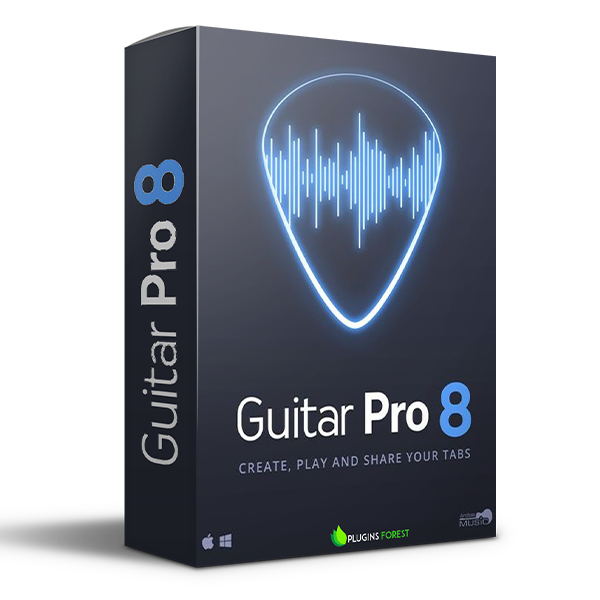
Guitar Pro 8 (Windows)
£30.00
Discover Guitar Pro 8 (Windows)
Guitar Pro is the leading software for reading and editing tabs. For 25 years, Guitar Pro has been helping musicians worldwide learn to play the guitar, compose songs, and transcribe and edit songbooks.
Use the audio player to accompany you and learn faster: loop, speed trainer, metronome, visual countdown, etc...
3 musical notations are available: tablature, standard, and rhythmic notation
Find hundreds of thousands of free tablatures on the internet
Explore product features & full description
Add an audio file to your scores!
Discover Guitar Pro's features
Guitar Pro is the leading software for reading and editing tabs. For 25 years, Guitar Pro has been helping musicians worldwide learn to play the guitar, compose songs, and transcribe and edit songbooks.
And many other playing features
- Use the audio player to accompany you and learn faster: loop, speed trainer, metronome, visual countdown, etc...
- 3 musical notations are available: tablature, standard, and rhythmic notation
- Find hundreds of thousands of free tablatures on the internet
- Use the virtual guitar neck to find notes more easily and to visualize left-hand positions
- Import an audio track to make your file a real backing track
Compatibility checklist
- Windows 10,11 (64Bit Only)
- VST2
- Formats: VST2
Requirements vary by supplied version. Confirm your setup with support before purchasing.
Delivery & activation
- Complete your purchaseReview compatibility and purchase details.
- Download your filesAccess available downloads through your order and account.
- Follow the included setup guideContact GetPlugins if you need installation help.
Activation, where included, is provided by GetPlugins. Publisher-account registration, transferable publisher keys and a publisher-issued licence are not included. Read the activation policy.
Frequently asked questions
How do I receive my download?
After payment, access available files from your order details and GetPlugins account. Contact support if a download is missing.
What activation is included?
Follow the activation instructions supplied with your download. Activation is provided by GetPlugins. Confirm device allowances and reinstall arrangements before ordering.
Will this work with my computer and DAW?
Check the compatibility information for this listing and ask us to confirm the exact supplied build. Libraries may require a compatible sampler or additional software.
What if I need installation help?
Email support@getplugins.io with your order number, operating system, DAW and any error message.
Which updates are included?
Activation and updates are separate. Confirm the available version and update arrangements before ordering; do not assume access to future publisher releases.
How do I request a refund?
Contact support with your order number and issue details. Read our Refund Policy for eligibility and the request process.

Reviews
There are no reviews yet.