
Discover Wavesfactory Echo Cat(Windows)
* Echo Cat is not affiliated with, sponsored, nor endorsed by WEM or any other brand/s. "Copicat", "WEM" and "Watkins" are used solely to identify the hardware emulated by Wavesfactory.
DAW capable of hosting VST or VST3 plugins, or Pro Tools.
Authentic Sound: Wavesfactory have meticulously modelled the sound of the original unit by analysing a high number of signals through Copicat*.
Tape Simulation: Echo Cat features our high-end tape model that responds, behaves and sounds like tape. That's its core feature.
Explore product features & full description
System Requirements
Windows
- Windows 7, 8 or 10 (64-bit only)
- DAW capable of hosting VST or VST3 plugins, or Pro Tools.
Important Note: This software is available in 64-bit format only and will not function on 32-bit systems.
* Echo Cat is not affiliated with, sponsored, nor endorsed by WEM or any other brand/s. "Copicat", "WEM" and "Watkins" are used solely to identify the hardware emulated by Wavesfactory.
The Return of a Classic
One of the best tape echos perfectly replicated as an audio plugin. Retaining the original sound and offering modern features like ducking, M/S and tempo sync. Echo Cat is all that you ever wanted a tape echo to be.
Based on a Classic
Invented in 1958 by Charlie Watkins*, the Copicat* delay was an instant hit. Featured in countless albums from the '60s and '70s and used by great bands like The Shadows and Pink Floyd. Primarily designed for guitar, it's now a sought after piece of equipment in studios around the world.
Echo Cat brings back the sound and behaviour of the original unit with authentic tape simulation and three playback heads. With added extra features that any modern delay plugin should have. These include M/S processing, tempo sync delay times, filters on the feedback path, varispeed, modulation and ducking.
Why You'll Love Echo Cat
Drive the input to get that crushed tape sound. Push the sustain up to 100% to get that typical self-oscillation. Vintage sound with modern control.
- Authentic Sound: Wavesfactory have meticulously modelled the sound of the original unit by analysing a high number of signals through Copicat*.
- Tape Simulation: Echo Cat features our high-end tape model that responds, behaves and sounds like tape. That's its core feature.
- Modern Features: Tempo sync, ducking the full stereo or only the mid channel, pro presets, filters, stereo widener, M/S...
Features
Main
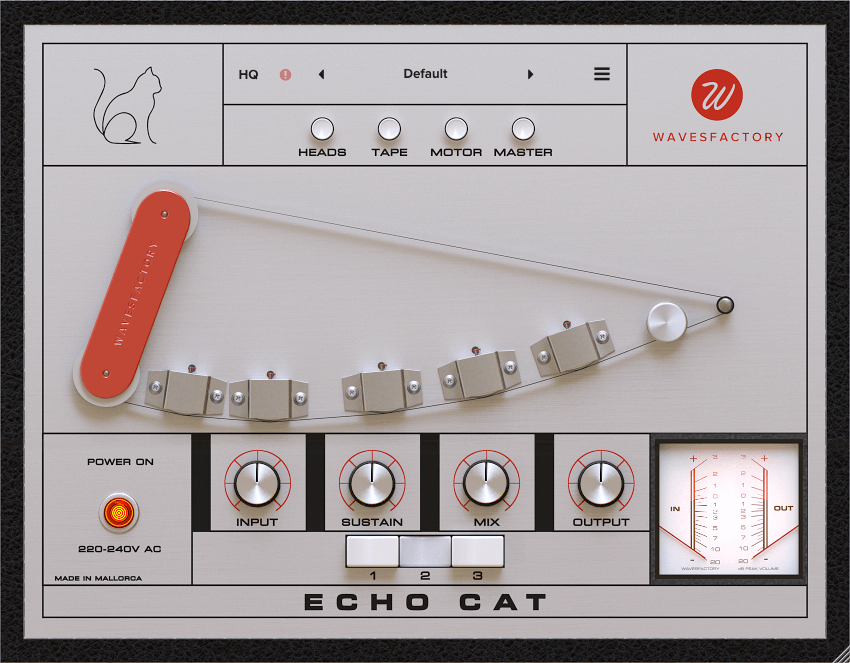
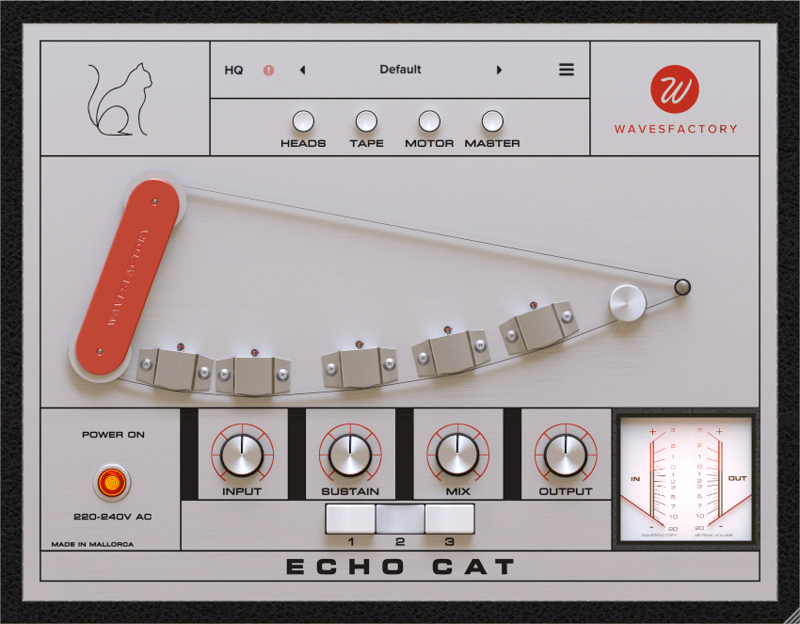
In the main section you can see a representation of the original Copicat* with the record and erase heads, and the three playback heads. You can also see the tape loop that spins continuously.
On the top you have the navigation tabs and on the bottom you can see the commonly most used parameters.
Heads
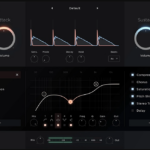
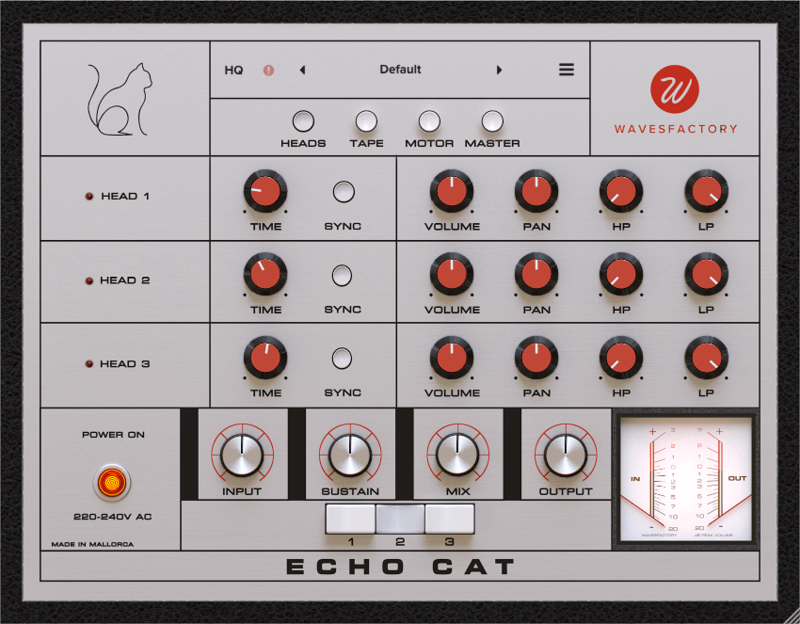
Each head can be controlled in great detail. You can either have it time synced to the tempo of your host or you can set the time freely in milliseconds. With volume, pan and LP/HP filters for each head.
On the left you can see that there are three LED indicators which show you if there is signal on the selected head.
Tape
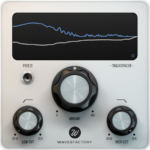
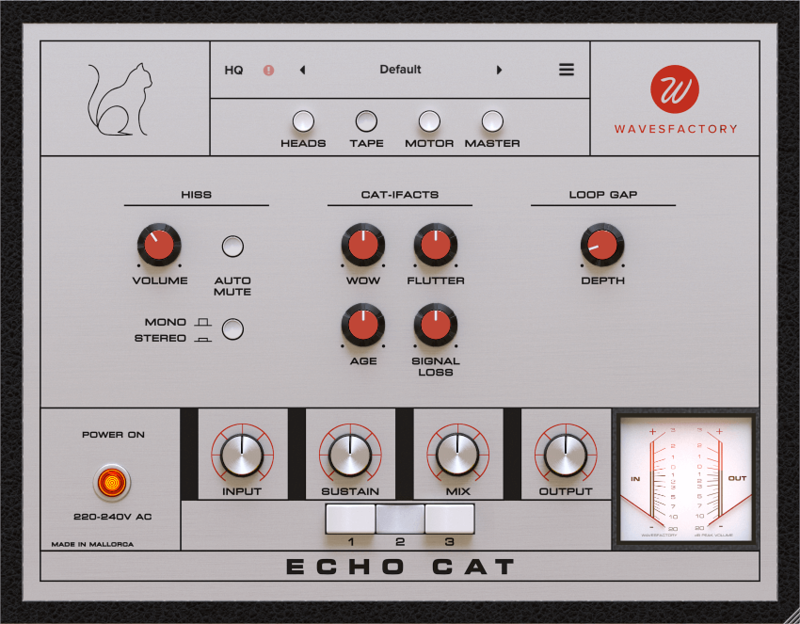
Control the sound of the tape loop. Includes mono/stereo hiss, artifacts (or cat-ifacts) containing wow and flutter for recreating the fluctuations on the tape speed, tape age with asperity noise and erasures, and signal loss which is random high frequency compression.
The "Loop Gap" parameter mimics the tape loop joint, where the tape is physically looped.
Motor
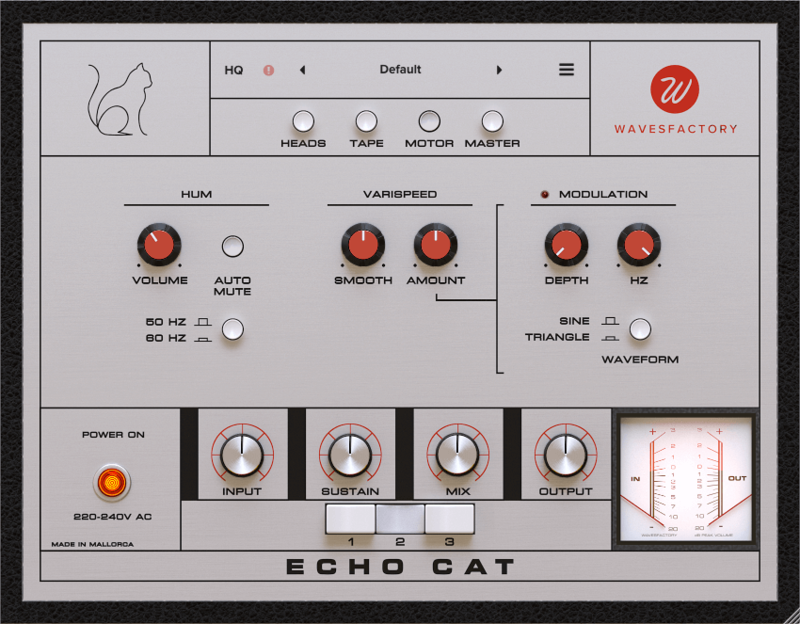
In the "Motor" section you can find control over HUM (low frequency noise produced by electric current). There was a Copicat* model in the 70s that featured Varispeed, with which you could control the speed of the motor at will.
With Echo Cat you can also modulate the Varispeed amount using a LFO.
Master
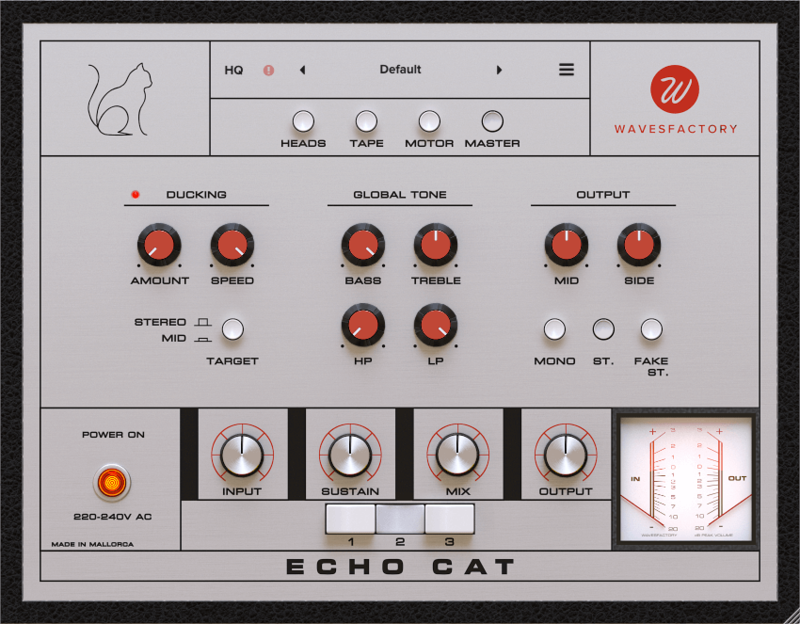
Lower the volume of the wet signal when the dry signal is present using Ducking and don't let the delay signal get in the way of the main signal. Apply filters outside the feedback loop. Control the mid and side volumes separately.
Make Echo Cat mono, stereo or fake stereo with a 5ms delay only in the right channel.
Compatibility checklist
- Confirm the supplied build, operating system and required host before ordering.
Requirements vary by supplied version. Confirm your setup with support before purchasing.
Delivery & activation
- Complete your purchaseReview compatibility and purchase details.
- Download your filesAccess available downloads through your order and account.
- Follow the included setup guideContact GetPlugins if you need installation help.
Activation, where included, is provided by GetPlugins. Publisher-account registration, transferable publisher keys and a publisher-issued licence are not included. Read the activation policy.
Frequently asked questions
How do I receive my download?
After payment, access available files from your order details and GetPlugins account. Contact support if a download is missing.
What activation is included?
Follow the activation instructions supplied with your download. Activation is provided by GetPlugins. Confirm device allowances and reinstall arrangements before ordering.
Will this work with my computer and DAW?
Check the compatibility information for this listing and ask us to confirm the exact supplied build. Libraries may require a compatible sampler or additional software.
What if I need installation help?
Email support@getplugins.io with your order number, operating system, DAW and any error message.
Which updates are included?
Activation and updates are separate. Confirm the available version and update arrangements before ordering; do not assume access to future publisher releases.
How do I request a refund?
Contact support with your order number and issue details. Read our Refund Policy for eligibility and the request process.







Reviews
There are no reviews yet.