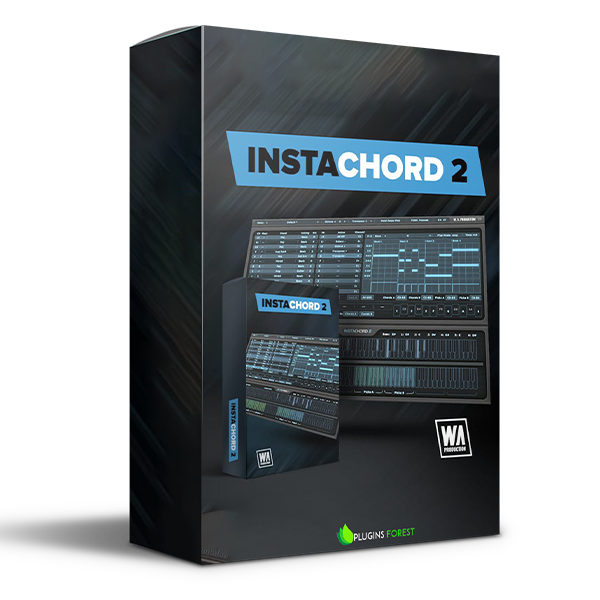
InstaChord 2
Humanized Chords
We believe that creative expression should be simple, intuitive, and inspiring. When you're making music, you need the right chords to set the tone and Instachord 2 delivers exactly what you called for... and fast!
We were so blown away by
NEW Pattern Editor
After releasing Instachord, an oft-requested update was to gain more control over strums and chord playback. We took that note and ran with it, creating a brand new interface window, the Pattern Editor. Here you’ll create your own patterns and sequences, dragging notes around in the same way as your DAW. Produce soaring synth arpeggios, pounding piano chords, or delicate guitar riffs. You get full management over time signature, play mode, and velocity with creative editing controls for strum programming.
NEW AI Generation
Adapted from our popular Instacomposer plugin, this generative button will take the existing scale and spawn brand-new riffs based on complex algorithms and a touch of randomization. Always musical and inspirational, these new ideas can be tweaked in the same way as your own patterns so that they fit perfectly into your song.
NEW Hold Modes
Compared to the original Instachord, this new version has many more playback options for fretting and picking notes. 5 in total, covering different behavior for holding notes and toggling chords. Whatever instrument you’re playing, there will be an authentic playback mode to suit.
the reception to the original Instachord that we couldn’t resist developing that concept into a fully-fledged chord creator and mini-sequencer. Simple enough to be used by anyone, but with the power to make professional music, this dynamic MIDI processing plugin is the chord creation and sequencer tool that will take your music to the next level.
Features
- Inspiring Chord, Strum & Pattern MIDI Processor
- Connects to any sequencer
- NEW Advanced pattern editor
- NEW AI chord sequence & pattern generation
- NEW Playback modes
- NEW Edit & create custom chords
- NEW MIDI Drag & Drop feature
- 60+ Chord shapes & multiple voicings
- Resizable interface
- Factory presets
- PDF Manual & Tutorial video
- Important: All InstaChord 1 Presets ARE compatible with InstaChord 2








Reviews
There are no reviews yet.