Venomode – Pivot (Windows)
£18.00
Discover Venomode – Pivot (Windows)
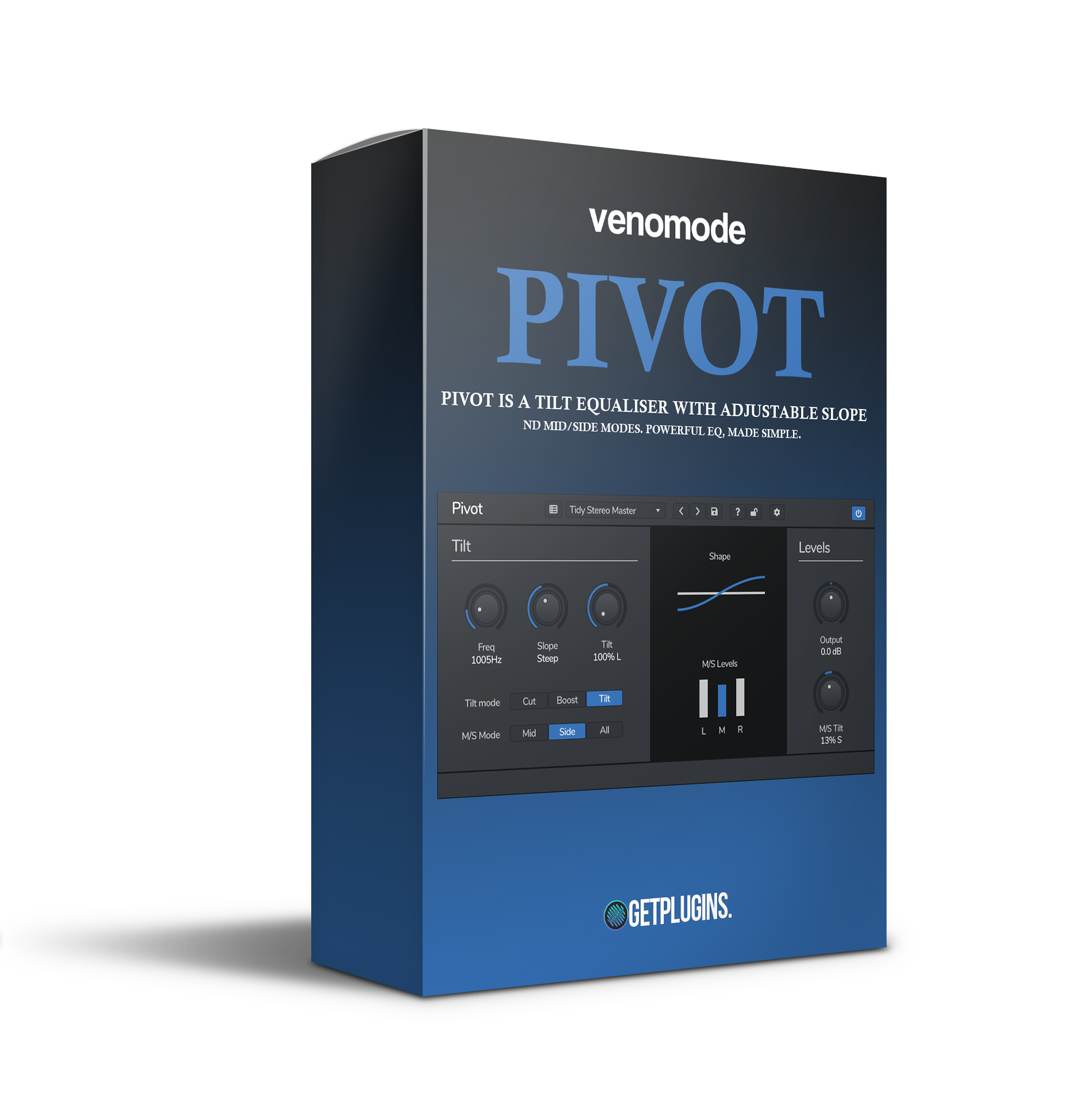
Say goodbye to complicated EQ curves and endless tweaking. Venomode Pivot for Windows is your go-to tilt EQ plugin for fast, musical tonal adjustments. With an intuitive seesaw-style control, you can instantly warm up your mix or tame harsh highs, all with precision and minimal CPU usage. Perfect for mixing, mastering, and creative shaping, Pivot…
🎧 Tighten up the stereo low-end
🌈 Brighten side content for wider, immersive masters
🎼 Mix engineers needing fast tonal adjustments
Explore product features & full description
🎚️ Venomode – Pivot (Windows) 🎧
Say goodbye to complicated EQ curves and endless tweaking. Venomode Pivot for Windows is your go-to tilt EQ plugin for fast, musical tonal adjustments. With an intuitive seesaw-style control, you can instantly warm up your mix or tame harsh highs, all with precision and minimal CPU usage. Perfect for mixing, mastering, and creative shaping, Pivot is a small plugin with huge impact. ⚖️🎶
🚀 Core Features:
⚖️ Smart Tilt EQ Engine
Balance your audio around a central frequency point like a pro.
🎚️ Tilt left for added bass
🎚️ Tilt right for airy highs
🎯 Customize the pivot frequency and EQ slope for detailed tone control
🌐 Mid/Side Processing
Advanced stereo sculpting made easy:
-
🎧 Tighten up the stereo low-end
-
🌈 Brighten side content for wider, immersive masters
⚡ Ultra-Lightweight Performance
Designed for speed! Run multiple instances across your project with minimal CPU load. Ideal for real-time production, mixing, or mastering sessions.
🔄 Shelving Mode On Demand
Switch to classic shelf EQ mode for quick cut/boost tweaks without the complexity.
✔️ Perfect for instant tonal touch-ups
🎯 Perfect For:
-
🎼 Mix engineers needing fast tonal adjustments
-
🎧 Mastering engineers refining stereo image and clarity
-
🎹 Producers looking to warm up synths or smooth vocals
-
🛠️ Sound designers needing intuitive shaping tools
🛠️ Why Use Pivot on Windows?
✅ Seamless VST & VST3 compatibility
✅ Optimized for Windows-based DAWs (Ableton, FL Studio, Cubase & more)
✅ No learning curve — just twist and shape
✅ Mid/Side, stereo, and mono support in one lightweight tool
Compatibility checklist
- Windows 10,11 (64Bit Only)
- VST3, VST
- Formats: VST3 · VST
Requirements vary by supplied version. Confirm your setup with support before purchasing.
Delivery & activation
- Complete your purchaseReview compatibility and purchase details.
- Download your filesAccess available downloads through your order and account.
- Follow the included setup guideContact GetPlugins if you need installation help.
Activation, where included, is provided by GetPlugins. Publisher-account registration, transferable publisher keys and a publisher-issued licence are not included. Read the activation policy.
Frequently asked questions
How do I receive my download?
After payment, access available files from your order details and GetPlugins account. Contact support if a download is missing.
What activation is included?
Follow the activation instructions supplied with your download. Activation is provided by GetPlugins. Confirm device allowances and reinstall arrangements before ordering.
Will this work with my computer and DAW?
Check the compatibility information for this listing and ask us to confirm the exact supplied build. Libraries may require a compatible sampler or additional software.
What if I need installation help?
Email support@getplugins.io with your order number, operating system, DAW and any error message.
Which updates are included?
Activation and updates are separate. Confirm the available version and update arrangements before ordering; do not assume access to future publisher releases.
How do I request a refund?
Contact support with your order number and issue details. Read our Refund Policy for eligibility and the request process.

Reviews
There are no reviews yet.