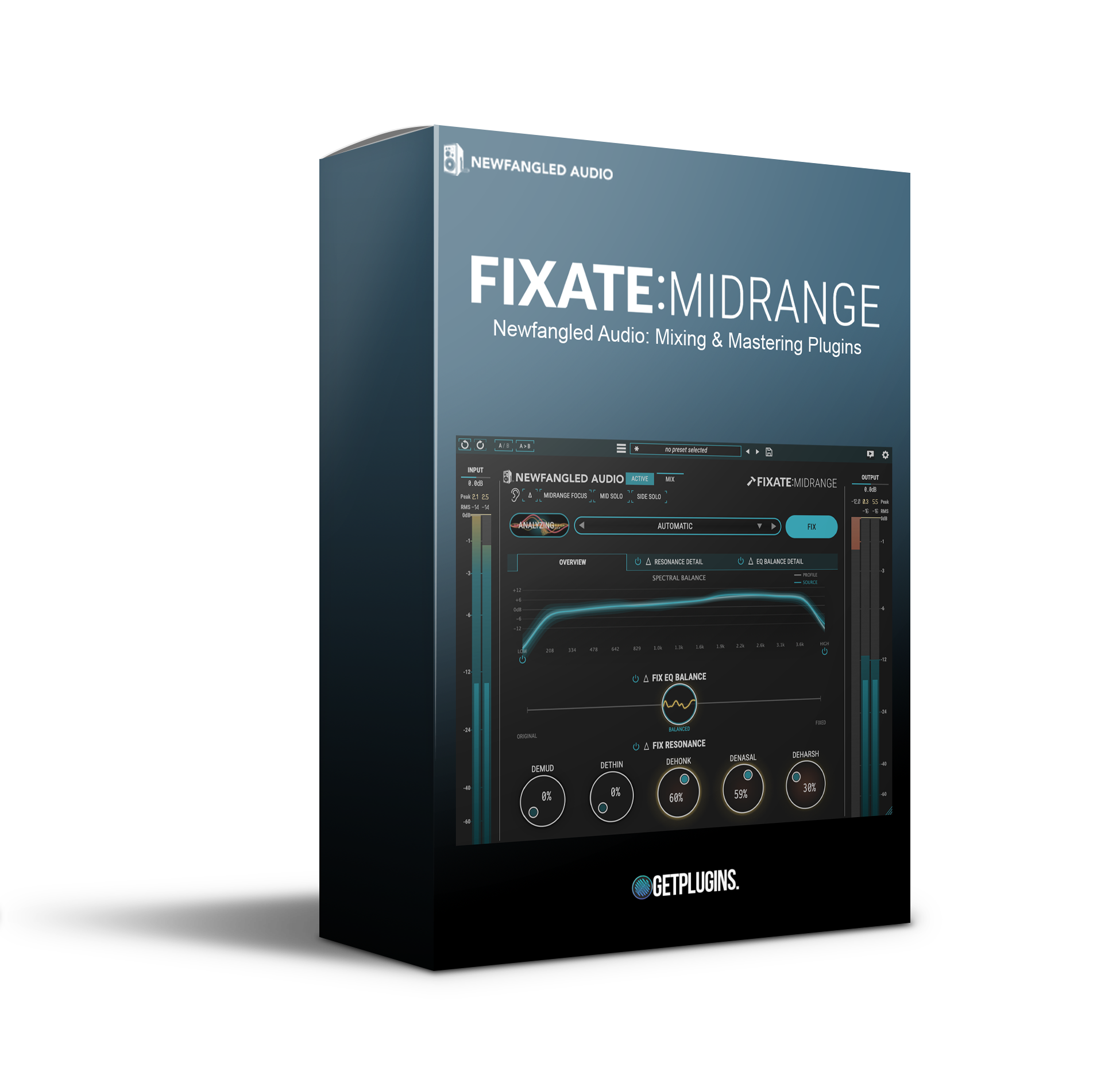
🎛️ Newfangled Audio – Fixate Midrange | Intelligent Dynamic Resonance Suppression 🔥
Take control of harsh frequencies and unlock crystal-clear mixes with Newfangled Audio Fixate Midrange — an advanced dynamic resonance suppressor designed for modern producers, mixing engineers, composers, and sound designers. 🎶✨
Powered by intelligent spectral processing technology, Fixate Midrange helps you instantly remove unwanted resonances, harshness, mud, and problematic midrange buildup while preserving the natural tone and musicality of your audio. 🎧🚀
Whether you're mixing vocals, drums, synths, guitars, orchestral arrangements, or mastering full tracks, this plugin delivers cleaner, smoother, and more professional sound with surgical precision.
🔥 Intelligent Midrange Control for Modern Productions
The midrange is where most of the important musical information lives — but it’s also where harsh resonances, boxiness, and masking problems occur. 🎚️
Fixate Midrange intelligently detects and dynamically suppresses problematic frequencies in real time, allowing your mixes to sound:
- 🎤 Cleaner
- 🎹 More Focused
- 🔥 Balanced & Professional
- 🌌 Wide & Transparent
Perfect for producers who want fast workflow, precision control, and polished mixes without spending hours manually EQing resonances.
✨ Key Features
🎧 Intelligent Resonance Suppression
Automatically identifies and controls harsh or resonant frequencies without damaging your source audio.
🎛️ Dynamic Midrange Processing
Shape the core frequencies of your mix with smooth, transparent dynamic control.
⚡ Fast & Efficient Workflow
Achieve professional results quickly using intuitive controls and real-time processing.
🔥 Transparent Sound Enhancement
Reduce mud, boxiness, and harshness while preserving clarity, punch, and musical detail.
🌌 Perfect for Mixing & Mastering
Ideal for vocals, instruments, buses, and full master chains.
💻 Modern DAW Compatibility
Works seamlessly with all major DAWs including:
- Ableton Live
- FL Studio
- Logic Pro
- Cubase
- Studio One
- Pro Tools
- Reaper
🎼 Perfect For Producers, Engineers & Composers
Newfangled Audio Fixate Midrange is designed for:
- 🎧 Mixing Engineers
- 🎹 Music Producers
- 🎬 Film & Game Composers
- 🎤 Vocal Producers
- 🥁 Beatmakers
- 🔊 Sound Designers
- 🎼 Mastering Engineers
Whether you're producing electronic music, cinematic scores, hip-hop, pop, rock, or podcasts, Fixate Midrange helps every element sit perfectly in the mix. 🚀
🚀 Why Creators Love Fixate Midrange
✔️ Eliminates Harsh Resonances Instantly
✔️ Improves Clarity & Separation
✔️ Smooth Dynamic Frequency Control
✔️ Perfect for Dense Modern Mixes
✔️ Professional Sound with Minimal Effort
✔️ Preserves Natural Tone & Character
From subtle cleanup to aggressive resonance control, this plugin gives creators total confidence in their mixes. 🔥🎶
💥 Ideal Applications
✅ Vocal Resonance Reduction
✅ Drum & Percussion Cleanup
✅ Guitar & Synth Tone Smoothing
✅ Mix Bus Frequency Balancing
✅ Mastering Enhancement
✅ Sound Design & Post-Production








Reviews
There are no reviews yet.