Tech Specs
- Processor
- PC
- Full
- Download
- 32-bit, 64-bit
- Standalone, VST, AAX
- Intel Core 2 Duo / AMD Athlon 64 X2 or higher, 4GB RAM minimum
- Windows 7 SP1 or later
- TT195SN
A Fast Way to Get a Great Mix
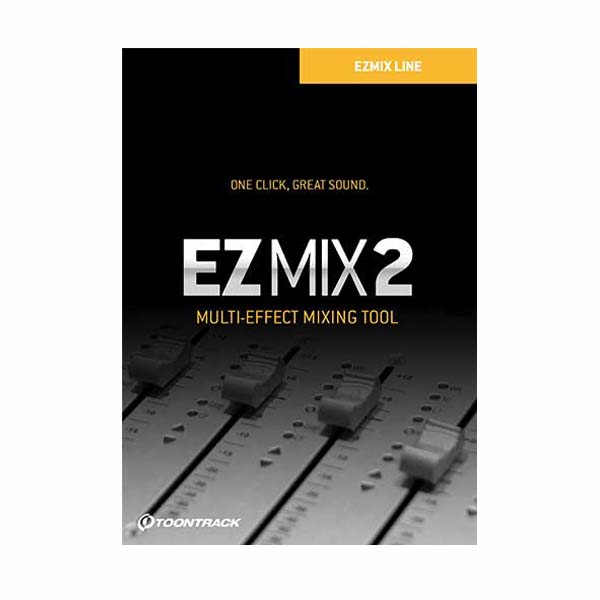
If you want an easy way to craft a great mix quickly, look to Toontrack's EZmix 2 mixing plug-in. Simply insert the EZmix 2 plug-in on any channel in your DAW, and tell it what kind of signal it's working on. EZmix 2 will pull up a custom processing chain that's optimized for drums, vocals, guitar, or whatever you tell it to process. For example, when you add EZmix 2 to an ambient vocal track, it will pull up a compressor, parametric EQ, tape delay with mix control, reverb with mix control, and finally a limiter. You can tweak each processor until your ears are happy, and you'll love how much faster you achieved your results thanks to Toontrack's EZmix 2 mixing plug-in.
Toontrack EZmix 2 Mixing Plug-in at a Glance:
- Get great mix results fast and easy
- Ideal for tight deadlines
- Native plug-in for virtually any DAW
Get great mix results fast and easy
Toontrack's EZmix 2 takes tried-and-true processing chains for different types of signals and puts them at your fingertips. Whether or not you choose to use Toontrack's default settings or not, it's incredibly fast and convenient to be able to pull up a complete processing chain with just one click. Even if EZmix 2 doesn't get your mix 100% perfect on the first go, it'll get you most of the way there instantly, and you can tweak settings until it's right for you.
Ideal for tight deadlines
If you're an audio professional that's used to controlling every detail of your mix, you may not realize how much time you could save with EZmix 2 and still produce top-notch material. For example, Sweetwater knows the deadlines in broadcast audio can be brutal - if you can get a broadcast-ready mix going in seconds instead of minutes, that's huge. EZmix 2 gives you the processors and effects you'd probably use anyway, arranged in the same chain that you'd probably use anyway, and has everything set up so that you can tweak it to final perfection. And even though it's fast and easy, the results will stand up to scrutiny.
Native plug-in for virtually any DAW
Toontrack's EZmix 2 is ready to work with virtually any DAW software you would like to use, supporting AU, VST, and RTAS plug-in formats on Mac and PC. And it's CPU efficient too - because all your processing occurs in one instance of EZmix 2, it's easier to get great mix results on low-resource mixing systems.
Toontrack EZmix 2 Mixing Plug-in Features:
- Native mixing plug-in with processing presets for virtually any type of sound signal
- Dozens of effects and processors, from compressors and reverbs to guitar amp simulators and stereo enhancers
- Easy preset management makes finding the right setting for your signal fast and intuitive
- Loads a tried-and-true processing chain for your selected signal, with the convenience of a single plug-in interface
- You can tweak individual processor settings to optimize for your project's material
- Mac or PC, AU/VST/AAX/RTAS plug-in formats
Craft a great mix quickly with Toontrack's EZmix 2 mixing plug-in!









Reviews
There are no reviews yet.