TC Electronic Bundle (Windows)
£30.00
Discover TC Electronic Bundle (Windows)
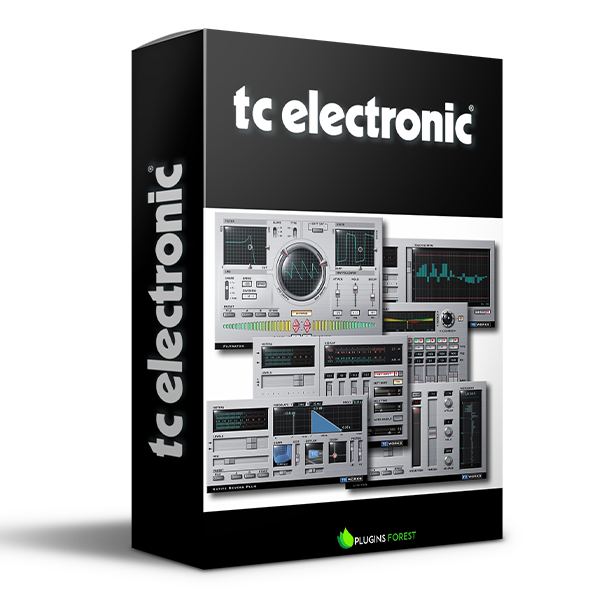
The bundle includes a series of high-end processing tools for VST. If you work with native plug-ins, this bundle covers all your needs when it comes to equalization, dynamic processing (incl. de-using), reverberation, limiting and maximizing, and now also filters and lo-fi effects.
TC Electronic LC2 NATIVE
TC Electronic LC6 NATIVE
TC Electronic LM1 NATIVE
Explore product features & full description
The bundle includes a series of high-end processing tools for VST. If you work with native plug-ins, this bundle covers all your needs when it comes to equalization, dynamic processing (incl. de-using), reverberation, limiting and maximizing, and now also filters and lo-fi effects.
All tools are heavily performance-optimized for smooth operation in your multitrack environment, saving precious computer power for other tasks. The intuitive user interfaces make these plug-ins invaluable tools that you'll be able to use instantly!
NEW in 3.1: Sonic Destructor - use this lo-fi plug-in to add textures to sterile files or for "vinylizing" your tracks. Add crackle, clipping, noise, or rumble, reduce the bit depth, and squeeze and filter your audio to your liking!
With the new "artist kit" preset collection, Native Bundle now comes with more than 200 presets. The new internal preset manager ensures that presets are available in all your host applications and that preset exchange between Win and Mac systems is easy.
Included:
- TC Electronic LC2 NATIVE
- TC Electronic LC6 NATIVE
- TC Electronic LM1 NATIVE
- TC Electronic LM2 NATIVE
- TC Electronic LM6 NATIVE
- TC Electronic TC1210 NATIVE
- TC Electronic TC2290 NATIVE
- TC Electronic TC8210 NATIVE
Compatibility checklist
- Windows 10.11 (64Bit Only)
- VST3, AAX
- Formats: VST3 · AAX
Requirements vary by supplied version. Confirm your setup with support before purchasing.
Delivery & activation
- Complete your purchaseReview compatibility and purchase details.
- Download your filesAccess available downloads through your order and account.
- Follow the included setup guideContact GetPlugins if you need installation help.
Activation, where included, is provided by GetPlugins. Publisher-account registration, transferable publisher keys and a publisher-issued licence are not included. Read the activation policy.
Frequently asked questions
How do I receive my download?
After payment, access available files from your order details and GetPlugins account. Contact support if a download is missing.
What activation is included?
Follow the activation instructions supplied with your download. Activation is provided by GetPlugins. Confirm device allowances and reinstall arrangements before ordering.
Will this work with my computer and DAW?
Check the compatibility information for this listing and ask us to confirm the exact supplied build. Libraries may require a compatible sampler or additional software.
What if I need installation help?
Email support@getplugins.io with your order number, operating system, DAW and any error message.
Which updates are included?
Activation and updates are separate. Confirm the available version and update arrangements before ordering; do not assume access to future publisher releases.
How do I request a refund?
Contact support with your order number and issue details. Read our Refund Policy for eligibility and the request process.

Reviews
There are no reviews yet.