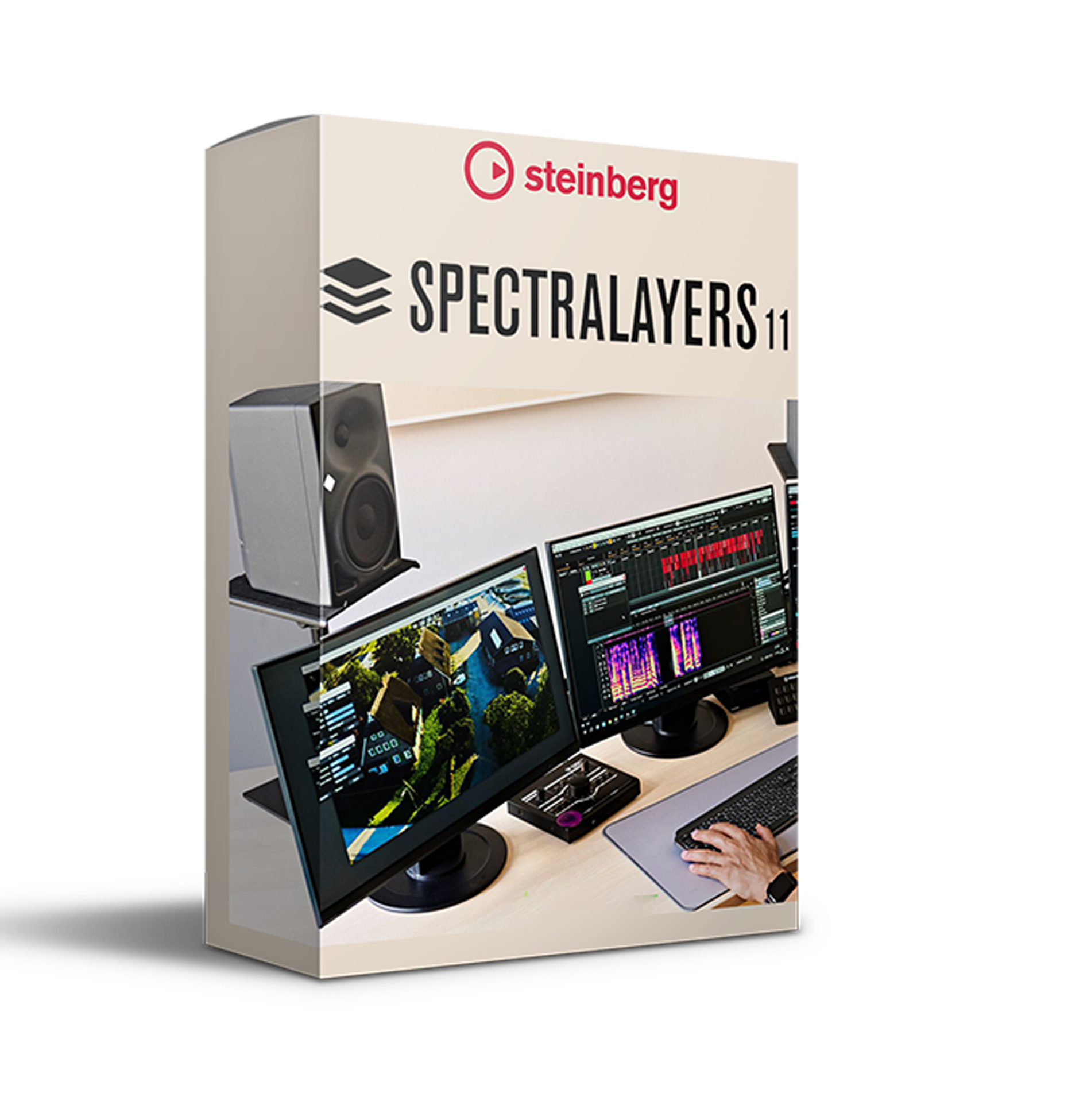
🎧 Steinberg SpectraLayers Pro 11 (Windows) – Advanced Spectral Audio Editing Software
Transform the way you edit audio with Steinberg SpectraLayers Pro 11, the industry-leading spectral editing platform that converts sound into a detailed, editable visual landscape. Designed for music producers, composers, sound designers, and post-production engineers, this powerful tool allows you to sculpt audio with surgical precision — editing by sight as well as by sound.
Whether you're restoring dialogue, isolating instruments, extracting vocals, or creating experimental textures, SpectraLayers Pro 11 delivers unmatched control and clarity.
🌌 Next-Generation Spectral Editing Technology
Unlike traditional waveform editors, SpectraLayers Pro 11 displays audio as a rich spectral image, enabling:
-
🎯 Precise frequency-based editing
-
🎼 Layer-based audio manipulation
-
🔍 Visual isolation of instruments and noise
-
⚙️ Advanced restoration and sound design workflows
This innovative approach bridges the gap between audio engineering and visual editing, giving modern creators a faster and more intuitive production experience.
🚀 What’s New in Version 11.0.70
🗂 Multi-Level Virtual Grouping
Organize complex sessions with multiple grouping layers for structured spectral mixing. Perfect for handling large-scale projects with detailed layer control.
⚡ Block-to-Frequency Selection Tools
Speed up your workflow using intelligent frequency-based selection tools, allowing rapid isolation of vocals, instruments, or unwanted noise.
🎛 Real-Time Spectral Editing
Make non-destructive edits with instant visual and audio feedback. Adjust, refine, and experiment without interrupting your creative flow.
🔄 Multi-Project Workflow
Work across multiple sessions simultaneously with seamless tab-based navigation — ideal for film scoring, podcast editing, and album production.
🎚 AAX & DAW Integration (Pro Tools Ready)
Run SpectraLayers directly from the AudioSuite menu in AVID Pro Tools via AAX plugin, or use it as a powerful standalone editor. Seamless compatibility ensures smooth integration into professional studio environments.
🎥 Visual Audio Editing – Inspired by Imaging Technology
Experience groundbreaking editing tools inspired by advanced video and imaging software, allowing you to:
-
Remove background noise visually
-
Extract stems from complex mixes
-
Repair damaged recordings
-
Redesign sonic textures creatively
See your sound. Shape your sound. Perfect your sound.
💡 Why Producers & Composers Choose SpectraLayers Pro 11
✔️ Industry-standard spectral editing software
✔️ Perfect for music production, film scoring, podcast editing & sound restoration
✔️ Powerful vocal extraction and stem separation tools
✔️ High-performance engine optimized for modern workflows
✔️ Built for today’s demanding creative professionals


Reviews
There are no reviews yet.