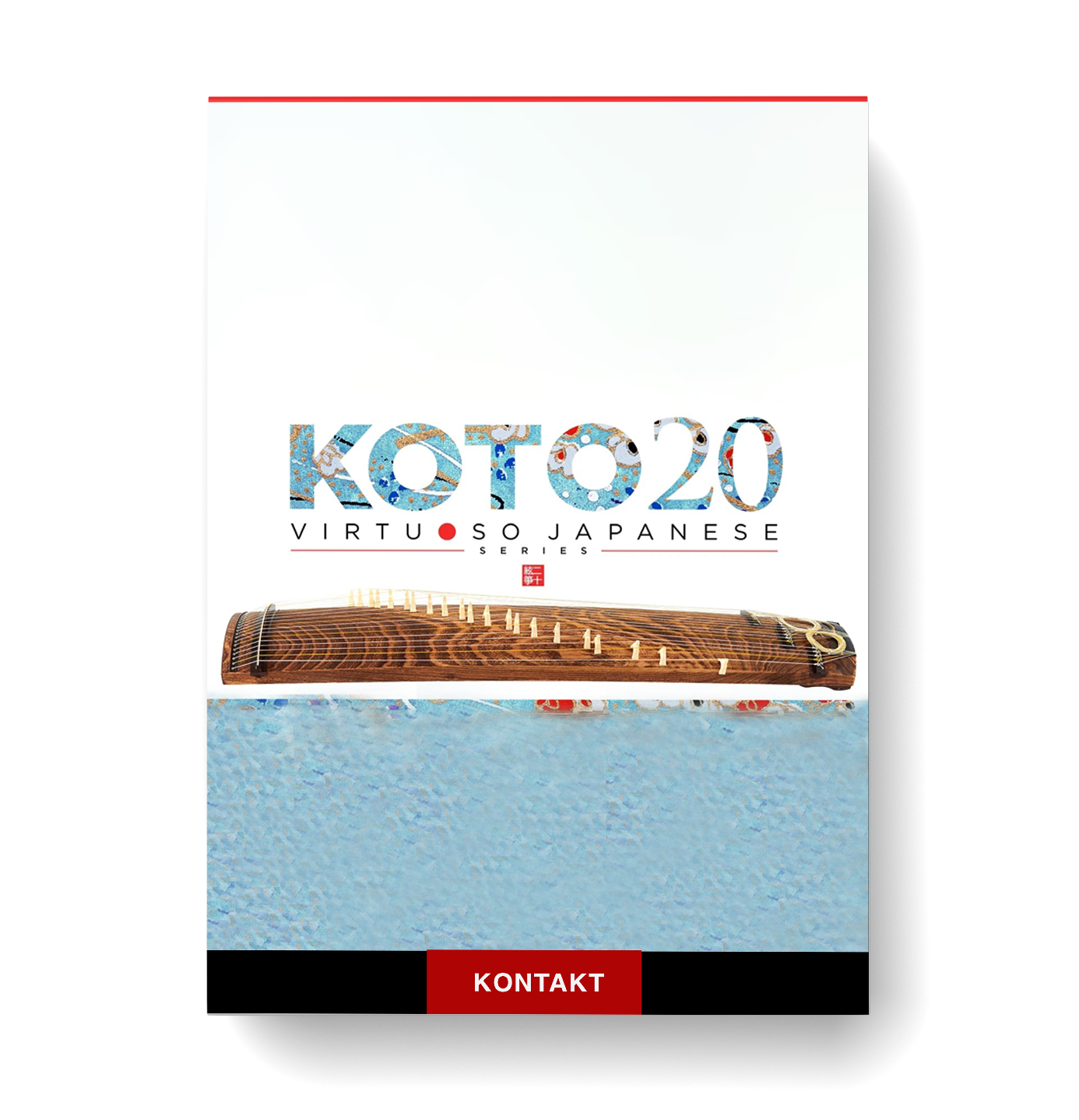
Sonica Instruments – Koto 20

You Must Purchase Kontakt Pro From Us To Install & Use This Library In Full Version Click Here
Formats: confirm before ordering

£20.99

Discover Sonica Instruments – Koto 20

You Must Purchase Kontakt Pro From Us To Install & Use This Library In Full Version Click Here

Perfect for traditional and modern compositions

Pair with orchestral instruments for a full, rich ensemble

Combine with Groove Inspirations MIDI Pack for limitless creative possibilities

Explore product features & full description

https://www.youtube.com/watch?v=Shx5SiL-D4M&t=1s

🎶 KOTO 20: The Ultimate 20-String Koto Library for Unmatched Musical Expression 🎵✨

Discover the rich tones and expressive power of the KOTO 20, a meticulously crafted virtual instrument inspired by the 20-string koto, an innovation by Keiko Nosaka in 1969. Whether used solo or paired with other Virtuoso Japanese Series titles like KOTO 13, KOTO 17, or SHAKUHACHI, this library delivers a transcendent musical experience. 🌸🎼


Key Features That Bring the Koto to Life

🌟 18 Articulations for Authentic Performance
From thumb plucks to glissandos and chirashizume pick scrapes, explore a vast range of techniques with effortless key-switch control.

🎚️ String Editor for Fine-Tuned Customization
Independently adjust all 21 strings to craft unique scales, including User Scales for original compositions.

🎵 Scale Performance Mode
Easily map tones to adjacent white keys, making traditional koto performance accessible to any keyboardist.

🎛️ Instrument Modeler
Shape your sound with options for fingerpick types, string thickness, transient pitch, and noise components — perfect for creating anything from soft melodies to bold, aggressive phrases.


Advanced Features for Creative Freedom

🎤 Multi-Microphone Recordings
Recorded with 24-bit / 96 kHz resolution, featuring 3 stereo mic positions and 30 convolution reverbs, including rare Noh theater acoustics. Enjoy unparalleled depth and realism.

🎹 MIDI Groove Browser
Quickly browse and drag & drop 20 MIDI grooves into your DAW. Adjust velocity, swing, and playback tempo for seamless integration.

💾 Load Manager for Optimized Performance
Skip unused articulations and focus on smoother production with reduced memory usage.


NKS & Native Access Compatibility

Effortlessly integrate with Kontakt Player, Komplete Kontrol, and NKS-compatible hardware for an intuitive workflow. Quickly preview tones and access advanced controls using your favorite MIDI gear. 🎛️🎹


💡 Why KOTO 20?

  • Perfect for traditional and modern compositions
  • Pair with orchestral instruments for a full, rich ensemble
  • Combine with Groove Inspirations MIDI Pack for limitless creative possibilities
 

Compatibility checklist

  • Confirm the supplied build, operating system and required host before ordering.

Requirements vary by supplied version. Confirm your setup with support before purchasing.

Delivery & activation

  1. Complete your purchaseReview compatibility and purchase details.
  2. Download your filesAccess available downloads through your order and account.
  3. Follow the included setup guideContact GetPlugins if you need installation help.

Activation, where included, is provided by GetPlugins. Publisher-account registration, transferable publisher keys and a publisher-issued licence are not included. Read the activation policy.

Frequently asked questions

How do I receive my download?

After payment, access available files from your order details and GetPlugins account. Contact support if a download is missing.

What activation is included?

Follow the activation instructions supplied with your download. Activation is provided by GetPlugins. Confirm device allowances and reinstall arrangements before ordering.

Will this work with my computer and DAW?

Check the compatibility information for this listing and ask us to confirm the exact supplied build. Libraries may require a compatible sampler or additional software.

What if I need installation help?

Email support@getplugins.io with your order number, operating system, DAW and any error message.

Which updates are included?

Activation and updates are separate. Confirm the available version and update arrangements before ordering; do not assume access to future publisher releases.

How do I request a refund?

Contact support with your order number and issue details. Read our Refund Policy for eligibility and the request process.

Customer Reviews

Reviews

There are no reviews yet.

Be the first to review “Sonica Instruments – Koto 20”

Your email address will not be published. Required fields are marked *