https://www.youtube.com/watch?v=XloTPbXo2VI
https://soundcloud.com/sonicainstruments/sets/koto-13
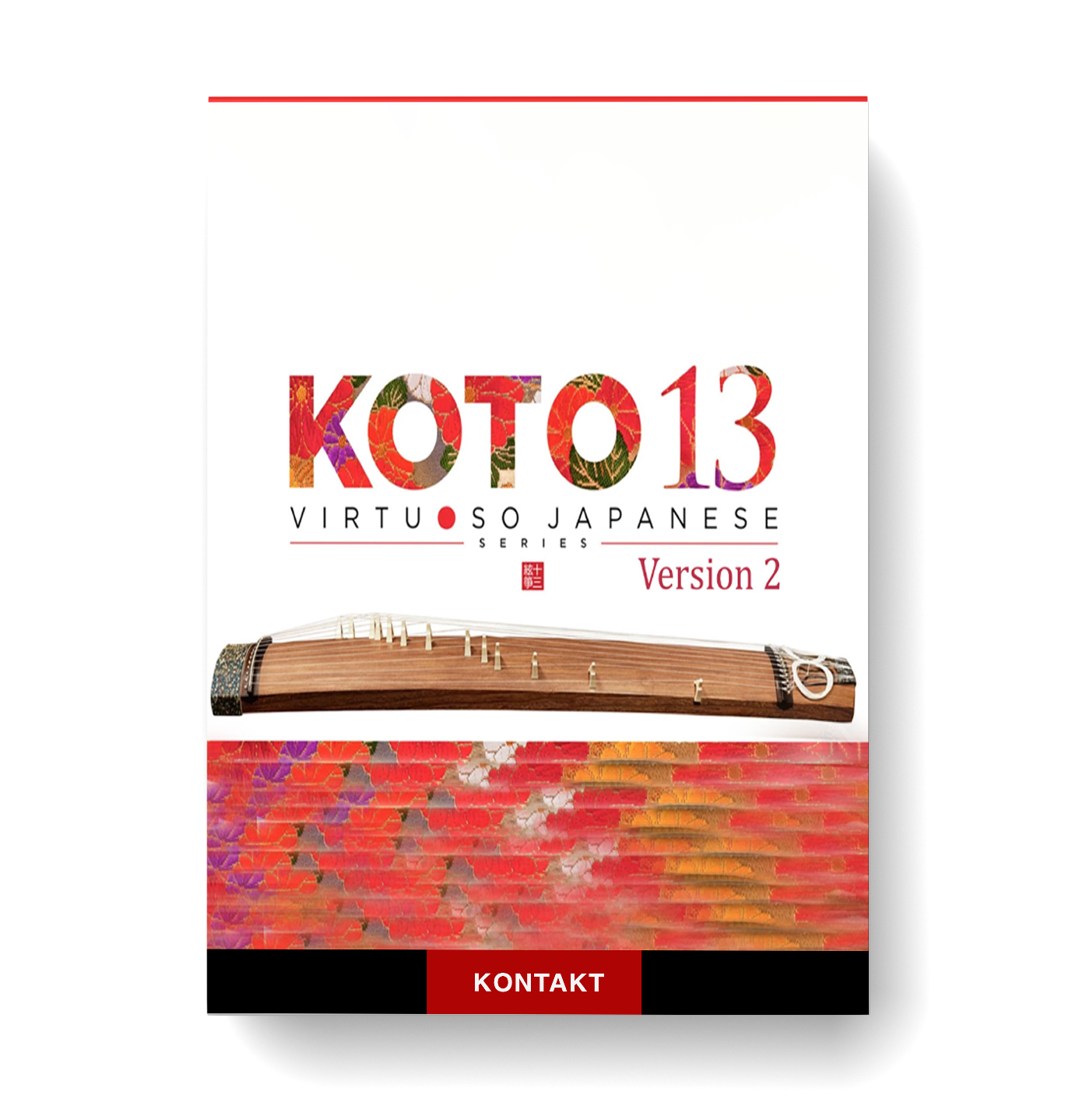
🎶 KOTO 13: The Soul of Japan's Musical Heritage 🎶
Immerse yourself in the timeless elegance and grace of the 13-string koto, one of Japan’s most revered traditional instruments. Whether you're crafting traditional Japanese music, modern cinematic scores, or blending unique sounds into various genres, KOTO 13 is your gateway to mastering this iconic instrument with unparalleled realism. 🌏🎵
✨ Unprecedented Realism & Expressiveness ✨
KOTO 13 brings the full range of the koto’s capabilities to life. With its ability to perform everything from delicate plucks to powerful glissandos, this instrument offers endless musical possibilities. Simply sweep your finger across the keys to create flowing glissandos, or perform intricate trills and arpeggios with ease. 🎶✨
Featuring 26 articulations and 6 phrase banks, KOTO 13 is fully equipped for both subtle and dramatic musical expressions, from tremolo picking and pitch bends to the nuanced tonal differences created by finger variations. Play with the thumb, index, or middle finger to unlock delicate textures, or add striking chirashizume pick scrapes for added depth. 🎸
🎹 Key Features 🎹
- 28 Classic Koto Scales: Hira, Kumoi, Gaku, and more, with full support for custom scales. 🏯
- Realistic Performances: Enjoy all the nuances of traditional koto techniques, recorded by expert performer Miki Maruta. 🎤
- Multi-Microphone Sampling: Recorded in 3 stereo mic positions (Direct, Overhead, and Room) for a rich, immersive sound. 📡🎶
- Custom Scale Mode: Perfect for personal compositions—create your own unique scales with precision. 🔧🎼
- Chromatic Scale: Easily incorporate Western music, with transpositions from G to E. 🌍
🎧 Complete Control 🎧
Fine-tune every detail with full mixing controls, including Volume, Pan, Reverb Send, and EQ for each microphone channel. Plus, with the Stereo Mix channel and parallel output bus, you can mix directly into your DAW, preserving the natural ambiance and reverberation of the koto. 🎚️🎛️
Whether you’re adding a touch of elegance to your track or exploring the depths of koto performance, KOTO 13 is your ultimate tool for bringing authentic Japanese sounds into your compositions. 🌸🎶




Reviews
There are no reviews yet.