

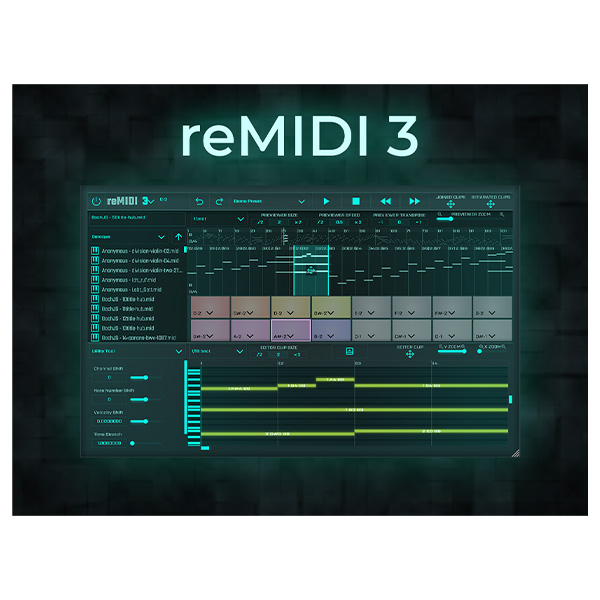
Discover SongWish – reMIDI 3 (Windows)
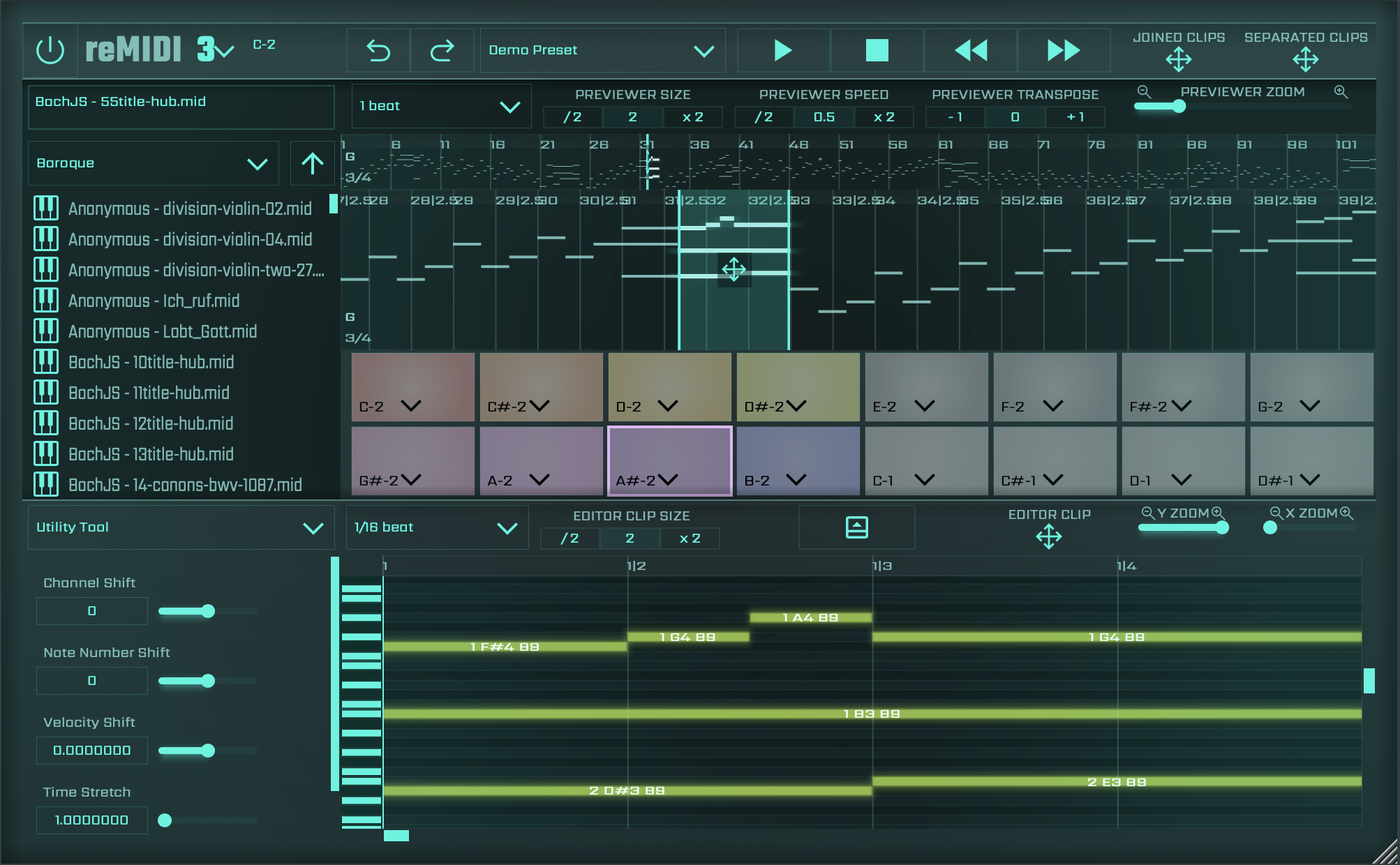
Welcome to reMIDI 3, your advanced tool for MIDI manipulation, crafted to enhance your music production journey. This user-friendly interface provides a range of features designed for efficient interaction with MIDI sequences, supporting your creative process at any experience level. In this guide, you'll find resources and instructions to help you unlock the full capabilities…
Explore product features & full description
reMIDI 3 User Guide
Introduction
Welcome to reMIDI 3, your advanced tool for MIDI manipulation, crafted to enhance your music production journey. This user-friendly interface provides a range of features designed for efficient interaction with MIDI sequences, supporting your creative process at any experience level. In this guide, you'll find resources and instructions to help you unlock the full capabilities of reMIDI 3. Explore an extensive library of MIDI files, loop packs, and innovative tools to harmonize chords and develop unique compositions. reMIDI 3 is here to elevate your music production, offering new creative possibilities and refined control over your musical creations. Embrace the power of reMIDI 3 and bring your musical visions to life with confidence and ease.
Getting Started
Loading reMIDI 3
To start using reMIDI 3, load it into your preferred Digital Audio Workstation (DAW) by selecting the compatible VST or AU format. Whether you're using FL Studio, Ableton Live, Logic Pro, or any other DAW, the subsequent section (MIDI Routing in your DAW) will guide you through the setup process in a software instrument track. For other DAWs, refer to their specific manuals for instructions on adding virtual instruments to tracks. Note that in some DAWs, reMIDI 3 may be listed under the manufacturer's name (SongWish Inc.) > reMIDI 3.
Understanding reMIDI 3 & reMIDI 3 MFX
This audio plugin is a MIDI generator and comes in two versions: the main version and an AU MIDI Controlled Effect (MFX) version. The key difference between the two is how they set up external instruments. If you're using a Digital Audio Workstation (DAW) with Audio Unit (AU) compatibility, such as Logic Pro, then the MFX version is the one to go for. Now that you know the basics, let's dive into the advanced features of reMIDI!
Controlling an external instrument
Learn how to manipulate external instruments with reMIDI 3's MIDI routing capabilities. The next section will guide you through the steps to route reMIDI 3 as a MIDI generator plugin inside your DAW.
Compatibility checklist
- Windows 10,11 (64Bit Only)
- Full Version
- VST, VST3
- Formats: VST3 · VST
Requirements vary by supplied version. Confirm your setup with support before purchasing.
Delivery & activation
- Complete your purchaseReview compatibility and purchase details.
- Download your filesAccess available downloads through your order and account.
- Follow the included setup guideContact GetPlugins if you need installation help.
Activation, where included, is provided by GetPlugins. Publisher-account registration, transferable publisher keys and a publisher-issued licence are not included. Read the activation policy.
Frequently asked questions
How do I receive my download?
After payment, access available files from your order details and GetPlugins account. Contact support if a download is missing.
What activation is included?
Follow the activation instructions supplied with your download. Activation is provided by GetPlugins. Confirm device allowances and reinstall arrangements before ordering.
Will this work with my computer and DAW?
Check the compatibility information for this listing and ask us to confirm the exact supplied build. Libraries may require a compatible sampler or additional software.
What if I need installation help?
Email support@getplugins.io with your order number, operating system, DAW and any error message.
Which updates are included?
Activation and updates are separate. Confirm the available version and update arrangements before ordering; do not assume access to future publisher releases.
How do I request a refund?
Contact support with your order number and issue details. Read our Refund Policy for eligibility and the request process.





Reviews
There are no reviews yet.