
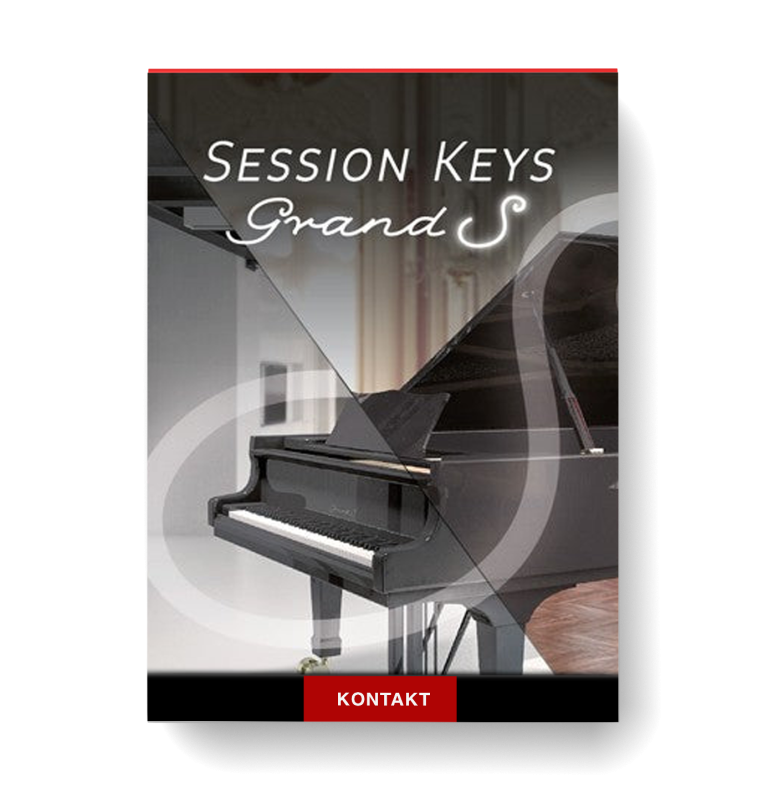
Discover Session Keys Grand S
You Must Purchase Kontakt Pro From Us To Install & Use This Library In Full Version Click Here
Steinway Concert Grand
Two separate sound banks: Studio and Concert
Pentamorph sound control to transform the whole sound with a single knob
Explore product features & full description

Features
- Steinway Concert Grand
- Two separate sound banks: Studio and Concert
- Pentamorph sound control to transform the whole sound with a single knob
- Animator with more than 400 flexible piano phrases
- Smart Chord function to create instant piano chords from single keys or pads
- Native Instruments NKS compatible
- Size: 11 GB / 4.91 GB (lossless sample compression)
- 24 bit, 44.1 kHz
The Modern Concert Grand
A Professional & Versatile Piano
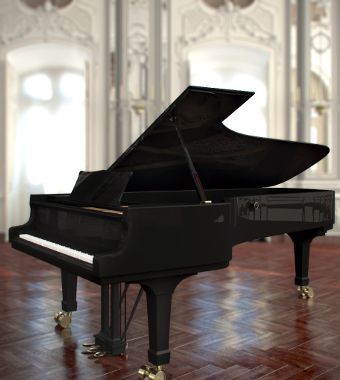
The iconic and unmistakable sound of the Steinway D Concert Grand Piano - be inspired by its highly playable rich warm tones. Session Keys Grand S delivers the rich harmonic structure, warm tone, and full resonances of the Steinway D Concert Grand Piano, used in concerts and recordings by some of the world’s greatest artists.
The Grand Piano
Grand S delivers the rich harmonic structure, warm tone, and full resonances of the Steinway D Concert Grand Piano, used in concerts and recordings by some of the world’s greatest artists.
Two Characteristics
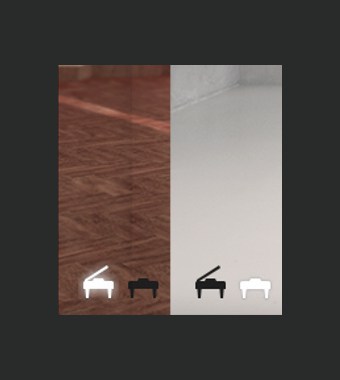
It may seem like a minor detail, but to experts, it means the world. The Grand S piano was recorded with open lid as well as with the lid removed, and separate miking techniques. As a result, Session Keys Grand S comes with two very distinct piano sample sets: "Concert" favoured in classic recordings and "Studio" for popular music applications. Switch between the two piano characteristics as your creativity requires.
Pentamorph
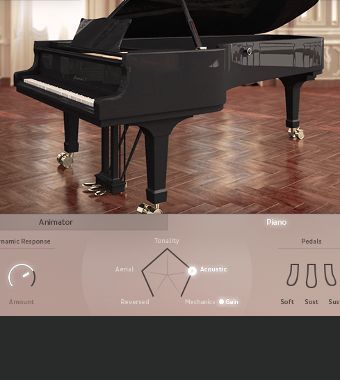
This stylish pentagonal controller makes Session Keys Grand S more than just a great piano. Not only is it beautifully designed, but it's a phenomenally powerful tool, able to transform the whole sound from normal piano to eerie atmospheres to pure mechanical sounds and back.
Instant flexible control in a single knob.
Animator
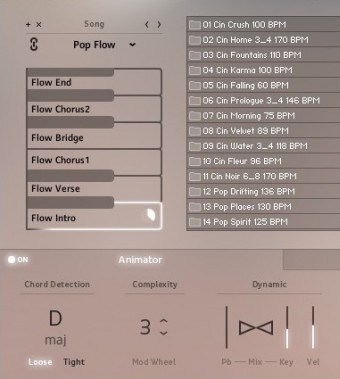
The sound of ideas coming to life: the Animator offers an intuitive and inspiring way to jam with more than 400 flexible piano phrases that follow your harmonies. Use the pitch bend and modulation wheels to increase or decrease complexity and control the dynamic of your session partner.
Smart Chord
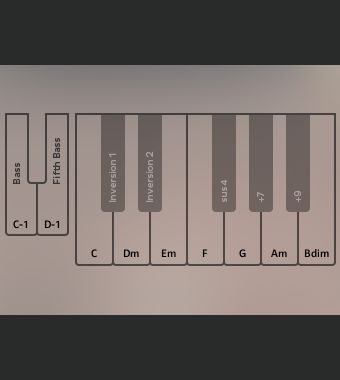
Stuck in a black hole of inspiration and need some suitable chord changes? Full chords or Animator riffs can be played via either the pad controller or single keys. Just set the key of your song and let Smart Chord Mode create the harmonies.
Design
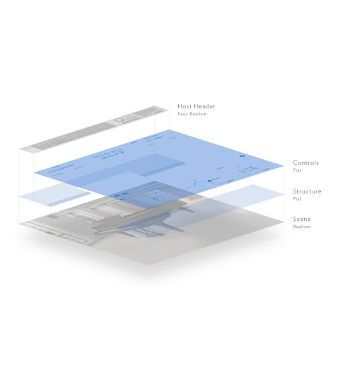
Intense music production sessions can put a strain on your senses. With its pure, minimalistic and clean design Session Keys Grand S piano is easy on the eyes and helps you stay cool in heated sessions.
Compatibility checklist
- Confirm the supplied build, operating system and required host before ordering.
Requirements vary by supplied version. Confirm your setup with support before purchasing.
Delivery & activation
- Complete your purchaseReview compatibility and purchase details.
- Download your filesAccess available downloads through your order and account.
- Follow the included setup guideContact GetPlugins if you need installation help.
Activation, where included, is provided by GetPlugins. Publisher-account registration, transferable publisher keys and a publisher-issued licence are not included. Read the activation policy.
Frequently asked questions
How do I receive my download?
After payment, access available files from your order details and GetPlugins account. Contact support if a download is missing.
What activation is included?
Follow the activation instructions supplied with your download. Activation is provided by GetPlugins. Confirm device allowances and reinstall arrangements before ordering.
Will this work with my computer and DAW?
Check the compatibility information for this listing and ask us to confirm the exact supplied build. Libraries may require a compatible sampler or additional software.
What if I need installation help?
Email support@getplugins.io with your order number, operating system, DAW and any error message.
Which updates are included?
Activation and updates are separate. Confirm the available version and update arrangements before ordering; do not assume access to future publisher releases.
How do I request a refund?
Contact support with your order number and issue details. Read our Refund Policy for eligibility and the request process.

Reviews
There are no reviews yet.