
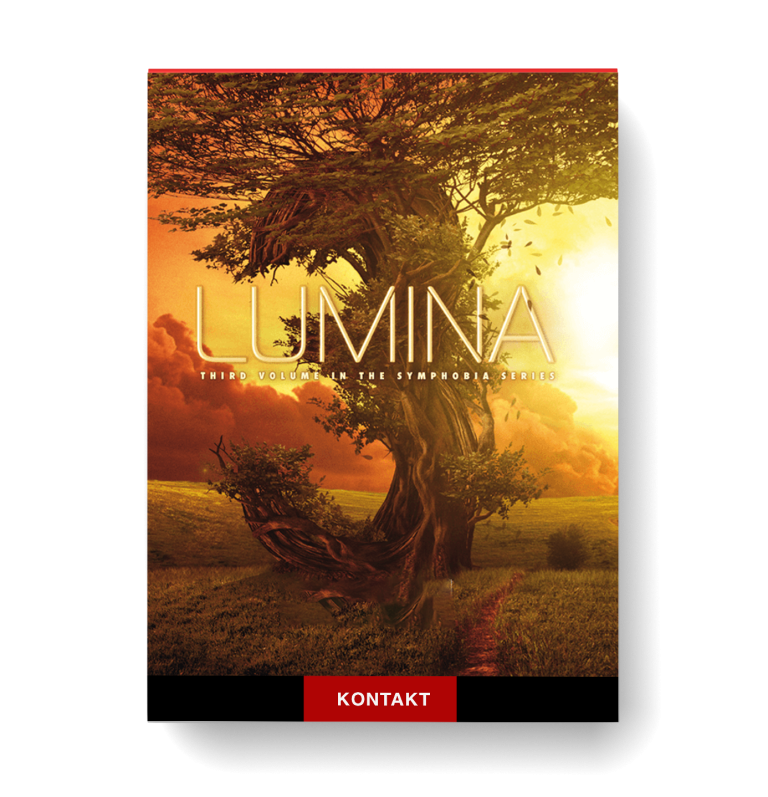
Discover ProjectSAM – Lumina 2
You Must Purchase Kontakt Pro From Us To Install & Use This Library In Full Version Click Here
Completely new engine and spacious design
All-in-One instrument browser
Filter by genre, instrument category and articulation
Explore product features & full description
Fully updated!
Experience the fully updated 2.1 version of Lumina. Dive into the world of fantasy, mystery, and animation with a brand-new interface and a ton of new features:
- Completely new engine and spacious design
- All-in-One instrument browser
- Filter by genre, instrument category and articulation
- New Multis
- 10 slot mixer to arrange and design your own Multis
- New legato engine
- Adaptive Sync for crescendos and runs
- All-new envelopes, filters and modulators
Free for existing users
Version 2.1 is a 100% update for all existing Lumina users. Download and install your update from the Native Access application. The update requires Kontakt (Player) 6.5.3.
A new story unfolds…
Featuring full orchestra, choir, smaller ensembles and a wide range of guest instruments, Symphobia 3: Lumina dives into the world of fantasy, mystery and animation, adding depth and delicacy to your musical palette. Based on more recordings than ever before, this third volume in the Symphobia series is ProjectSAM’s most ambitious release yet.
ProjectSAM is well-known for its ensemble recording concept, and Lumina trumps this with even finer arrangements. The warmth and beauty of orchestra and choir performing together has been captured in stunning, playable ensembles. Moreover, Lumina is packed with superbly orchestrated textures covering the full spectrum of fantasy and mystery. Refined with grand piano, harp and percussion, these recordings are truly luminous.
Lumina’s solo and guest instruments range from legato woodwinds, such as oboe and clarinet, to a beautifully sampled celtic harp, tin whistle and… a full bell tower! The library also pays homage to the playful world of cartoons with dedicated ensembles and phrases for careful tiptoeing and tongue-in-cheek suspense. Of course you will find ProjectSAM’s popular Dystopia section, too, with all-new sound design based on the library’s samples.
Lumina is a journey of inspiration… as for each note you play, three more will spring to mind.
Storytelling
Multis are a much cherished feature of the Symphobia series. Symphobia 3: Lumina builds on this concept by combining ensembles and instruments into thematic ‘Stories’.
Using clever keyboard mapping and controller assignments, Stories give you numerous musical features on one keyboard − all within a single Kontakt track. In this way, the library’s ensembles, solo instruments and textures all take part in a bigger Story.
Elements within a Story can be individually purged from RAM, or instantly muted using assigned mute keys. Also, the Elements tab allows you to tweak each element separately.
Stories are great sources of inspiration, and useful starting points for a new track or arrangement. Because of the many different musical elements and well-thoughout controllers, they work great for live situations too, such as a theater show or songwriter performance.
Section splits for textures
We booked new recording sessions to record individual sections for the library’s textures, worth 7 GB* of new samples. In SYMPHOBIA 3: LUMINA 1.1, the majority of orchestral textures now offer the ability to perform the following sections individually: strings, choir, woodwinds, piano/harp/percussion. The exact sections available differ per texture instrument.
Key features
- Aimed at fantasy, mystery & animation
- Designed for film, TV & video game scoring
- Inspiring “Stories” combo instruments
- Ensemble recordings (featuring full orchestra & choir)
- Chamber ensembles (including solo strings & soprano choir)
- Legato instruments (including soprano voice)
- Guest instruments (including Celtic harp & double bass)
- Genuine concert hall recordings
- Real-time mixing of direct, ambient & wide mics
- Split sections for selected textures (1.1 update)
- 42 GB library in Kontakt’s compressed sample format (81 GB uncompressed)
- Kontakt Player 5 license included
1.6 Edition
The 1.6 Edition of Symphobia 3: Lumina offers over 16 new features, including improved control over articulation locking, legato performance, round robin and mic output routing. As always, this update is 100% free for all existing Lumina users!

Compatibility checklist
- Confirm the supplied build, operating system and required host before ordering.
Requirements vary by supplied version. Confirm your setup with support before purchasing.
Delivery & activation
- Complete your purchaseReview compatibility and purchase details.
- Download your filesAccess available downloads through your order and account.
- Follow the included setup guideContact GetPlugins if you need installation help.
Activation, where included, is provided by GetPlugins. Publisher-account registration, transferable publisher keys and a publisher-issued licence are not included. Read the activation policy.
Frequently asked questions
How do I receive my download?
After payment, access available files from your order details and GetPlugins account. Contact support if a download is missing.
What activation is included?
Follow the activation instructions supplied with your download. Activation is provided by GetPlugins. Confirm device allowances and reinstall arrangements before ordering.
Will this work with my computer and DAW?
Check the compatibility information for this listing and ask us to confirm the exact supplied build. Libraries may require a compatible sampler or additional software.
What if I need installation help?
Email support@getplugins.io with your order number, operating system, DAW and any error message.
Which updates are included?
Activation and updates are separate. Confirm the available version and update arrangements before ordering; do not assume access to future publisher releases.
How do I request a refund?
Contact support with your order number and issue details. Read our Refund Policy for eligibility and the request process.
Reviews
There are no reviews yet.