SYSTEM REQUIREMENTS
Windows 10 (latest Service Pack)
Intel Core i5 or equivalent AMD CPU, 4 GB RAM.
An Internet connection and a graphics card that supports OpenGL 2.1 or higher are required to download and activate this product. Once installed and activated, the product can be used offline.
ADDITIONAL INFO
- Import classic DX and TX series FM sound programs.
- This product runs in demo mode after installation and must be activated before full functionality is available.
THE POWER OF DIGITAL
- 960 presets with sharp, crystal-clear FM sounds
- Powerful FM matrix, arpeggiator, flexible envelopes
- Loads patches from classic FM hardware units
CONTEMPORARY CLASSIC
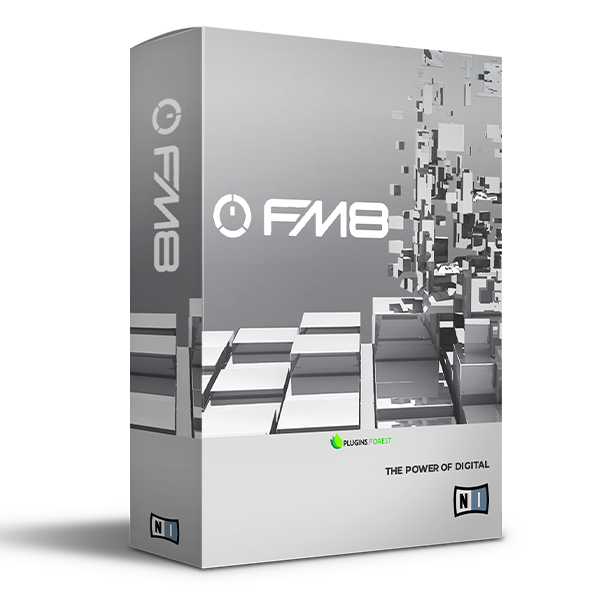
Native Instruments has harnessed the power of FM synthesis. The strengths of digital are manifest in FM8’s powerful audio engine which generates breath-taking, brilliantly dynamic FM sound in pristine quality. With its emphasis on ease of use, the FM8 brings a high degree of simplicity to the otherwise intricate process of FM synthesis, delivering unsurpassed depth, brilliance, and dynamism.
SYNTHESIS FROM THE START
A central aspect of FM8 is usability. The "Easy Edit Page" offers a clearly-designed interface with simple controls that adjust more complex parameters automatically, allowing you to take a far more musical approach to FM synthesis. The more detailed editing pages have been improved for easier handling and are all accessible with just one click. FM8 lets you play straight away!









Reviews
There are no reviews yet.