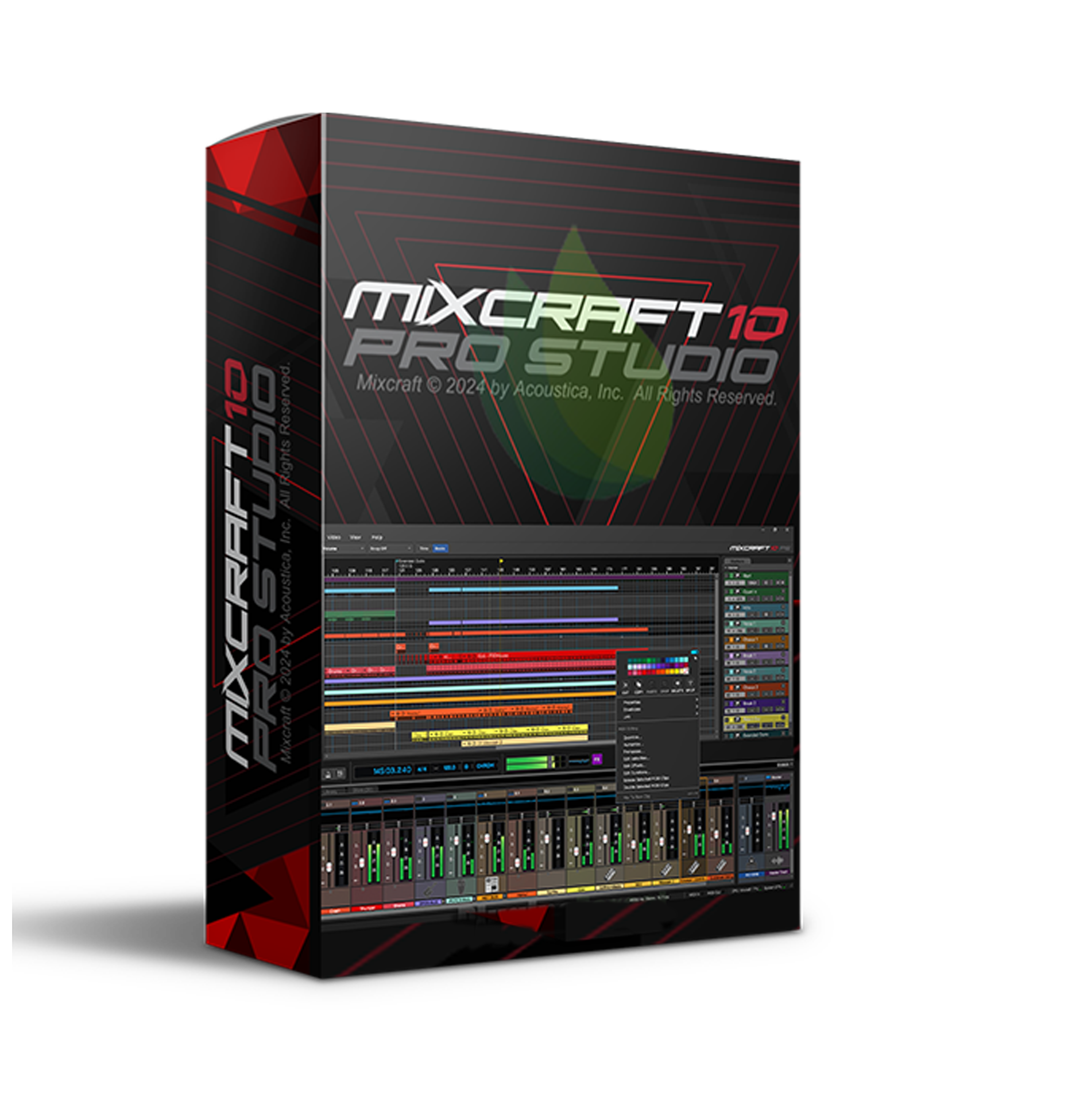
Mixcraft Pro Studio 10 – The Ultimate DAW for Music Production 🎚️🎶
Mixcraft Pro Studio 10 is a powerful and feature-rich Digital Audio Workstation (DAW) designed for musicians, producers, and engineers looking for a professional, yet intuitive workflow. Whether you're recording, mixing, mastering, or producing beats, Mixcraft Pro Studio 10 offers a seamless experience with cutting-edge virtual instruments, advanced effects, and an optimized audio engine.
🚀 Key Features & Capabilities
✅ Advanced Multi-Track Recording & Editing – Record, arrange, and edit unlimited audio and MIDI tracks with ease.
✅ High-Performance Audio Engine – Offers low-latency performance and superior CPU efficiency for smooth workflow.
✅ Professional Mixing & Mastering Suite – Equipped with over 15 mastering-grade effects for radio-ready tracks.
✅ 64-Bit Sound Engine – Delivers high-resolution audio processing for pristine sound quality.
✅ Advanced MIDI Editing & Automation – Create complex compositions with piano roll, notation, and automation lanes.
✅ Integrated Video Editing – Sync and edit video content directly within Mixcraft—perfect for content creators and filmmakers.
✅ Support for Third-Party Plugins – Compatible with VST3, VST2, and DirectX plugins for endless sound expansion.
✅ Customizable Interface – Adjust the layout, themes, and workspace to fit your workflow.
🎛️ Virtual Instruments & Effects
🎹 Powerful Virtual Instruments:
- Pianissimo Grand Piano – Realistic acoustic grand piano emulation.
- Advanced Synths & Samplers – Massive selection of analog-modeled synths and sample-based instruments.
- Classic & Modern Drum Machines – Includes electronic and acoustic drum sounds for any genre.
🎚️ High-End Effects & Processing:
- iZotope Mastering Essentials – Achieve polished, professional-quality masters.
- TB MultiFX Suite – Premium reverb, delay, chorus, and dynamics processors.
- Forte Chorus, Echoes, & Multi-Band Compressor – Enhance your mix with studio-grade effects.
🎵 Perfect for…
🎙️ Singer-Songwriters & Musicians – Record, arrange, and produce full songs effortlessly.
🎛️ Producers & Beatmakers – Design custom beats, loops, and synths using the built-in step sequencer and MIDI tools.
🎧 Mixing & Mastering Engineers – Utilize high-end mixing and mastering tools for industry-standard sound quality.
🎬 Film & Video Editors – Sync music, sound effects, and video content for polished productions.
🎹 Live Performers – Use real-time performance features for DJing, looping, and live electronic sets.
🛠 Workflow Enhancements & Productivity Tools
✅ Performance Panel – Trigger loops, samples, and sequences live for real-time creativity.
✅ Sidechain Compression & Parallel Processing – Get modern production techniques with built-in dynamic routing options.
✅ Integrated Melodyne Essentials – Industry-standard pitch correction for flawless vocals and instrument tuning.
✅ Drag & Drop Simplicity – Easily import samples, loops, and effects with an intuitive, streamlined workflow.
✅ Support for External Hardware – Full compatibility with MIDI controllers, audio interfaces, and external synths.
🔥 Why Choose Mixcraft Pro Studio 10?
✅ All-in-One DAW – Record, mix, master, and produce with one powerful platform.
✅ User-Friendly Yet Professional – Easy for beginners, deep for professionals.
✅ Extensive Plugin Library – Comes with a huge suite of instruments and effects.
✅ High-Performance Engine – Ultra-fast, stable, and optimized for any project.
✅ Affordable Alternative to Industry Standards – Offers pro-level features at a fraction of the cost.
🎶 Whether you’re a beginner or a seasoned pro, Mixcraft Pro Studio 10 delivers everything you need to create chart-topping music, polished mixes, and professional productions.
Would you like preset recommendations or workflow tips for using Mixcraft Pro Studio 10? 🚀🎼

Reviews
There are no reviews yet.