
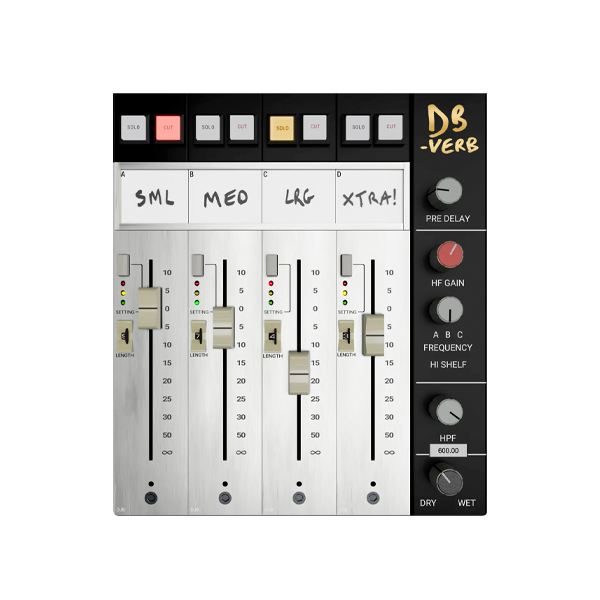
Discover Metric Halo – MBDBVerb (Windows)
Step into a new dimension of space and clarity with MBDBVerb for Windows — Metric Halo’s groundbreaking Multiband Dynamic Reverb plugin, now fully optimized for PC-based producers and engineers. Designed to intelligently adapt to your audio in real time, MBDBVerb offers surgical precision and breathtaking depth for mixes that shine.
Explore product features & full description
🪟 Metric Halo – MBDBVerb for Windows 🎛️🌌
Step into a new dimension of space and clarity with MBDBVerb for Windows — Metric Halo’s groundbreaking Multiband Dynamic Reverb plugin, now fully optimized for PC-based producers and engineers. Designed to intelligently adapt to your audio in real time, MBDBVerb offers surgical precision and breathtaking depth for mixes that shine.
🎚️ Multiband + Dynamic = Intelligent Reverb Engine
Unlike static reverbs, MBDBVerb dynamically adjusts its response across independent frequency bands, giving you total control over how your sound moves and breathes. Whether you want smooth vocal tails, epic synth washes, or tight ambient rooms, MBDBVerb delivers — with clarity and punch that never clutters your mix.
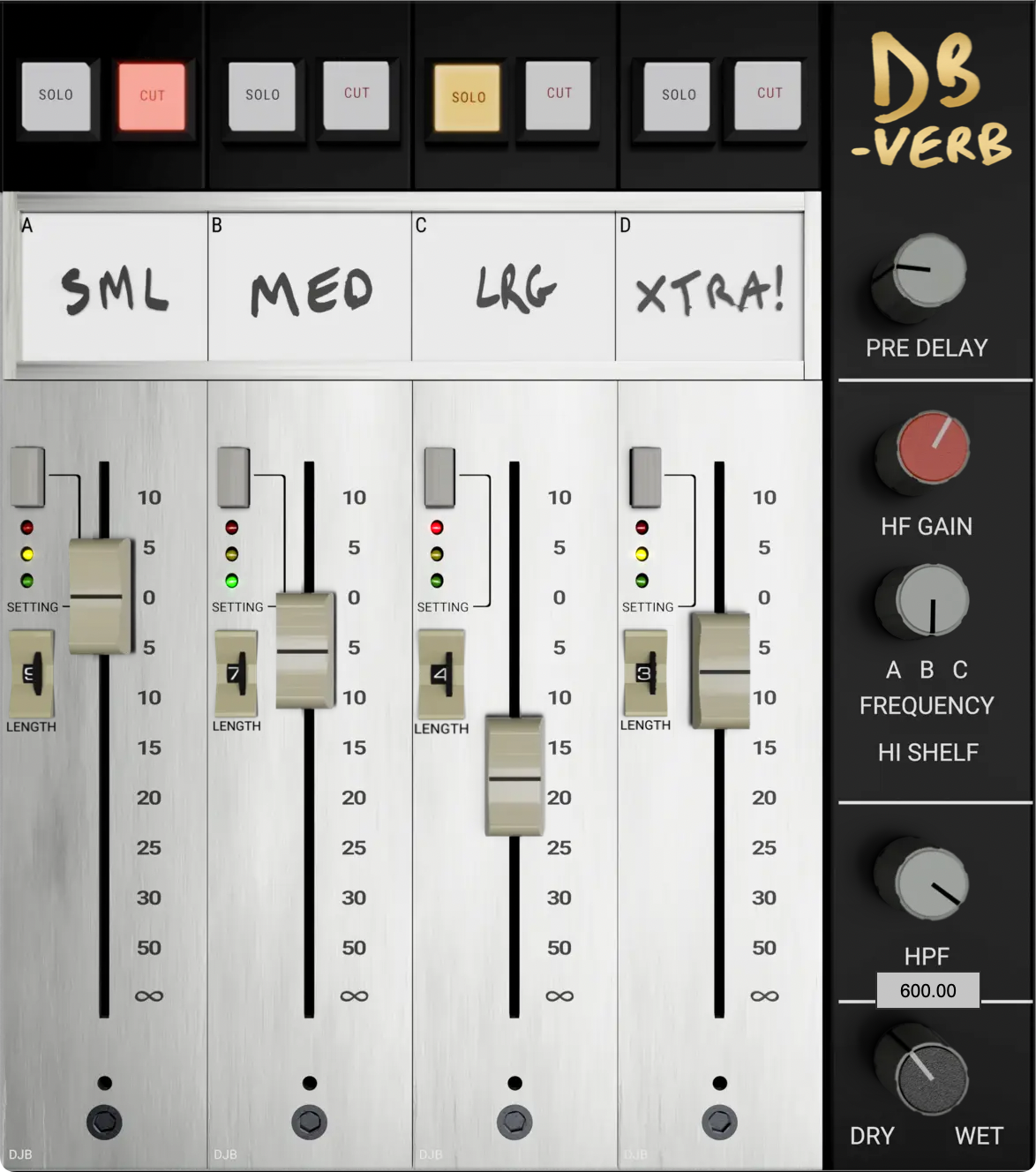
🎵 Powerful Features for Pro Mixing:
🔹 Multiband Reverb Architecture – Control low, mid, and high bands independently
🔹 Dynamic Adaptation – Reacts in real-time to your audio signal
🔹 Modulation & Damping Controls – Shape tone, texture, and movement
🔹 Stereo Width & Imaging – From tight mono spaces to wide cinematic fields
🔹 Low CPU Footprint – Big, clean sound without taxing your system
🎧 Ideal for:
🎤 Vocals – Maintain clarity with intelligent reverb tails
🎸 Guitars – Add body and dimension without mud
🎹 Synths & Keys – Sculpt evolving, atmospheric textures
🎬 Sound Design – Precision space modeling for film and games
🧠 Why Choose MBDBVerb on Windows?
✅ Flawless PC Compatibility – Perfect in FL Studio, Cubase, Ableton Live, Reaper & more
✅ Real-Time Mix Clarity – Reverb that breathes with your track
✅ Pro-Grade DSP – Trusted by engineers and sound designers worldwide
✅ Intuitive Interface – Easily tweak parameters to match your sonic vision
Compatibility checklist
- Windows 10,11 (64-bit Only)
- VST,VST3
- Formats: VST3 · VST
Requirements vary by supplied version. Confirm your setup with support before purchasing.
Delivery & activation
- Complete your purchaseReview compatibility and purchase details.
- Download your filesAccess available downloads through your order and account.
- Follow the included setup guideContact GetPlugins if you need installation help.
Activation, where included, is provided by GetPlugins. Publisher-account registration, transferable publisher keys and a publisher-issued licence are not included. Read the activation policy.
Frequently asked questions
How do I receive my download?
After payment, access available files from your order details and GetPlugins account. Contact support if a download is missing.
What activation is included?
Follow the activation instructions supplied with your download. Activation is provided by GetPlugins. Confirm device allowances and reinstall arrangements before ordering.
Will this work with my computer and DAW?
Check the compatibility information for this listing and ask us to confirm the exact supplied build. Libraries may require a compatible sampler or additional software.
What if I need installation help?
Email support@getplugins.io with your order number, operating system, DAW and any error message.
Which updates are included?
Activation and updates are separate. Confirm the available version and update arrangements before ordering; do not assume access to future publisher releases.
How do I request a refund?
Contact support with your order number and issue details. Read our Refund Policy for eligibility and the request process.






Reviews
There are no reviews yet.