

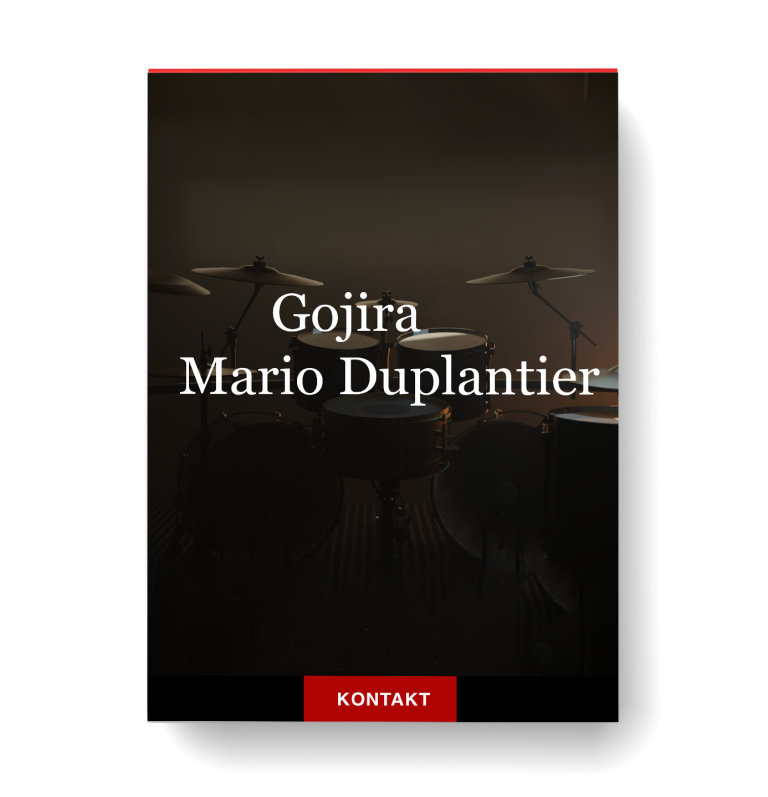
Discover Gojira – Mario Duplantier
You Must Purchase Kontakt Pro From Us To Install & Use This Library In Full Version Click Here
Explore product features & full description

Raw, powerful, and uncompromising, Mario Duplantier’s ability and style have shaped himself and Gojira into staples of the metal world.
As varied and versatile as his compositions, Mario’s sound and spirit have been captured and turned into a tool for creators and fans of the band to utilize, ready to conquer any task.
MixWave is thoroughly excited to present Gojira: Mario Duplantier.
Get Mario's entire arsenal mix ready out of the box.
Featuring 7 drums with 3 different snare options, 9 cymbals with 2 china options, and his unique Babar all mixed at MixWave Studios.


Go from completely raw samples to mix-ready drums in just a click with the fully featured and intuitive mixer-style interface.
Dial in pre-mixed reverbs, or built-in master channel fx including a compressor, EQ, and tape saturation.
With an unprecedented amount of features, tools, and controls, MixWave: Gojira - Mario Duplantier can live up to any task.


In this there are 3 new pieces added featuring a pair of high and low timbales, an all original Babar that Mario has been personally using recently on tour, and a few updates behind the scenes.

Built for Kontakt - No Additional Software Needed

Compatible with Native Instruments hardware
Take a listen

What's included
A Kontakt instrument that is always ready to go the moment inspiration strikes. Easily bring your ideas to life with the libary's clean layout and intuitive interface.


Included drum replacment files for Slate Trigger as an alternative production option. Replace, layer, or blend with a live recorded drum performace using the fully mixed or completely unprocessed drum shell .TCI files.
Drum specifications
Compatibility checklist
- Confirm the supplied build, operating system and required host before ordering.
Requirements vary by supplied version. Confirm your setup with support before purchasing.
Delivery & activation
- Complete your purchaseReview compatibility and purchase details.
- Download your filesAccess available downloads through your order and account.
- Follow the included setup guideContact GetPlugins if you need installation help.
Activation, where included, is provided by GetPlugins. Publisher-account registration, transferable publisher keys and a publisher-issued licence are not included. Read the activation policy.
Frequently asked questions
How do I receive my download?
After payment, access available files from your order details and GetPlugins account. Contact support if a download is missing.
What activation is included?
Follow the activation instructions supplied with your download. Activation is provided by GetPlugins. Confirm device allowances and reinstall arrangements before ordering.
Will this work with my computer and DAW?
Check the compatibility information for this listing and ask us to confirm the exact supplied build. Libraries may require a compatible sampler or additional software.
What if I need installation help?
Email support@getplugins.io with your order number, operating system, DAW and any error message.
Which updates are included?
Activation and updates are separate. Confirm the available version and update arrangements before ordering; do not assume access to future publisher releases.
How do I request a refund?
Contact support with your order number and issue details. Read our Refund Policy for eligibility and the request process.

Reviews
There are no reviews yet.