

Discover FeelYourSound Chillout Engine Pro (Windows)
Feed ChilloutEngine with your chords and the plug-in generates authentic and professional MIDI patterns for you. No fiddling around with mismatching MIDI packs anymore. All output will be in tune with your original chords!
Load ChilloutEngine on a track of your DAW.
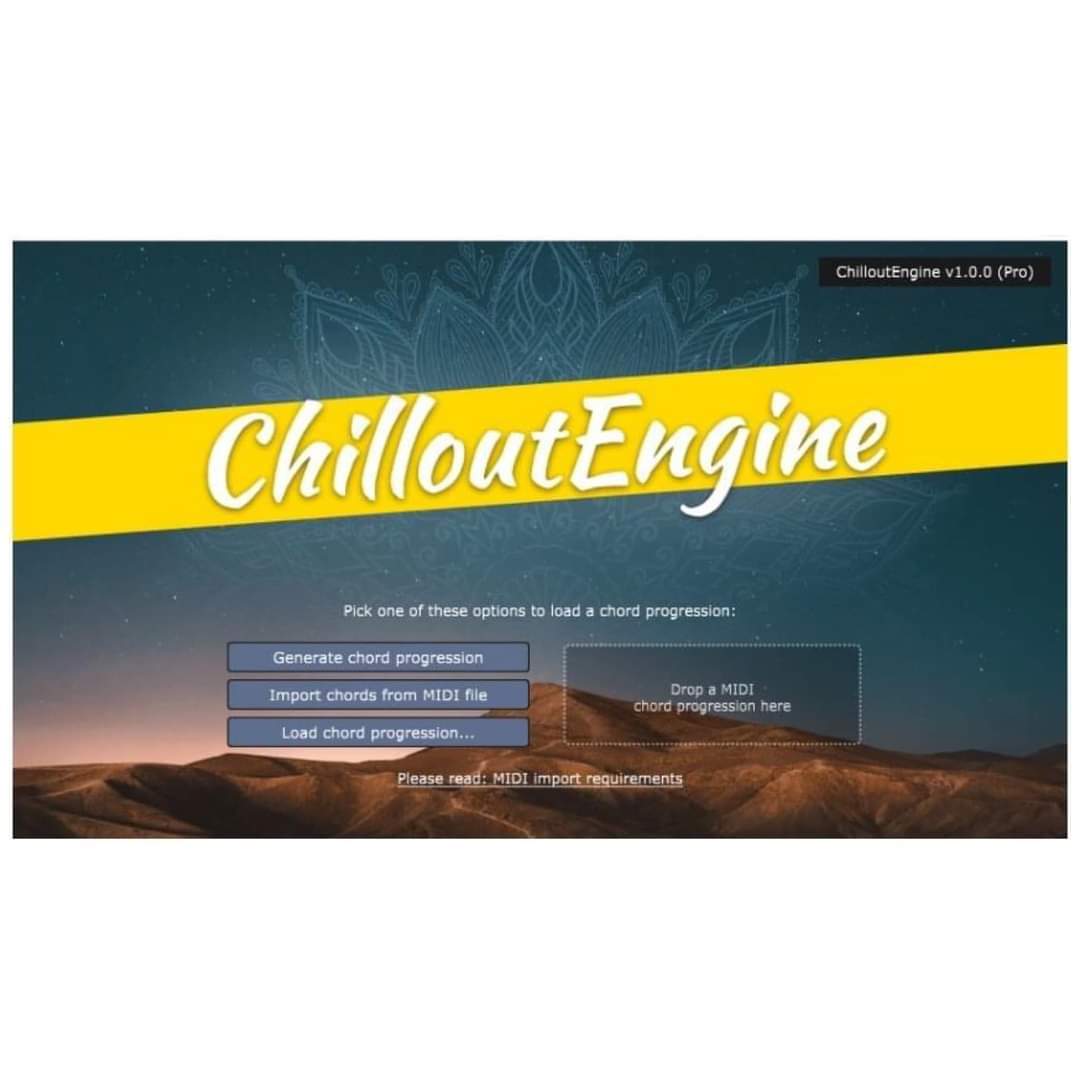
Open the plug-in and import your MIDI chord progression. Or let ChilloutEngine generate a chord progression for you.
You can see a big list of presets now. Select a preset, then press play in your DAW for a preview.
Explore product features & full description
Write your next Chillout track faster than ever.
No music theory required.
ChilloutEngine turns your chord progressions into relaxed keys, smooth basslines, memorable hooks, and lovely arpeggios.
Feed ChilloutEngine with your chords and the plug-in generates authentic and professional MIDI patterns for you.
No fiddling around with mismatching MIDI packs anymore. All output will be in tune with your original chords!
Have you ever struggled with writer's block when you wrote a Chillout track? Did the arpeggios feel lifeless? Were the keys "somewhat OK", and the melodies only so-so?
You can leave all this behind. ChilloutEngine is a plug-in (VST, AU) that generates new relaxed keys, smooth basslines, and memorable hooks from your MIDI chord progressions automatically.

- Load ChilloutEngine on a track of your DAW.
- Open the plug-in and import your MIDI chord progression. Or let ChilloutEngine generate a chord progression for you.
- You can see a big list of presets now. Select a preset, then press play in your DAW for a preview.
- Do you like a preset? Drag and drop the MIDI field to your DAW. The plug-in will copy the MIDI data to your DAW then.

Dedicated to Chillout producers of all skill levels.
Whether you're a beginner just starting out or an experienced pro, ChilloutEngine is for you. With built-in music theory, you'll be making great music in no time, even if you don't have a lot of experience.
Using ChilloutEngine is like having a co-producer at your side that helps you create professional, genre-specific music faster than ever.
And for pros, ChilloutEngine can help you explore new styles and get inspiration, as well as make standard tasks like creating basslines and pads faster and easier. Plus, you can try out multiple ideas quickly. This will reduce friction and improve your music production process. As a pro user, you will also love the built-in mass exporter. Re-use the created content on many different devices and build your own library.
Compatibility checklist
- Confirm the supplied build, operating system and required host before ordering.
- Formats: VST2 · VST
Requirements vary by supplied version. Confirm your setup with support before purchasing.
Delivery & activation
- Complete your purchaseReview compatibility and purchase details.
- Download your filesAccess available downloads through your order and account.
- Follow the included setup guideContact GetPlugins if you need installation help.
Activation, where included, is provided by GetPlugins. Publisher-account registration, transferable publisher keys and a publisher-issued licence are not included. Read the activation policy.
Frequently asked questions
How do I receive my download?
After payment, access available files from your order details and GetPlugins account. Contact support if a download is missing.
What activation is included?
Follow the activation instructions supplied with your download. Activation is provided by GetPlugins. Confirm device allowances and reinstall arrangements before ordering.
Will this work with my computer and DAW?
Check the compatibility information for this listing and ask us to confirm the exact supplied build. Libraries may require a compatible sampler or additional software.
What if I need installation help?
Email support@getplugins.io with your order number, operating system, DAW and any error message.
Which updates are included?
Activation and updates are separate. Confirm the available version and update arrangements before ordering; do not assume access to future publisher releases.
How do I request a refund?
Contact support with your order number and issue details. Read our Refund Policy for eligibility and the request process.








Reviews
There are no reviews yet.