REAPER 7: A Comprehensive DAW for Audio Professionals
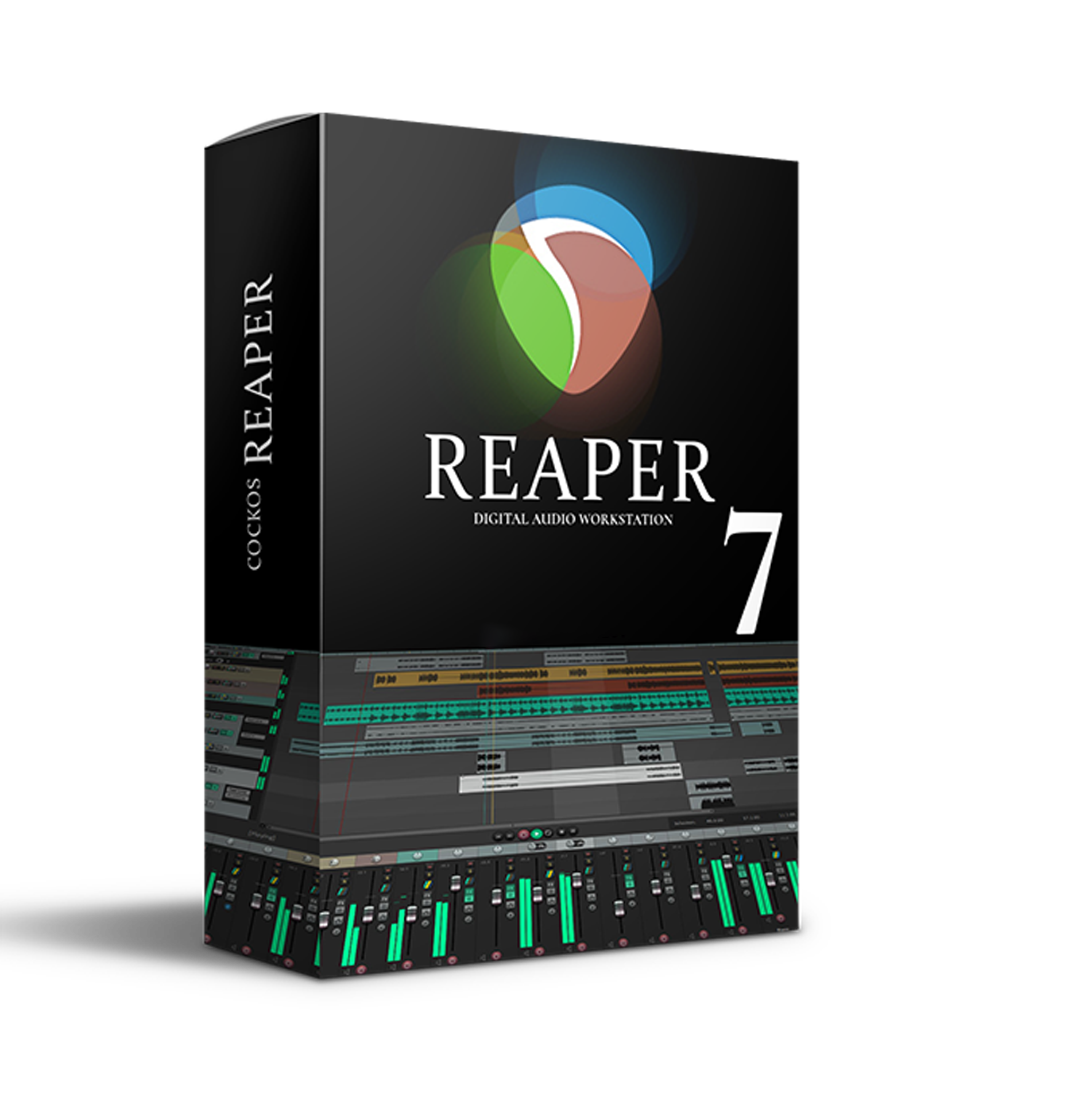
REAPER 7, developed by Cockos Incorporated, is a robust and versatile digital audio workstation (DAW) designed to handle a wide range of audio and MIDI tasks, from recording and editing to mixing and mastering. Trusted by professionals and enthusiasts alike, REAPER combines extensive features with a customizable interface and reliable performance, making it suitable for any audio production scenario.
Key Features of REAPER 7
1. Versatile Recording and Editing
- Multi-Track Support: Record, edit, and process multiple tracks of audio and MIDI with ease.
- High-Quality Audio Processing: Deliver professional-grade results for music production, broadcasting, and sound design.
- Broad Hardware Compatibility: Works seamlessly with various audio interfaces and MIDI devices.
2. Customizable Workflow
- Fully Scriptable: Advanced users can automate tasks and create custom scripts to streamline workflows.
- Personalized Themes: The SKIN folder includes multiple design themes, allowing users to tailor the appearance of the interface.
- Extensive Configuration Options: Adapt REAPER’s interface and features to suit individual production styles.
3. Comprehensive Format and Plug-In Support
- Wide File Format Compatibility: Supports nearly all major audio and digital formats.
- Extensive Plug-In Integration: Works with VST, VST3, AU, DX, and JS plug-ins for limitless creative possibilities.
- Third-Party Tools: Compatible with external software and tools for enhanced productivity.
4. Advanced Performance and Stability
- Reliable in Critical Environments: Trusted for live broadcasts, on-site recordings, and other high-stakes scenarios.
- Lightweight Installation: Optimized for performance without taxing system resources.
- Cross-Platform Functionality: Runs smoothly on Windows (XP through Windows 11) and macOS, ensuring system compatibility.
5. Localization and Accessibility
- Multilingual Interface: Available in numerous languages for global accessibility.
- User-Friendly Design: Suitable for both beginners and seasoned professionals.
Why Choose REAPER 7?
REAPER 7 stands out for its adaptability and scalability, making it an ideal choice for:
- Music Producers: From simple demos to complex, layered productions.
- Sound Designers: Craft detailed soundscapes and effects.
- Game Developers: Seamlessly integrate audio into gaming environments.
- Broadcasters: Reliable operation in live settings.
Whether recording in a professional studio or crafting tracks in a home setup, REAPER 7 delivers unparalleled flexibility and quality. Its lightweight design, paired with a powerhouse feature set, ensures that it grows with your creativity.
Get REAPER 7
Explore the possibilities of REAPER 7 and experience why it’s a favorite among audio professionals worldwide. With an intuitive interface, extensive features, and unmatched reliability, it’s the perfect DAW for any audio project. 🎧✨

Reviews
There are no reviews yet.