
Discover Schulz Audio – OOMPH (Windows)
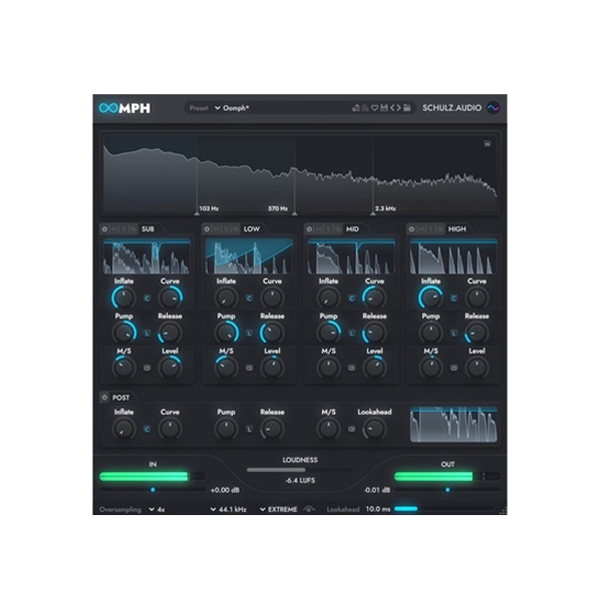
Ready to supercharge your sound? 🔊 Meet OOMPH for Windows — a powerful multiband dynamic enhancer that transforms ordinary audio into explosive, professional-grade mixes. With four flexible frequency bands and surgical control over dynamics, saturation, and stereo width, OOMPH is your ultimate plugin for clarity, energy, and cohesion.
Explore product features & full description
💥 Schulz Audio – OOMPH for Windows 🎚️💻
Ready to supercharge your sound? 🔊 Meet OOMPH for Windows — a powerful multiband dynamic enhancer that transforms ordinary audio into explosive, professional-grade mixes. With four flexible frequency bands and surgical control over dynamics, saturation, and stereo width, OOMPH is your ultimate plugin for clarity, energy, and cohesion.
🎯 What Makes OOMPH a Must-Have Plugin:
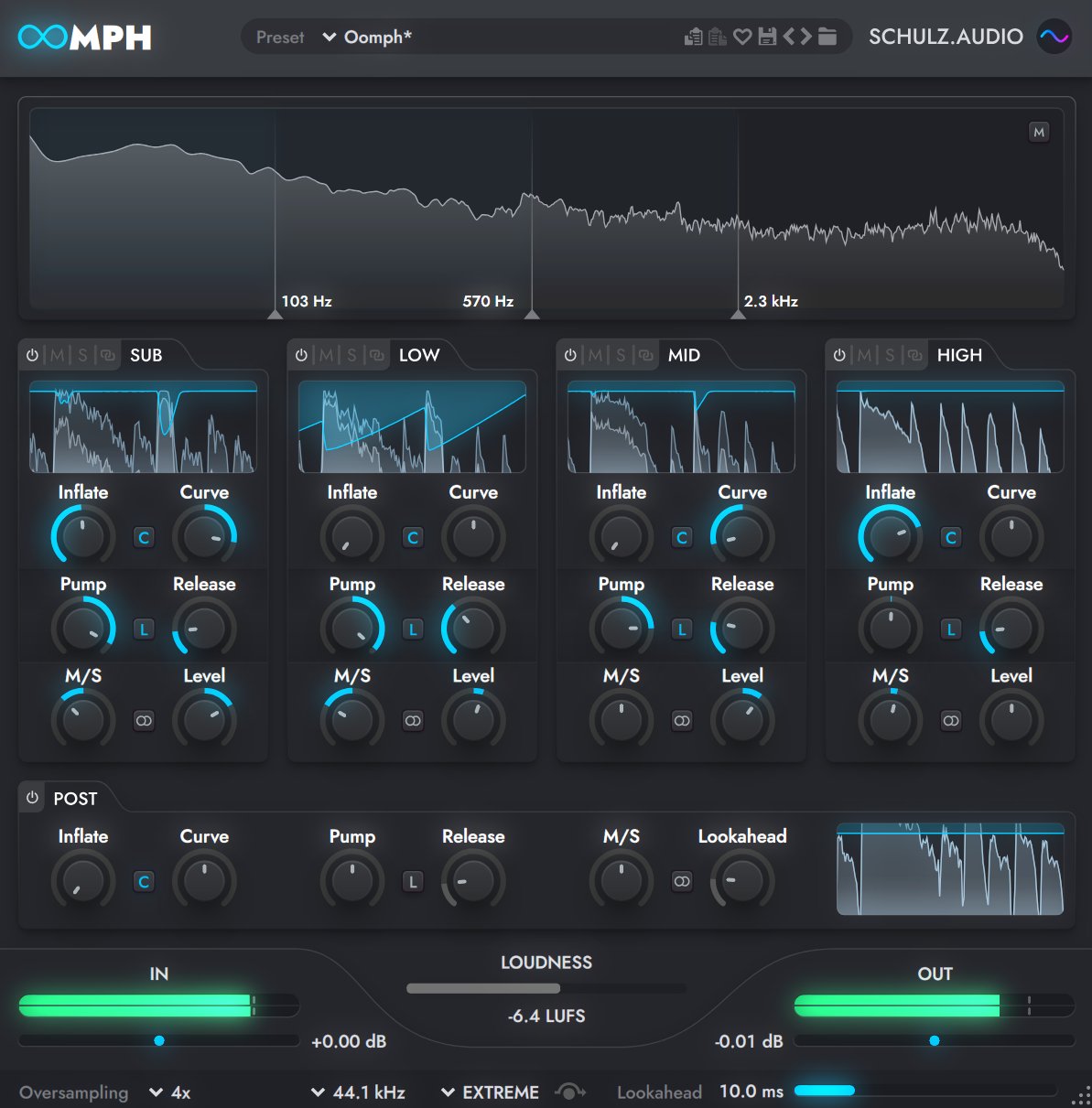
🔹 4-Band Processing – Shape your audio with precision across lows, mids, highs & ultra-highs
🔹 Inflate – Add rich harmonic saturation for warmth and fullness
🔹 Curve – Tune the character of your saturation: bright, bold, or bassy
🔹 Pump – Clean compression to control or enhance your dynamics
🔹 M/S Width & Level – Expand stereo image or tighten your center
🔹 Limiter with Lookahead – Boost loudness with pro-level smoothness
🔹 Up to 16x Oversampling – Crystal-clear sound without aliasing artifacts
🎵 Perfect For:
🎤 Vocals – Add life, presence, and sparkle
🥁 Drums – Punch up transients and tighten your low-end
🎹 Synths & Keys – Saturate and widen your textures
🎛️ Mix & Master Buss – Add glue and tonal balance across your entire project
🚀 Dynamic Tools That Go Beyond the Basics:
✅ Pump + Release Controls – Dial in punch without crushing your dynamics
✅ Clip Mode – Push sounds into rich, analog-style grit
✅ Stereo Width Control – Go from mono to wide with Haas effect for spacious depth
✅ Final Mastering Touch – Cohesive finishing with natural-sounding limiting
Compatibility checklist
- Windows 10,11 (64-bit Only)
- VST,VST3
- Formats: VST3 · VST
Requirements vary by supplied version. Confirm your setup with support before purchasing.
Delivery & activation
- Complete your purchaseReview compatibility and purchase details.
- Download your filesAccess available downloads through your order and account.
- Follow the included setup guideContact GetPlugins if you need installation help.
Activation, where included, is provided by GetPlugins. Publisher-account registration, transferable publisher keys and a publisher-issued licence are not included. Read the activation policy.
Frequently asked questions
How do I receive my download?
After payment, access available files from your order details and GetPlugins account. Contact support if a download is missing.
What activation is included?
Follow the activation instructions supplied with your download. Activation is provided by GetPlugins. Confirm device allowances and reinstall arrangements before ordering.
Will this work with my computer and DAW?
Check the compatibility information for this listing and ask us to confirm the exact supplied build. Libraries may require a compatible sampler or additional software.
What if I need installation help?
Email support@getplugins.io with your order number, operating system, DAW and any error message.
Which updates are included?
Activation and updates are separate. Confirm the available version and update arrangements before ordering; do not assume access to future publisher releases.
How do I request a refund?
Contact support with your order number and issue details. Read our Refund Policy for eligibility and the request process.







Reviews
There are no reviews yet.