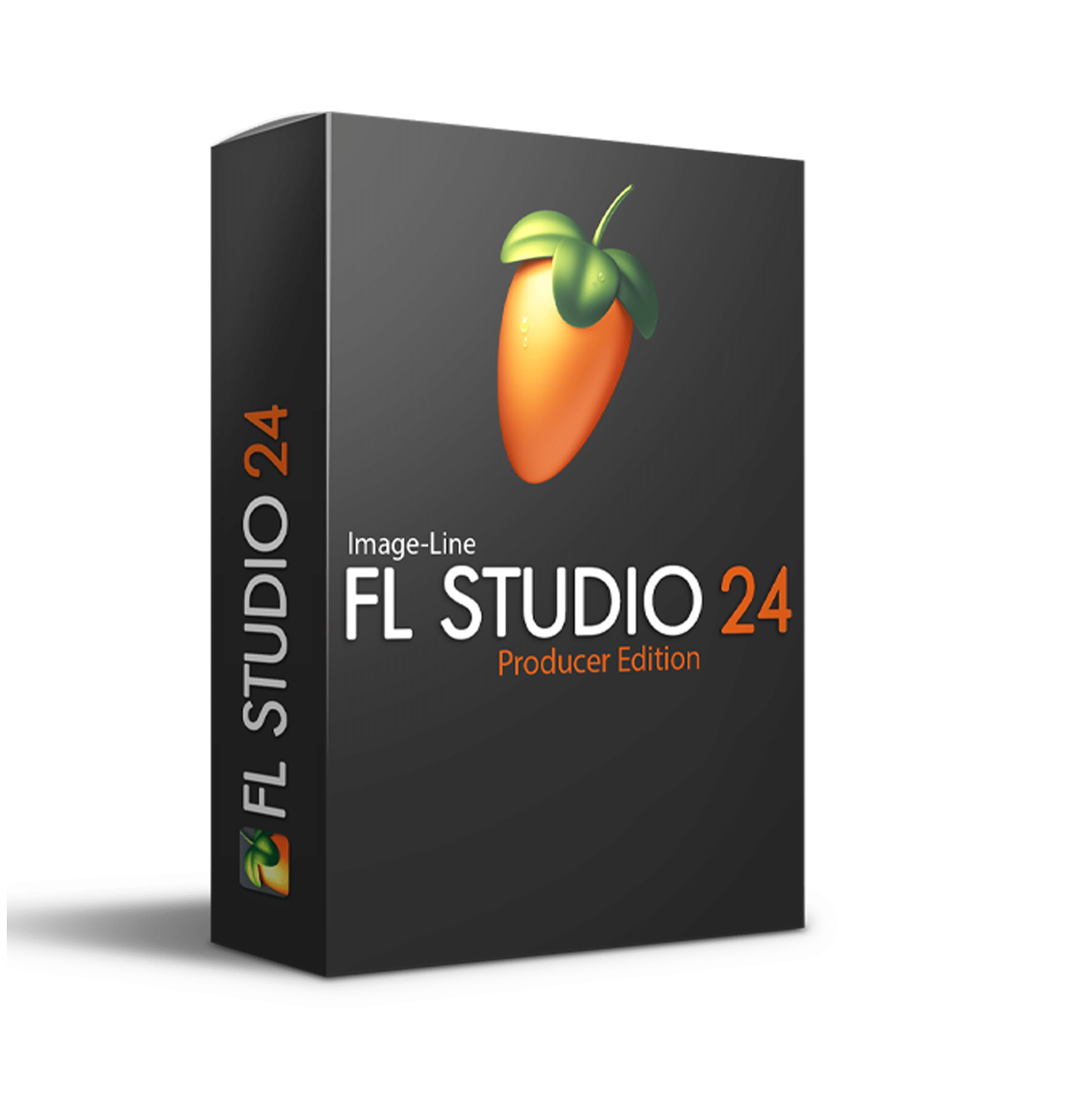
FL STUDIO 2024 | Introducing a monster vintage synthesizer, Kepler Exo, two new effects, free plugins for all in FL Cloud plus there's a Chord Progression creator and many more workflow enhancements as requested by our customers. As ever, we’re committed to Lifetime Free Updates, so update free right now.
Mastering - Subscribers can now continue to refine the automated master with a set of manual controls.
FL Studio FL Studio Startup - Show an optional 'Welcome window' with quick-start options such as loading projects, creating a song or recording…
FL STUDIO 2024 | Introducing a monster vintage synthesizer, Kepler Exo, two new effects, free plugins for all in FL Cloud plus there's a Chord Progression creator and many more workflow enhancements as requested by our customers. As ever, we’re committed to Lifetime Free Updates, so update free right now.
FL Cloud (Plugins) - FL Cloud Plugins are available free to all FL Studio customers. Subscribers get even more though an ever expanding range of 3rd party and Image-Line Group VST plugins. NOTE: FL Cloud Plugins are separate from those that come with the various FL Studio Editions and FL Studio will always be available for separate purchase with Lifetime Free Updates.
Mastering - Subscribers can now continue to refine the automated master with a set of manual controls.
FL Studio
FL Studio Startup - Show an optional 'Welcome window' with quick-start options such as loading projects, creating a song or recording audio into the Playlist.
CPU Enhancement - FL Studio now use Blend2D to for the user interface (faster graphics with lower CPU).
File support - AIFF import now supported.
Macros - ‘Switch all audio clips to’ time stretching macros.
Plugin Picker - Improved search shows items with any of the letters typed.
Plugin Wrapper - Implemented poly aftertouch for VST3 plugins.
User manual - Added an option to show the online Help / Manual in the Communications Panel. See General Settings to set.
Scripting - The Script Editor option is now on the 'External tools' panel in File settings
Purge FL Cloud cache - General settings option to purge the FL Cloud Sounds cache if things are not loading correctly.
Keyboard Shortcuts - General Settings option to 'Manage keyboard shortcuts' for selected functions inc. Browser & Pickers and MIDI import (it's a start! More in future.)
Trial Startup - Choose the FL Studio Edition to test in Trial Mode. Time unlimited.
Tool buttons - Show if they're pressed when hovered.
Info panel - User name replaced by a 'license plate' number for privacy when using FL Studio in public, such as online videos.
Menu Bar - Added options to view News, Downloads and Notifications.
Audio Buffer (macOS) - The default buffer on macOS (Apple Silicon) is now 128 to encourage the use of 'Performance' cores over 'Efficiency' cores.
Plugin Management (macOS) - Search for VST3 plugins in the user's Library folder (and not only in the system Library folder).
File Support - WAVPack and M4A files can now be dropped on Mixer & Playlist tracks.
Instruments & Effects
Kepler Exo (Instrument) - New vintage synth plugin that imagines the world where the JUNO-6™ and Jupiter-8™ Synthesizers would have been if they were conceived in the age of the plugin instrument. Included with All Plugins Edition.
Low Lifter (Effect) - Low Lifter dynamically adds harmonics to bass frequencies, enhancing their presence and creating the perception of stronger bass, even on devices incapable of reproducing deep sub-frequencies effectively. Included with Signature Bundle and higher.
Spreader (Effect) - Non-destructive stereo enhancer plugin (mono-compatible). Included with Producer Edition and higher.
Edison - Improved AI Declipper. There are now models optimized for Vocals and General (music) audio and a new Vocal Denoiser Tool.
MIDI Out - Added "Note off" value selector for "Note" controls.
Sampler Channel - You can now (Right-Click) the waveform preview and select 'Locate file' to open the OS File Browser with the sample selected.
Piano roll
Chord Progression Tool - AI-powered tool to boost your creative process with musical Chord Progressions. Preset and algorithmic options.
Piano roll - Note repeat for the Piano roll (Event Editor area) and Step sequencer (Graph Editors).
Piano roll scripting - More controls and functions.
Playlist
Make Unique Clips - Hold (Shift+V+Left-Click and Drag) and release - Copies the affected Pattern Clip and Makes a unique instance or Select Clip/s and use (Ctrl+Shift+V) to makes the selected Clip/s unique.
Audio Clips - Place new Audio Clips in view when using 'Send to playlist as an audio clip' menu options.
Automation Clip Editor - Added a 'Select in playlist' button to the Automation Clip Editor to improve Clip discovery.
Instrument vs Audio Track - Choose action when a sample is dropped on Instrument Tracks in the Playlist.
Nudge Edits - 'Edit menu > Nudge clips with mouse wheel' allows you to turn the Shift+Mouse-Wheel nudge behavior on and off.
Browser
Browser - Sample preview options match FL Sounds (Tempo and Key sync) when dropped into project. Options display on the sample Preview Panel on mouse over the sample preview. The sample must have this meta-data to work with these controls.
Browser - Select a Browser Tab and show the options when Right-Clicked.
Channel Rack & Step sequencer
Channel Rack - Deleting multiple Audio or Instrument Channels asks to delete associated data for every Channel.
Swing - Per Channel option (and macros) to truncate swing notes. (Right-Click) the Swing knob on the Miscellaneous Channel Settings.
MIDI scripting
Browser - Browser navigation functions now work with the Sounds Tab.
Functions - Added a parameter to setRouteTo to perform afterRoutingChanged & functions to get and set mixer send levels.
Mixer
Effects Slots - Mix level Automation Clips now show the Mixer Track name.
Colors - Added 'Random color' to the mixer's effect slot menu.
Complete your purchaseReview compatibility and purchase details.
Download your filesAccess available downloads through your order and account.
Follow the included setup guideContact GetPlugins if you need installation help.
Activation, where included, is provided by GetPlugins. Publisher-account registration, transferable publisher keys and a publisher-issued licence are not included. Read the activation policy.
Frequently asked questions
How do I receive my download?
After payment, access available files from your order details and GetPlugins account. Contact support if a download is missing.
What activation is included?
Follow the activation instructions supplied with your download. Activation is provided by GetPlugins. Confirm device allowances and reinstall arrangements before ordering.
Will this work with my computer and DAW?
Check the compatibility information for this listing and ask us to confirm the exact supplied build. Libraries may require a compatible sampler or additional software.
What if I need installation help?
Email support@getplugins.io with your order number, operating system, DAW and any error message.
Which updates are included?
Activation and updates are separate. Confirm the available version and update arrangements before ordering; do not assume access to future publisher releases.
How do I request a refund?
Contact support with your order number and issue details. Read our Refund Policy for eligibility and the request process.
Customer Reviews
Reviews
There are no reviews yet.
Be the first to review “FL Studio 24 Producer Edition (Windows)” Cancel reply




Reviews
There are no reviews yet.