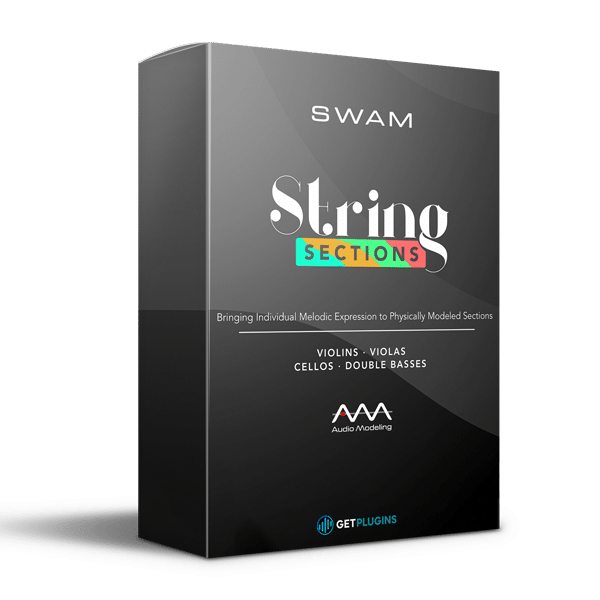
🎻 Audio Modeling – SWAM String Sections
Experience the most realistic orchestral string sections ever modeled!
With SWAM String Sections, Audio Modeling delivers an expressive, lifelike virtual string library that finally captures the true tone, articulation, and nuance of real players. Perfect for composers, producers, and film scorers, this is a game-changing solution for authentic orchestral strings.
🎼 Individually Modeled String Sections
Unlike sample-based libraries, no samples are used—each instrument is built on advanced physical modeling for realism and flexibility.
Included in the collection:
🎶 4 Violins
🎻 3 Violas
🎵 3 Cellos
🎶 3 Double Basses
Every instrument is individually modeled and grouped into sections, complete with divisi capability for natural, lifelike performances. The result? Deeper emotion, richer tone, and unmatched realism compared to traditional sample libraries.
🎚️ Extensive Customization & Control
Shape your strings with unlimited expressive possibilities. Each section comes with powerful parameters across Expressivity, Play Modes, Timbre, Pitch, and Advanced Controls:
-
🎶 Vibrato depth & speed
-
🪕 Bow pressure & position
-
🎚️ Pitch & micro-tuning
-
🎻 Sordino (muted strings)
-
👥 Player accuracy & humanization
-
🎛️ Full MIDI mapping & Preset Manager
From cinema and TV scores to game soundtracks and pop productions, SWAM Strings adapts seamlessly to your creative workflow.
🏛️ Realistic Ambiente Room Simulator
Take your performance to the next level with Audio Modeling’s Ambiente Room Simulator. Customize the space and acoustics of your string sections with:
-
🎙️ Instrument & mic positions
-
🏟️ Room size, reflections & absorption
-
🔊 Depth & realism controls
-
🎻 Integration with all SWAM Solo Instruments
From an intimate studio sound to a grand concert hall performance, your strings will feel alive, natural, and immersive.
🚀 Why Choose SWAM String Sections?
✅ Next-level realism – Physical modeling captures every nuance
✅ Highly expressive – Play divisi, articulations & transitions naturally
✅ Customizable sound design – Control every parameter with ease
✅ Perfect for modern workflows – Low CPU usage, instant responsiveness
✅ Seamless integration with other SWAM instruments












Reviews
There are no reviews yet.