🎧 Wavesfactory – Re-Esser 1.0.0
🔥 Next-Level Vocal Precision
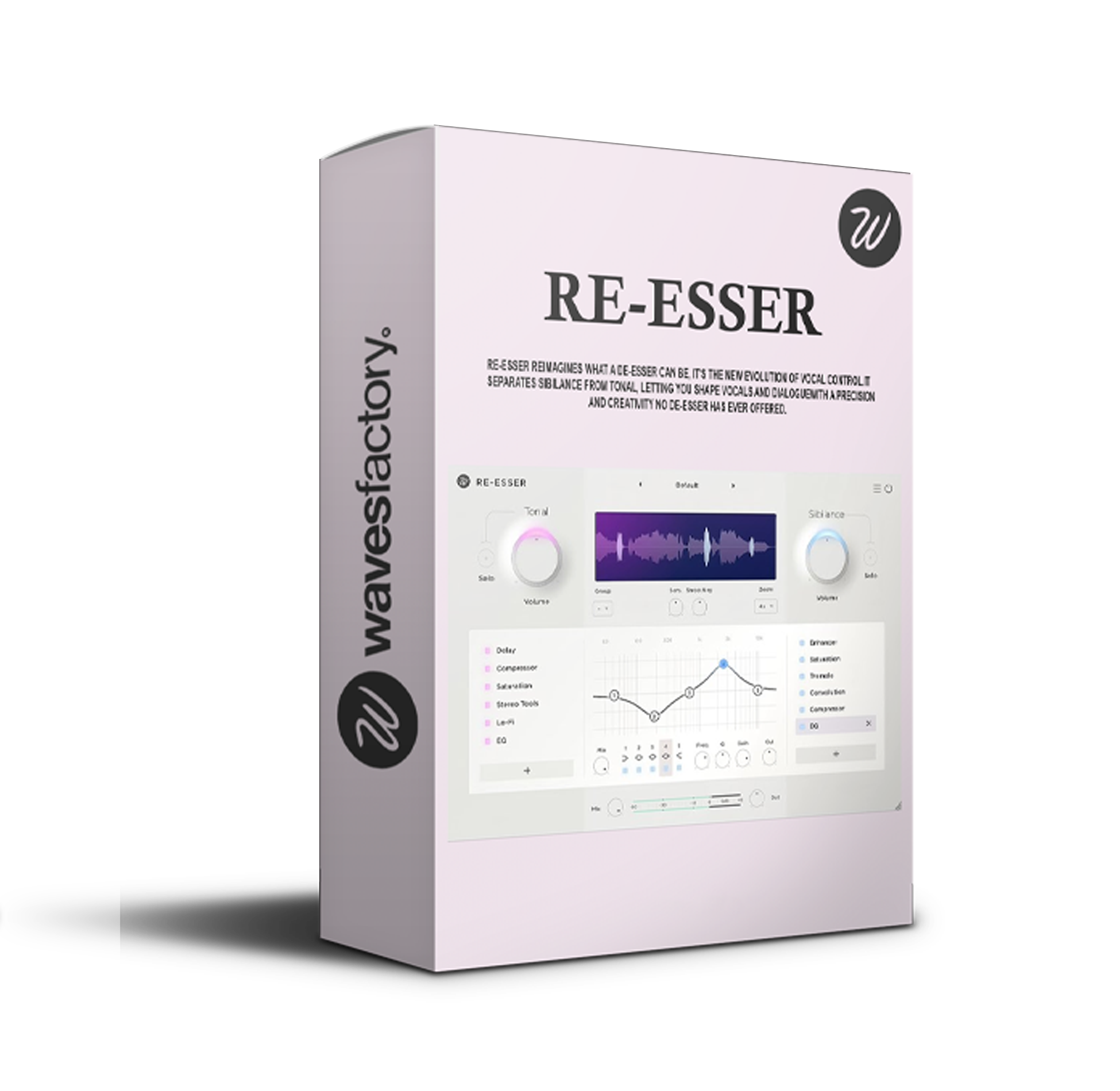
Meet Wavesfactory Re-Esser 1.0.0, a next-generation spectral de-esser plugin built for maximum clarity, transparency, and control. This intelligent tool automatically detects and reduces harsh “S”, “T”, and “SH” sounds — while preserving the brightness, tone, and warmth of your mix.
Whether you’re crafting pop vocals, cinematic dialogue, or delicate acoustic recordings, Re-Esser guarantees smooth, natural, and studio-quality results that fit perfectly into any modern production.
👉 Perfect for producers, composers, mix engineers, and sound designers who demand clean, polished, and professional audio without losing detail or character.
🎚️ Smart Detection. Natural Results.
Unlike old-school de-essers that flatten your tone or dull your highs, Re-Esser takes a musical and transparent approach. Its advanced spectral shaping algorithm targets only the harsh frequencies that actually matter — leaving the rest of your mix untouched.
💡 The result? Every vocal stays crisp, balanced, and expressive, with zero over-compression and no unwanted coloration.
🎧 Experience de-essing that feels invisible — natural, subtle, and sonically perfect.
🧠 Modern Design for Modern Creators
Speed and creativity come first. That’s why Re-Esser features a sleek, minimal, and intuitive interface designed for a smooth workflow.
Watch the real-time spectral display as you adjust your settings and instantly hear the difference. Control your threshold, range, and intensity in seconds — without interrupting your creative flow.
🎛️ Ideal For:
🎧 Producers & Mix Engineers – Refine vocals, drums, and instruments effortlessly.
🎙️ Podcasters & Voice Artists – Achieve clean, broadcast-ready speech.
🎬 Film Composers & Sound Designers – Maintain dialogue clarity and cinematic depth.
🎵 Perfect for Every Sound Source
From subtle polish to detailed correction, Re-Esser 1.0.0 adapts instantly to any mix situation:
🎤 Vocals & Dialogue – Remove harsh sibilance with surgical precision.
🥁 Hi-Hats & Cymbals – Smooth out sharp transients while keeping shimmer.
🎸 Acoustic & String Instruments – Retain sparkle and clarity without harsh edges.
✅ Keep every sound natural, balanced, and professional, no matter the genre.
⚙️ Powerful Features
✨ Spectral De-Essing Engine – Intelligent detection for ultra-precise results.
🎚️ Real-Time Visualization – See exactly what’s being processed.
🚀 Zero Latency Processing – Ideal for live sessions and vocal tracking.
💻 Ultra-Low CPU Usage – Optimized for heavy sessions and modern DAWs.
🎶 Transparent Sound Quality – Natural tone with zero artifacts or distortion.
🚀 Why Re-Esser 1.0.0 Stands Out
While most de-essers rely on static bands or simple compression tricks, Wavesfactory’s adaptive spectral engine dynamically reacts to your audio — intelligently learning where and how to apply correction.
The result? Effortless de-essing that sounds natural, musical, and refined, making it the go-to tool for professional vocal and mix clarity.










Reviews
There are no reviews yet.