Vovious – DoublePi
Advanced Vocal Tuning, Pitch Correction & Editing
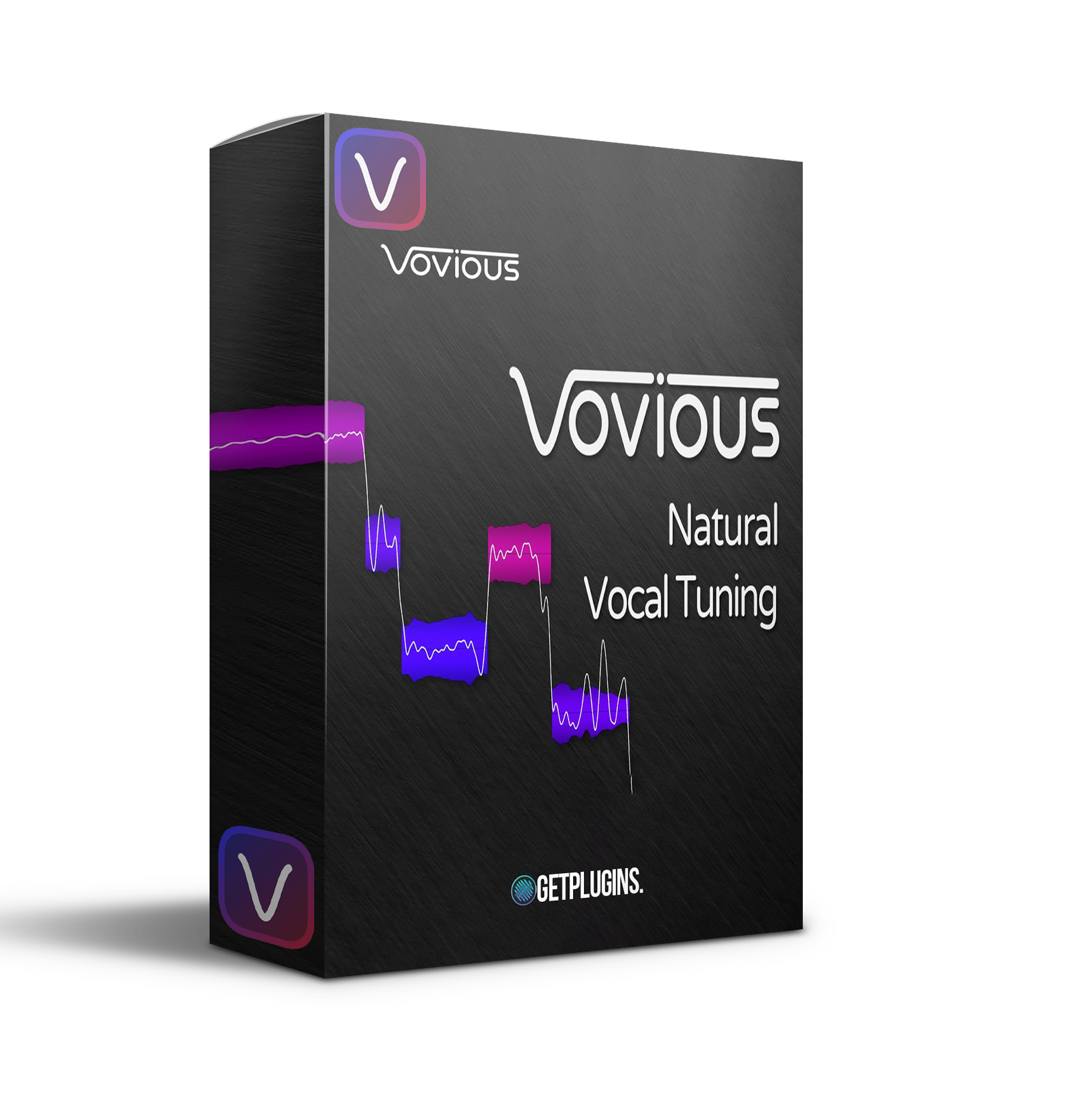
Vovious DoublePi is a professional vocal editing and pitch correction plugin designed for detailed control over pitch, timing, vibrato, formants, amplitude, sibilance, noise, and breath levels.
Built for modern vocal production, DoublePi combines an intuitive editing workflow with neural network-based pitch detection to accurately analyze vocal performances. Unlike cloud-based processing, its pitch detection calculations are performed locally on your computer.
With support for ARA-compatible DAWs, MIDI reference tuning, scale detection, multi-track editing, and detailed pitch drawing, DoublePi provides producers and engineers with precise tools for shaping natural or heavily corrected vocal performances.
Explore our vocal plugins collection for more professional vocal production tools.
Advanced Pitch Editing
DoublePi provides detailed control over the pitch of individual vocal notes.
The Pitch Drawing pad allows you to freely draw pitch movements, making it possible to create subtle corrections or more creative pitch effects.
Use it for:
- Natural vocal correction
- Detailed pitch editing
- Creative vocal effects
- Pitch transitions
- Vibrato shaping
- Note-by-note tuning
Temporary Notes
DoublePi's Temporary Notes feature allows you to make precise micro-level adjustments without affecting the entire vocal performance.
Simply specify the start and end points to make targeted edits exactly where they are needed.
This provides greater control when fixing small pitch or timing problems.
Timing & Note Editing
Precise timing is an important part of professional vocal production.
DoublePi provides visual timing information through colored vertical lines that show how vocal notes relate to the musical beat.
This makes it easier to identify timing inconsistencies and align vocals with your production.
Sibilance, Noise & Breath Control
DoublePi goes beyond pitch correction by allowing you to edit the amplitude of sibilants, noise, and breaths.
These elements are visually represented in the waveform, making them easier to identify and adjust.
Control vocal details without needing separate processing for every small problem.
ARA Plugin Extension
DoublePi supports ARA-compatible DAWs, allowing it to work directly with your vocal clips inside the DAW environment.
The plugin can synchronize with changes to:
- Transport
- Loop
- Rhythm
- Tempo
- Vocal clips
This provides a streamlined workflow for detailed vocal editing.
Automatic Scale Detection
DoublePi can automatically detect the key of your vocal recording.
The detected key can then be used as a reference when adjusting vocal notes, helping you keep pitch corrections musically aligned with the song.
MIDI Reference Tuning
Already have the vocal melody written in MIDI?
DoublePi allows you to drag and drop a MIDI file into the plugin and use it as a pitch reference for vocal editing.
This is particularly useful when vocals need to follow a predefined melody or MIDI composition.
Neural Network Pitch Detection
Accurate pitch detection is essential for professional vocal tuning.
DoublePi uses neural network technology to analyze vocal pitch and provide detailed note information.
The processing takes place locally on your computer, meaning your vocal recordings do not need to be uploaded to cloud services for pitch detection.
Multi-Track Vocal Editing
DoublePi allows you to work with multiple vocal tracks within a single window.
The TrackSwitcher makes it easy to move between tracks, while other tracks can be displayed as references using track colors from your DAW.
This is useful when editing:
- Lead vocals
- Backing vocals
- Harmonies
- Double-tracked vocals
- Multi-layer vocal arrangements
Undo & Redo Workflow
The built-in Undo/Redo menu allows you to move through multiple editing actions and quickly compare different versions of your vocal performance.
Combined with Loop functionality, this makes it easier to audition changes and choose the best result.
Customizable Interface
DoublePi includes adjustable interface brightness, allowing you to adapt the appearance to different working environments.
You can also match the interface brightness with your DAW's visual theme for a more comfortable workflow.
Key Features
- Advanced vocal tuning
- Pitch correction and editing
- Neural network pitch detection
- Local audio processing
- Pitch Drawing pad
- Temporary Note editing
- Vocal timing correction
- Vibrato control
- Formant control
- Note amplitude editing
- Sibilance adjustment
- Breath and noise editing
- Automatic scale detection
- MIDI reference tuning
- ARA plugin extension
- Multi-track editing
- TrackSwitcher
- Undo/Redo editing
- Customizable interface brightness
Perfect For
- Vocal Producers
- Music Producers
- Recording Engineers
- Mixing Engineers
- Vocal Editors
- Songwriters
- Pop Producers
- Electronic Music Producers
- Hip-Hop Producers
- Film & Media Composers
- Professional Recording Studios
Why Choose Vovious DoublePi?
Vovious DoublePi combines detailed vocal editing with intelligent pitch detection and a modern DAW workflow. From precise note correction and timing adjustments to formant, vibrato, sibilance, and breath control, it provides a comprehensive environment for professional vocal editing.
Its neural network pitch detection, local processing, ARA integration, automatic scale detection, and MIDI reference tuning make DoublePi a powerful solution for producers who need detailed control over vocal performances.
Explore more audio editing plugins and vocal production tools to expand your studio setup.


Reviews
There are no reviews yet.