You Must Purchase Kontakt Pro From Us To Install & Use This Library In Full Version Click Here
Made for Kontakt Player
18 Snapshots. Mics: Close Mono, Close Stereo, Mid, Far, Mix
Microphone Positions
Explore product features & full description
https://www.youtube.com/watch?v=zCPkJ3MVDXo
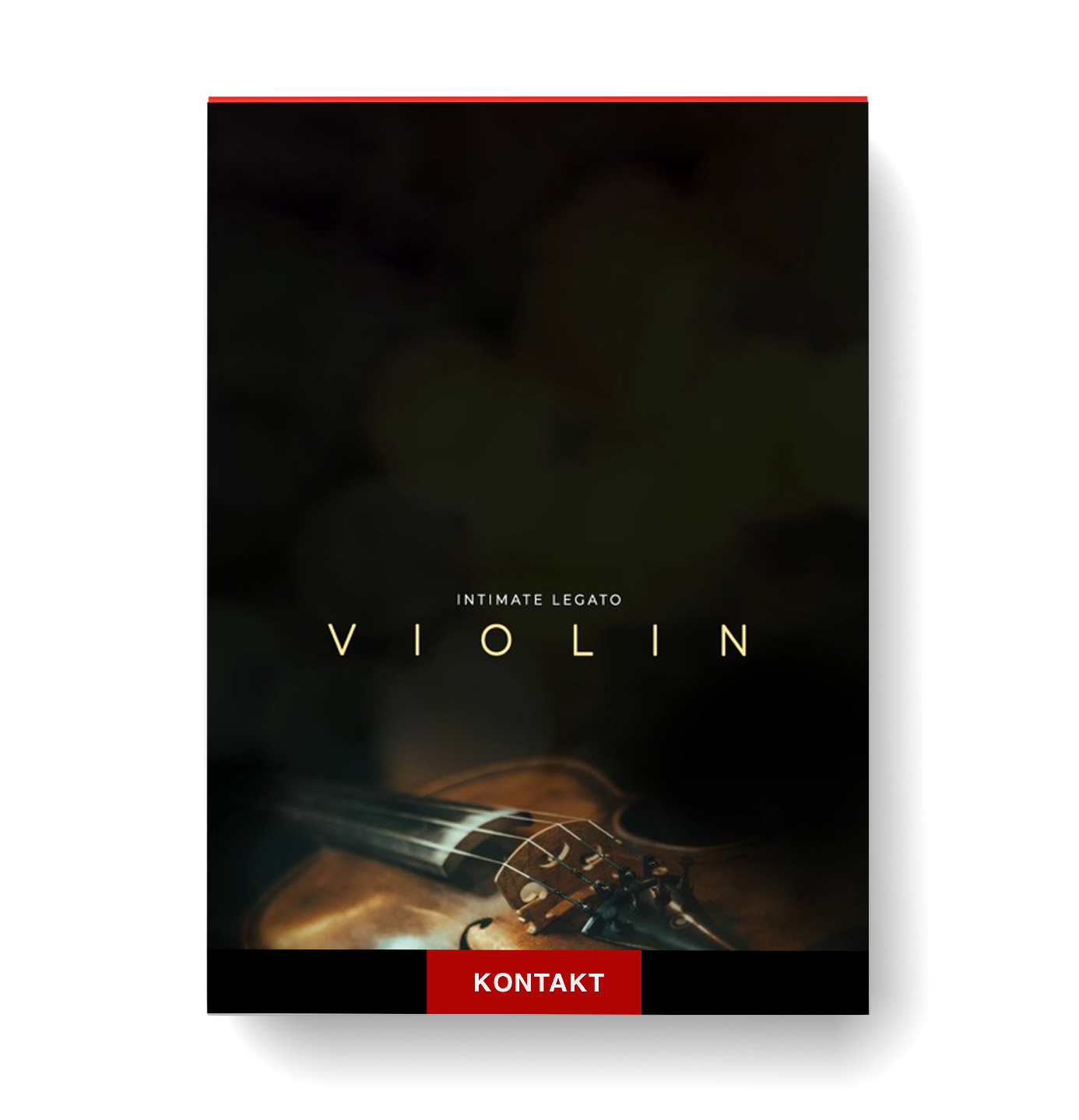
Introducing Intimate Legato: Violin, a solo violin sample library featuring a beautifully captured, natural sounding legato performed by virtuoso violinist, Peter Liang. With a wonderfully raw and life-like sound, this library makes it easy to create realistic and emotional melodic lines.
Built for the free Kontakt Player, Intimate Legato: Violin was recorded in a small church hall with a variety of microphone positions to capture the detail of the violin and the room.
The library features a host of useful controls such as a “Rebowing” keyswitch, legato intensity and legato volume sliders, multiple microphone positions and a host of reverb presets, filters and distortions..
Made for Kontakt Player
18 Snapshots. Mics: Close Mono, Close Stereo, Mid, Far, Mix
Hear it in Action
Official Trailer
Introducing Intimate Legato: Violin, solo violin sample library featuring a beautifully captured, natural sounding legato performed by virtuoso violinist, Peter Liang. Made for the free Kontakt Player.
Library Walkthrough
Take a look at our walkthrough video, where we will take a deep dive into the library and hear the fantastic legato that we captured. We will also cover the interface controls, and how you can get the best of the library!
The Story
Hear Peter talk about his violin, his inspirations, and what sound he was trying to achieve with this library.
Contextual Demo
Check out Stefano's contextual demo of the track that he wrote for the intimate legato violin trailer, where he discusses how he worked with the library, how he created accompanying parts and much more.
Specification
Instrument
Violin
Product Range
Intimate Legato
Microphone Positions
Close Mono, Close Stereo, Mid, Far, Mix
Presets
18 Snapshots
Kontakt Version
6.7.1 and above
File Format
VST
Compatibility checklist
Confirm the supplied build, operating system and required host before ordering.
Complete your purchaseReview compatibility and purchase details.
Download your filesAccess available downloads through your order and account.
Follow the included setup guideContact GetPlugins if you need installation help.
Activation, where included, is provided by GetPlugins. Publisher-account registration, transferable publisher keys and a publisher-issued licence are not included. Read the activation policy.
Frequently asked questions
How do I receive my download?
After payment, access available files from your order details and GetPlugins account. Contact support if a download is missing.
What activation is included?
Follow the activation instructions supplied with your download. Activation is provided by GetPlugins. Confirm device allowances and reinstall arrangements before ordering.
Will this work with my computer and DAW?
Check the compatibility information for this listing and ask us to confirm the exact supplied build. Libraries may require a compatible sampler or additional software.
What if I need installation help?
Email support@getplugins.io with your order number, operating system, DAW and any error message.
Which updates are included?
Activation and updates are separate. Confirm the available version and update arrangements before ordering; do not assume access to future publisher releases.
How do I request a refund?
Contact support with your order number and issue details. Read our Refund Policy for eligibility and the request process.
Customer Reviews
Reviews
There are no reviews yet.
Be the first to review “Sonixinema – Intimate Legato Violin” Cancel reply






Reviews
There are no reviews yet.