
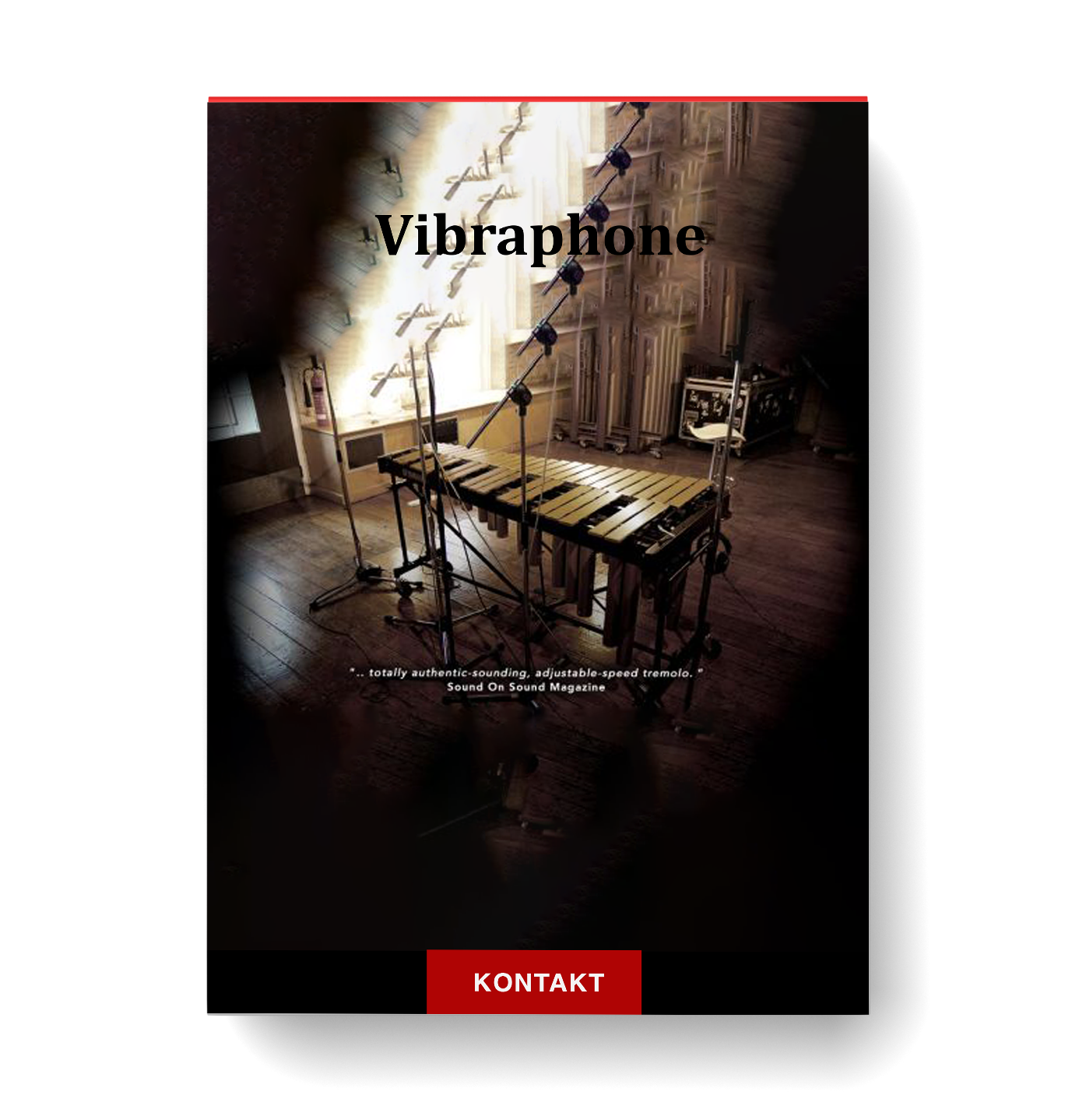
Discover Soniccouture – Vibraphone
You Must Purchase Kontakt Pro From Us To Install & Use This Library In Full Version Click Here
True Tremolo Modelling
TREMOLO MOTOR CONTROL
VELOCITY CURVE TUNING
Explore product features & full description
https://www.youtube.com/watch?v=KojKPAWArIU
VIBRAPHONE
LEGENDARY SAMPLED VIBRAPHONE
- True Tremolo Modelling
- Kontakt Player NKS
Liquid Gold
Sometimes mellow and smoky: at other times creepy and disorientating.
The vibraphone adds a constant modulation to its resonator tubes with the use of motorised fans.
The resulting tone is the famous tremolo effect; shimmering, golden and wobbly.
Soniccouture's Vibraphone features True Tremolo & 23 velocity layers to bring the metal to life.
THE KONTAKT INSTRUMENT
THE MAIN PANEL
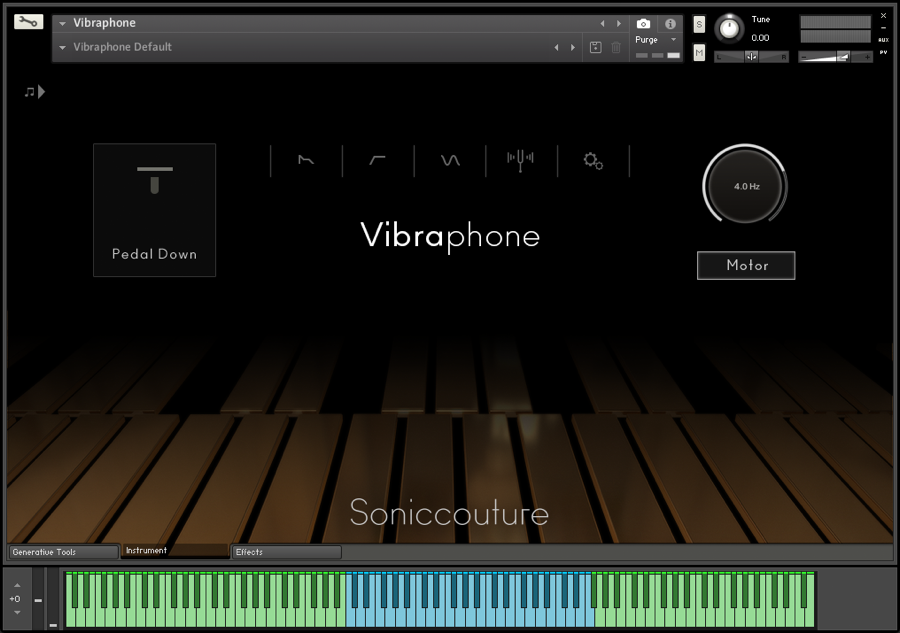
- PEDAL CONTROL
- TREMOLO MOTOR CONTROL
The main control panel.
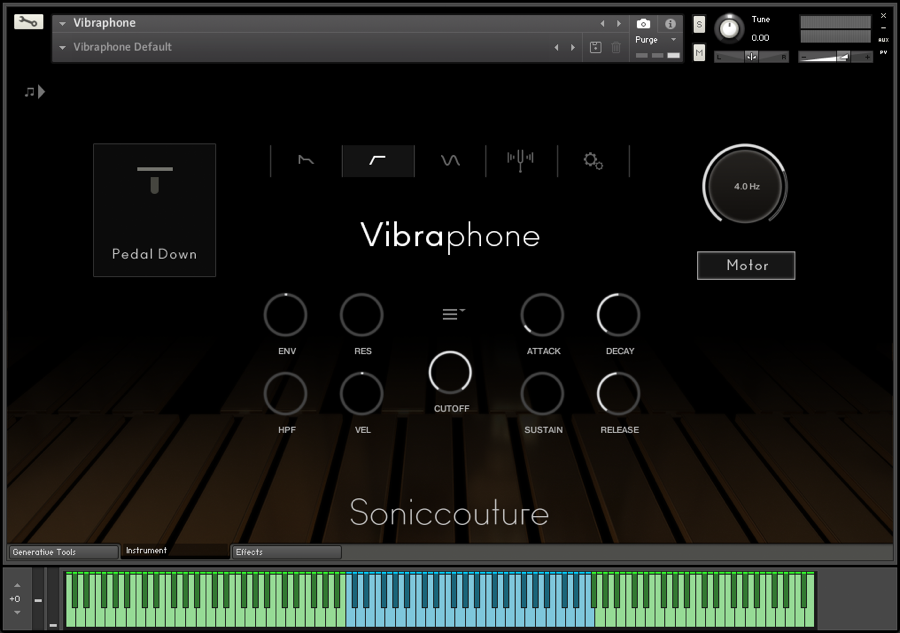
- ENVELOPE, FILTERS
- MICROTUNING PANEL
- TREMOLO SETUP
Vibraphone can be taken further than a conventional sound if you desire. Use envelopes, LFOs and filters, allowing you to create varying sound textures and shapes.
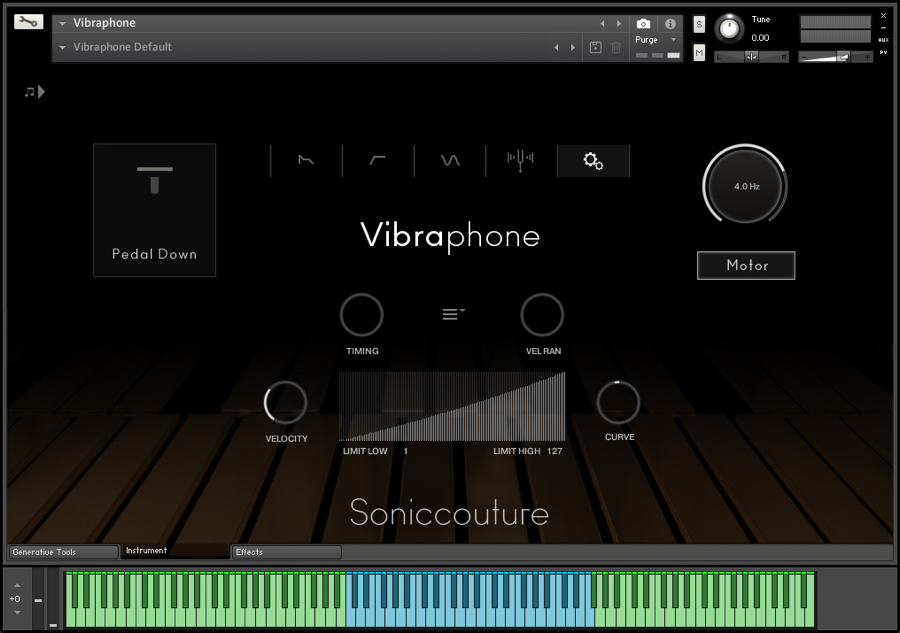
- SETUP OPTIONS MENU
- VELOCITY CURVE TUNING
- RANDOMISE TIMING + VELOCITY
Fine tune the response and performance of Vibraphone.
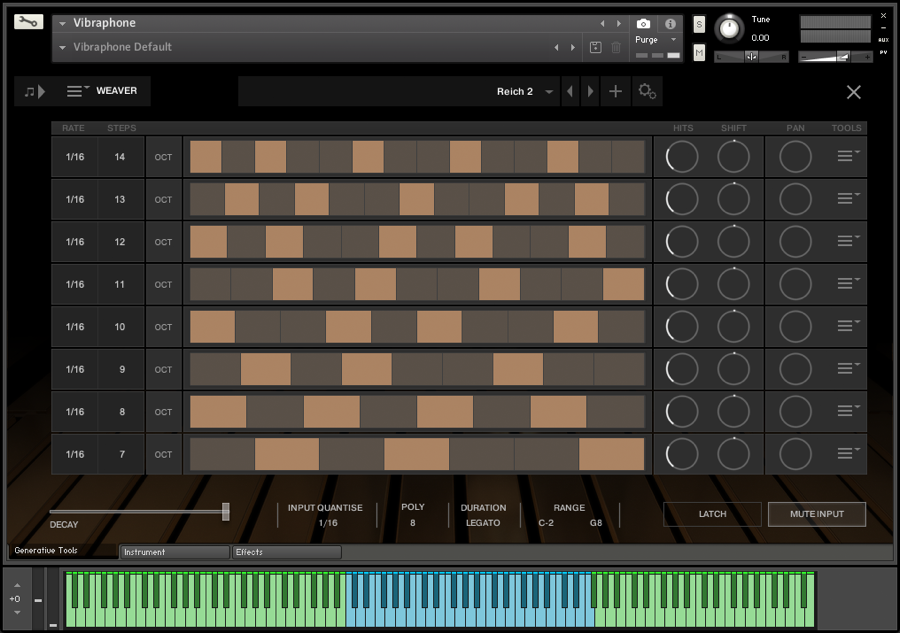
- RHYTHMIC TRAIL GENERATOR
- UP TO 8 LANES
- CREATE YOUR OWN PRESETS
Create unique rhythmic patterns for each note you play. A bit like a delay effect but evolves differently according to what you play - strands of sound weave in and out of each other.
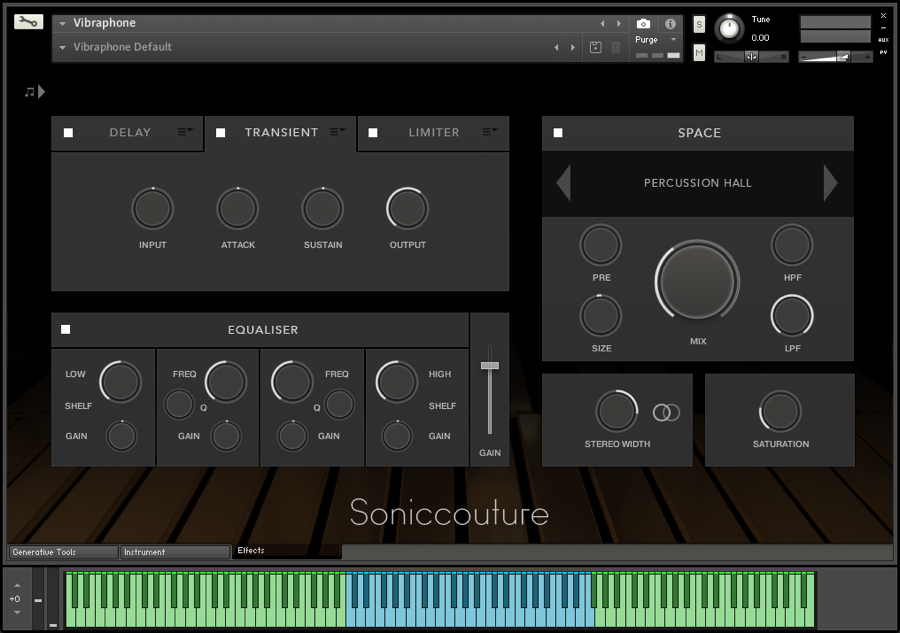
- 3 USER CONFIGURABLE INSERT FX
- 4 BAND EQUALISER
- SPACE MODULE WITH CUSTOM REVERBS
Vibraphone features a comprehensive effects page, with a configurable insert chain featuring Replika, Phasis and other cutting-edge NI effects. The Space Reverb module features Soniccouture's custom impulse library built up over many years and recording sessions.
SAMPLING THE VIBRAPHONE
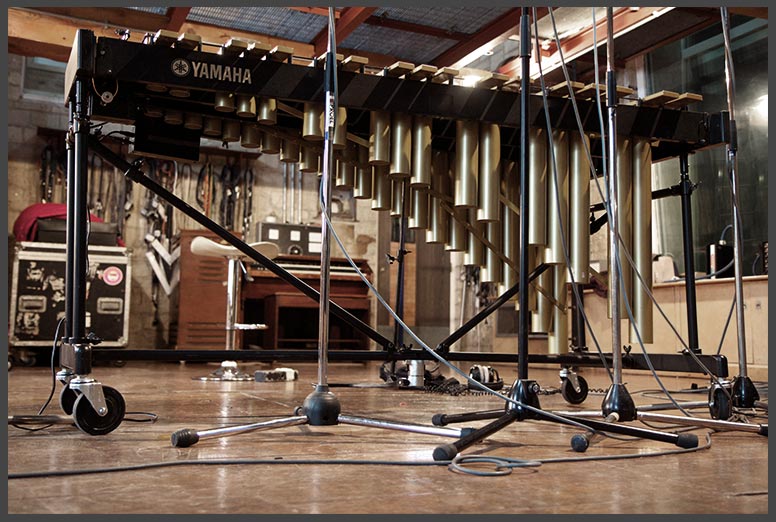
The resonator tubes of the vibraphone
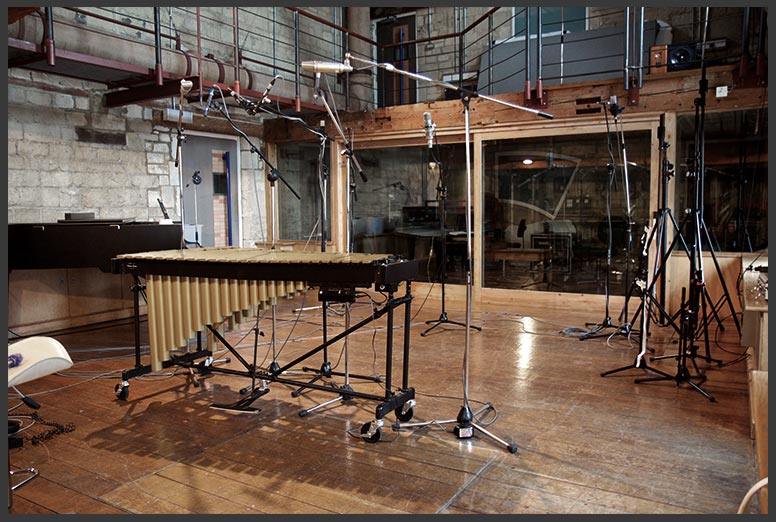
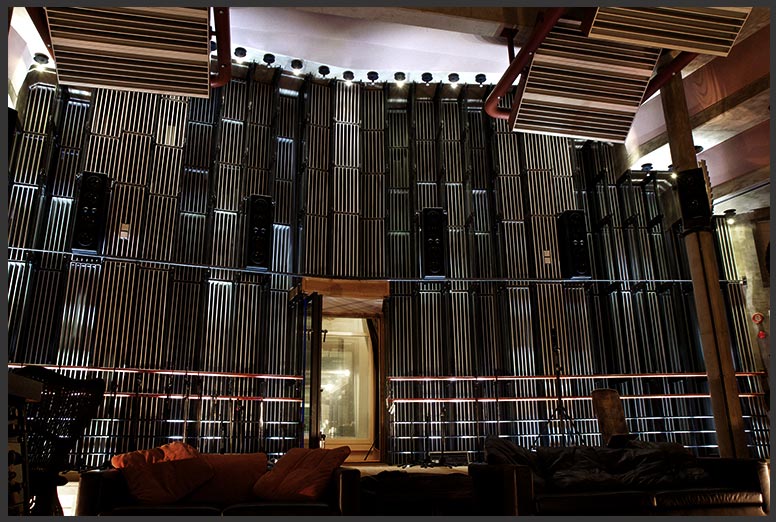
The recording setup in the Wood Room at Real World Studios.
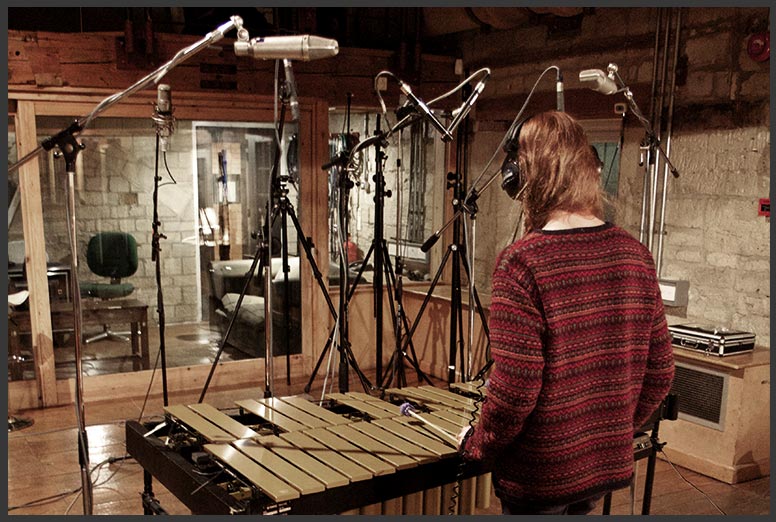
Charlotte playing the samples
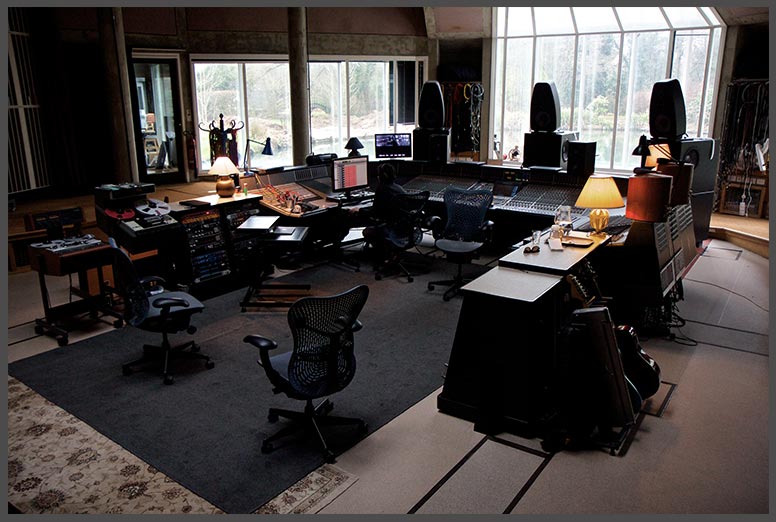
The control room at Real World
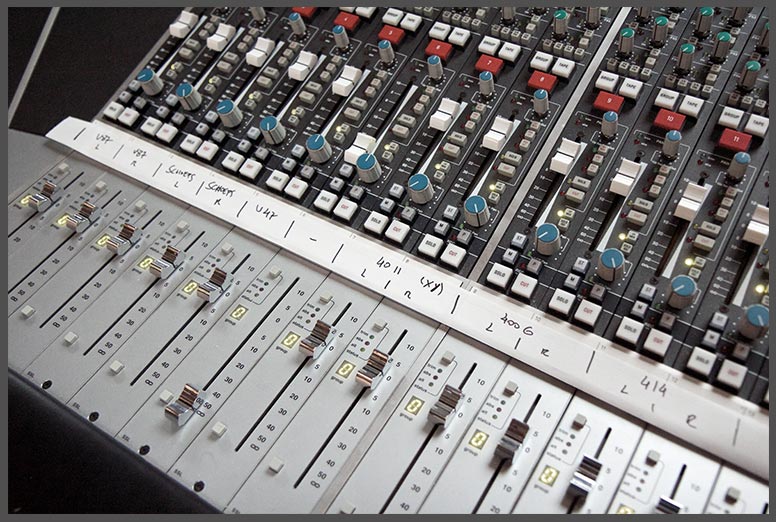
Desk setup - mic labels visible
Paul White has clearly visited Real World to do a Studio SOS.
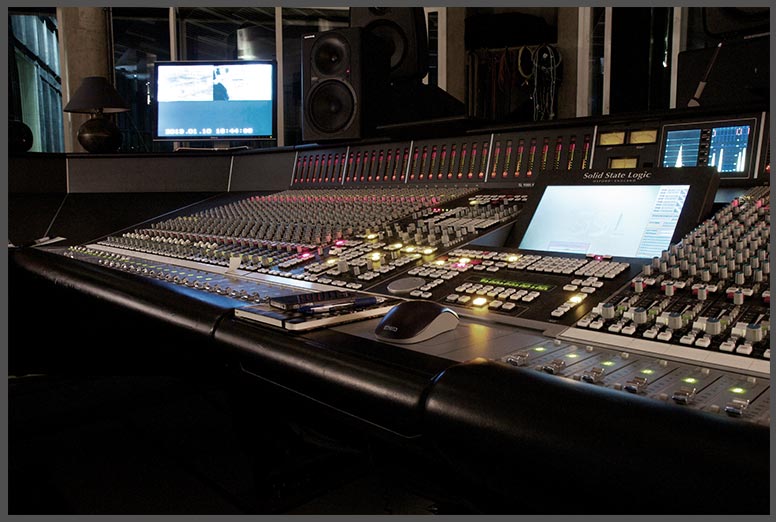
Gratuitous desk shot.
TRUE TREMOLO MODELLING
Horizontal Fans only Vertical Fans only Both Fans Together: modelled tremolo
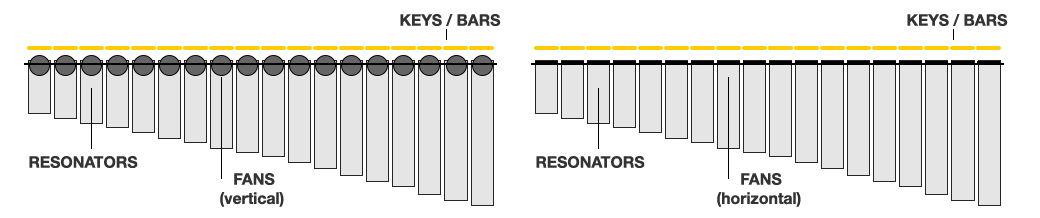
Instruments that use global modulation (the Hammond C3/leslie is a similar example) are difficult to sample & model realistically, because if you record a single note with the tremolo active, it will be out of sync with all subsequent notes you record.
Previous attempts to sample the vibraphone usually recorded the instrument with the motor/tremolo switched off, then faked the effect using filters and LFO.
Soniccouture Vibraphone takes a completely new approach - by sampling the entire instrument twice. Once with the fans closed, once with them fully open, both times completely static - the motor switched off. Once we have the full vibraphone sound sampled in both states - fans closed and fans open - we can then simply crossfade between them in Kontakt using a simple sinusoidal LFO. This gives not only the authentic sound, but also full control over the speed of the tremolo, another essential element of the instrument.

KONTAKT PLAYER COMPATIBLE
This is a Kontakt Player instrument. This means that you do not need to own the full version of NI Kontakt to use it. It will run as a plug-in instrument in any VST/AU/RTAS/AAX/WASAPI,compatible host program or DAW eg: Cubase, Logic, Ableton Live, DP, Reaper, Pro-Tools. No extra purchase necessary.
Requires KONTAKT 6 or KONTAKT 6 PLAYER version 6.2 or later
Minimum System Requirements
Compatibility checklist
- Confirm the supplied build, operating system and required host before ordering.
Requirements vary by supplied version. Confirm your setup with support before purchasing.
Delivery & activation
- Complete your purchaseReview compatibility and purchase details.
- Download your filesAccess available downloads through your order and account.
- Follow the included setup guideContact GetPlugins if you need installation help.
Activation, where included, is provided by GetPlugins. Publisher-account registration, transferable publisher keys and a publisher-issued licence are not included. Read the activation policy.
Frequently asked questions
How do I receive my download?
After payment, access available files from your order details and GetPlugins account. Contact support if a download is missing.
What activation is included?
Follow the activation instructions supplied with your download. Activation is provided by GetPlugins. Confirm device allowances and reinstall arrangements before ordering.
Will this work with my computer and DAW?
Check the compatibility information for this listing and ask us to confirm the exact supplied build. Libraries may require a compatible sampler or additional software.
What if I need installation help?
Email support@getplugins.io with your order number, operating system, DAW and any error message.
Which updates are included?
Activation and updates are separate. Confirm the available version and update arrangements before ordering; do not assume access to future publisher releases.
How do I request a refund?
Contact support with your order number and issue details. Read our Refund Policy for eligibility and the request process.

Reviews
There are no reviews yet.