
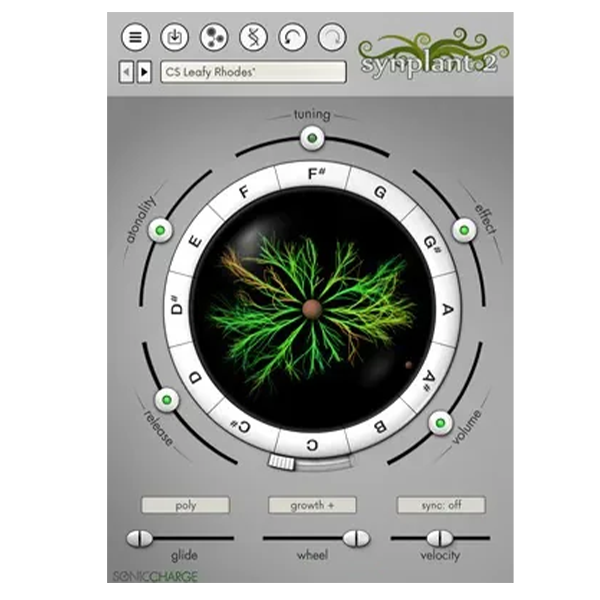
Discover Sonic Charge – Synplant 2 (Windows)
Synplant takes a genetic twist on sound design by moving beyond traditional knob-twisting and dial-adjusting, emphasizing exploration and discovery. Here, your ears guide you through a forest of organic textures and evolving timbres.
Explore product features & full description
About Synplant
Synplant takes a genetic twist on sound design by moving beyond traditional knob-twisting and dial-adjusting, emphasizing exploration and discovery. Here, your ears guide you through a forest of organic textures and evolving timbres.
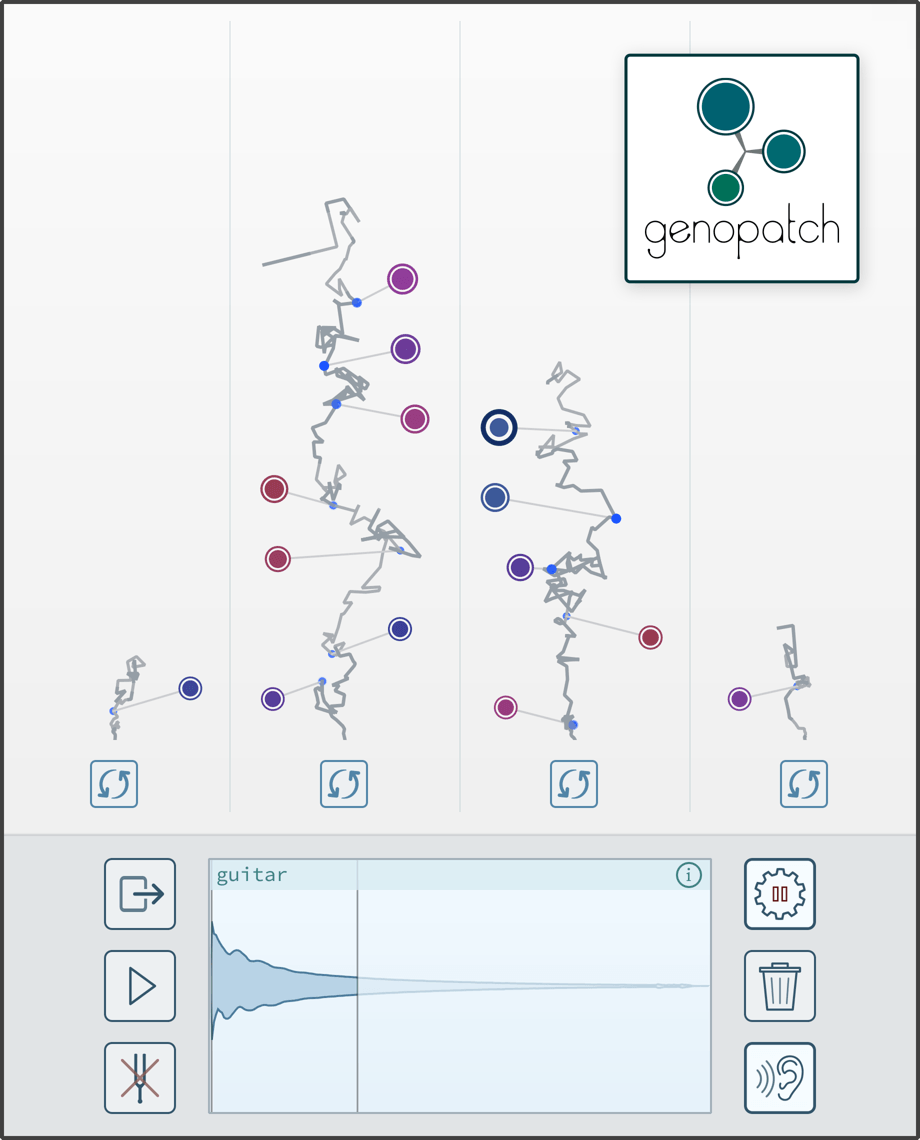
Genopatch Technology
Genopatch crafts synth patches from audio recordings, using AI to find optimal synth settings based on your source sample. As the strands in the user interface sprout and grow, they generate patches that increasingly match the chosen audio.
Sometimes, you will get a perfect match; other times, something new and unexpected. This balance of precision and unpredictability makes Genopatch a unique tool for sound exploration.
Genopatch runs entirely on your local computer, requiring no internet connection.
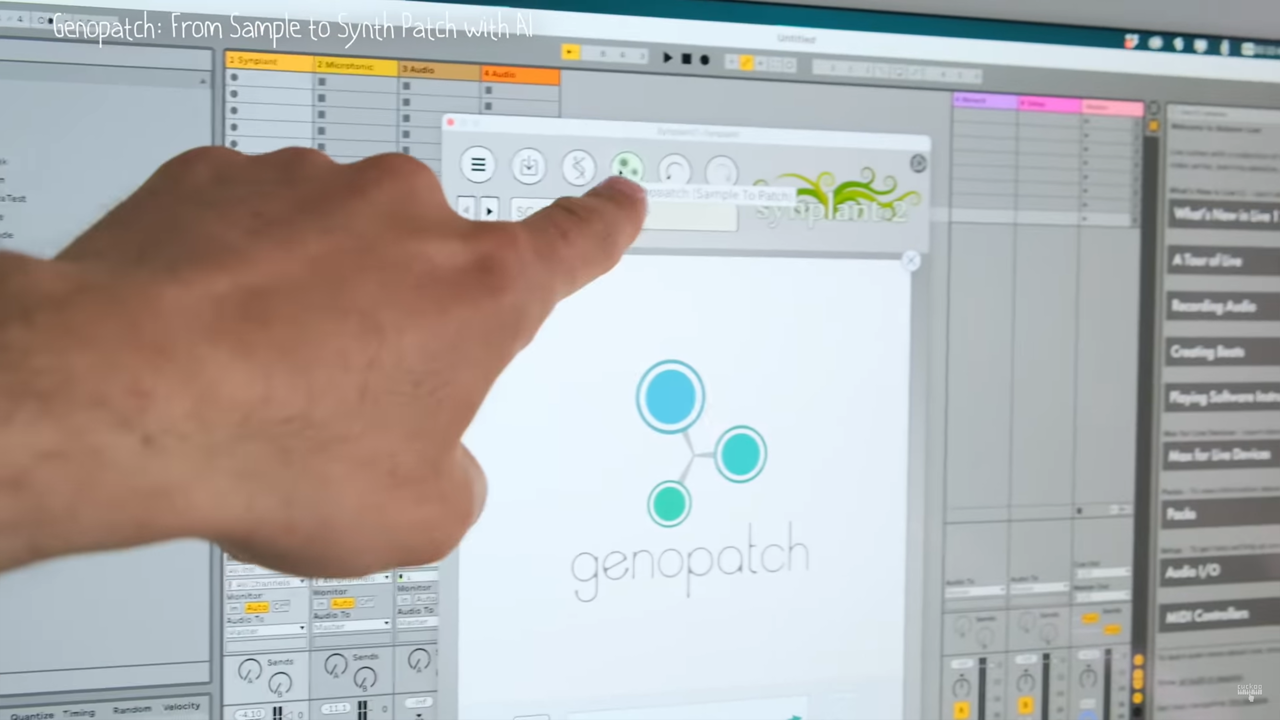
Watch how Genopatch uses AI to create synth patches from audio recordings.
Digging into the Genome
Whether you begin from a random seed, an existing patch, or a creation from Genopatch, Synplant offers many different ways to sculpt your sound. When you are ready to delve further into the core of your patch, you can crack open your sound seeds and modify their underlying genetic code.
The new intuitive DNA Editor in Synplant 2 offers a structured layout with graphical representations for settings like envelopes, oscillator types, and filters.
Performance Features
Synplant makes it easy to create organic, multi-faceted synth patches by letting you play variations of a sound using different MIDI notes and velocities. It also offers a layer mode for creating rich, multi-dimensional sounds. There are polyphonic and monophonic play modes with portamento, tempo sync, and more, further contributing to deep and versatile synth patches that are a joy to play.
Making your own sounds in Synplant is easy as a breeze, but it also comes bundled with hundreds of well-designed patches, and more are available to download when you purchase.
Compatibility checklist
- Confirm the supplied build, operating system and required host before ordering.
- Formats: VST3 · VST2
Requirements vary by supplied version. Confirm your setup with support before purchasing.
Delivery & activation
- Complete your purchaseReview compatibility and purchase details.
- Download your filesAccess available downloads through your order and account.
- Follow the included setup guideContact GetPlugins if you need installation help.
Activation, where included, is provided by GetPlugins. Publisher-account registration, transferable publisher keys and a publisher-issued licence are not included. Read the activation policy.
Frequently asked questions
How do I receive my download?
After payment, access available files from your order details and GetPlugins account. Contact support if a download is missing.
What activation is included?
Follow the activation instructions supplied with your download. Activation is provided by GetPlugins. Confirm device allowances and reinstall arrangements before ordering.
Will this work with my computer and DAW?
Check the compatibility information for this listing and ask us to confirm the exact supplied build. Libraries may require a compatible sampler or additional software.
What if I need installation help?
Email support@getplugins.io with your order number, operating system, DAW and any error message.
Which updates are included?
Activation and updates are separate. Confirm the available version and update arrangements before ordering; do not assume access to future publisher releases.
How do I request a refund?
Contact support with your order number and issue details. Read our Refund Policy for eligibility and the request process.

Reviews
There are no reviews yet.