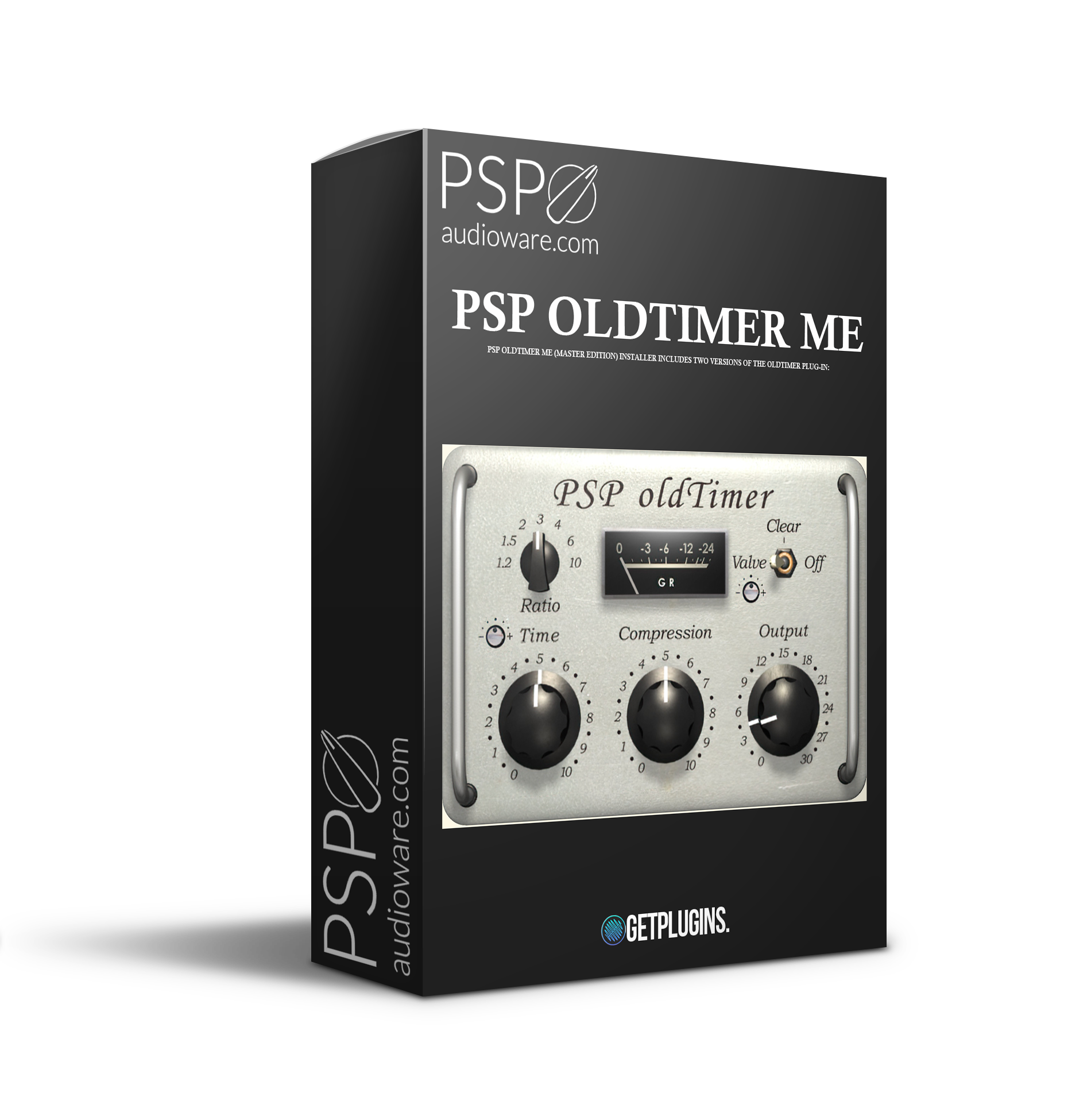
🎛️ PSPaudioware – PSP oldTimer ME
Classic Analog Compression with Modern Precision 🔥
Bring timeless warmth, smooth dynamics, and vintage character into your productions with PSPaudioware – PSP oldTimer ME — a beautifully crafted compressor plugin designed for music producers, mixing engineers, composers, and modern creators who demand musical compression with authentic analog soul. 🎚️✨
Inspired by the smooth response of legendary vintage compressors, PSP oldTimer ME delivers warm saturation, natural dynamics control, and rich tonal coloration that instantly enhances vocals, drums, instruments, and full mixes.
Whether you're producing cinematic scores, electronic music, hip-hop, pop, lo-fi, or orchestral arrangements, this plugin adds the perfect balance of punch, warmth, and professional polish. 🎧🚀
🔥 Authentic Vintage Compression Sound
Experience the smooth character and musical response of classic analog hardware directly inside your DAW. 🎛️
✔️ Warm analog-style compression for rich musical tone
✔️ Smooth transient control without harsh artifacts
✔️ Vintage-inspired saturation for added depth and warmth
✔️ Natural dynamic shaping perfect for modern productions
✔️ Transparent yet colorful sound enhancement
PSP oldTimer ME delivers the glue, punch, and warmth producers love in professional mixes.
🎼 Perfect for Producers, Mix Engineers & Composers
Crafted for creators working across every genre and production style. 🎹
🎵 Ideal For:
- Vocals & Lead Performances 🎤
- Drums & Percussion 🥁
- Bass & Synths 🎛️
- Cinematic & Orchestral Mixing 🎬
- Lo-Fi & Vintage Productions 🌙
- Electronic Music & EDM ⚡
- Master Bus Processing 🎚️
From subtle dynamic control to aggressive vintage coloration, PSP oldTimer ME adapts perfectly to every creative workflow.
⚡ Simple Controls, Professional Results
Designed with an intuitive interface that keeps you focused on creativity while delivering studio-quality processing. 🚀
🎚️ Fast and easy compression setup
🎛️ Musical response for smooth processing
✨ Professional-grade analog warmth
🎧 Low CPU usage for efficient workflow
🔥 Instant vintage vibe and mix glue
Achieve polished, radio-ready mixes without sacrificing musicality or dynamics.
🌟 Why Modern Creators Love PSP oldTimer ME
✅ Classic analog compressor character
✅ Warm and smooth vintage tone
✅ Perfect for mixing and mastering
✅ Professional dynamic control
✅ Adds punch, warmth, and depth instantly
✅ Ideal for modern and retro productions alike
PSP oldTimer ME combines vintage soul with modern flexibility, making it an essential tool for every serious producer and audio engineer. 🎧✨



Reviews
There are no reviews yet.