


Discover Orchestral Tools – Symphonic Sphere
This Library Requires ( KONTAKT PRO Version Only) You Must Have KONTAKT PRO You Can Buy From Us Click Here
Explore product features & full description
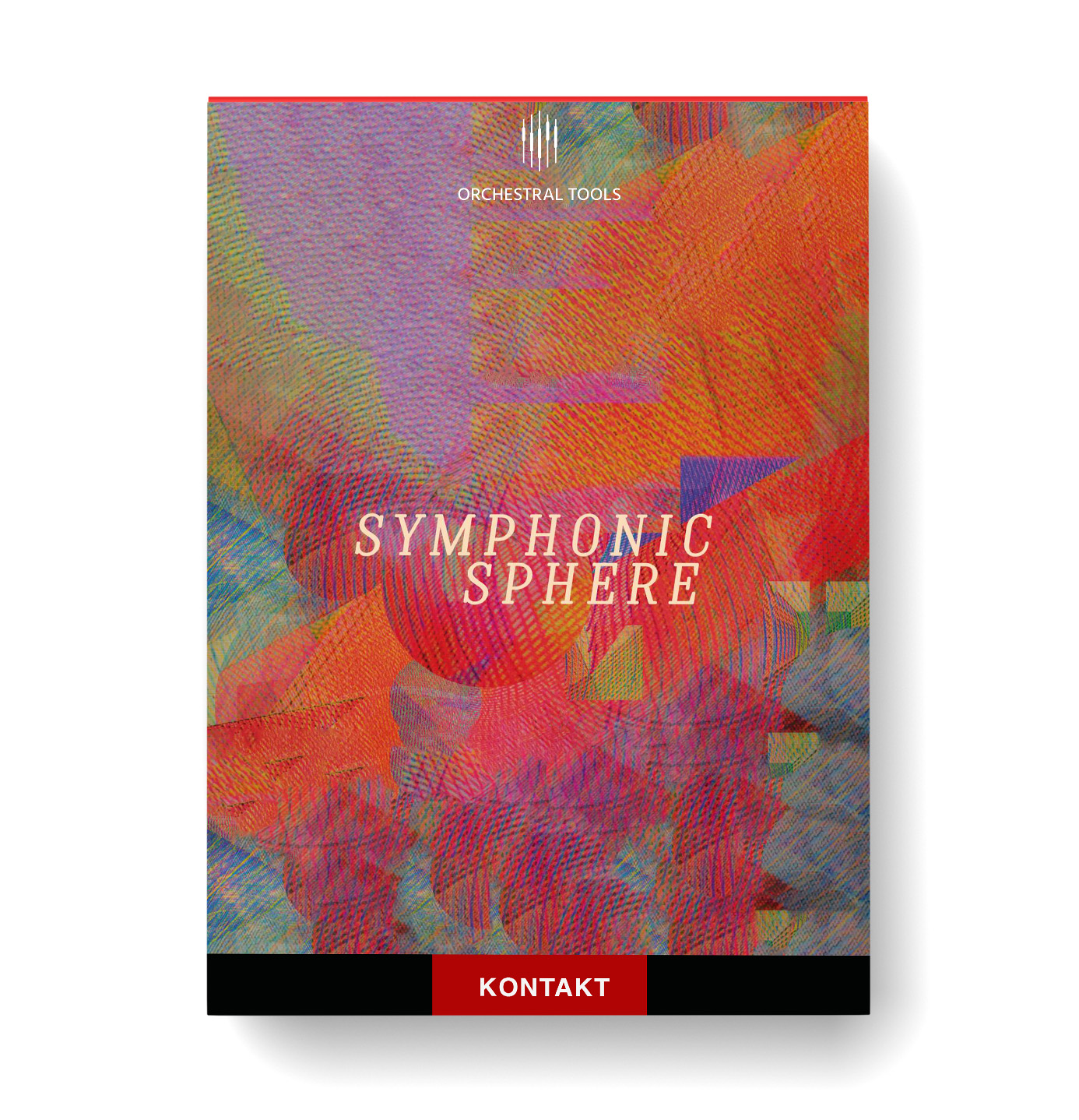
Symphonic Sphere
The industry’s first-ever trills orchestrator.
SYMPHONIC SPHERE is an orchestral sample library devoted to symphonic sparks and shimmering articulations; such as fingered tremolos, various trill styles (sul ponticello, harmonics, sforzando, etc.), harp beds, and glasses.
Simply play a chord on the keyboard and the Trills Orchestrator will create trills between the individual notes – without the need for key switches. (For instance, if you play C, E, and G, the instrument will trill between C and E and between E and G).


Sweep samples (short/fast) that have never been recorded before.
Performed by the same musicians as our first release Orchestral String Runs and recorded at the same scoring stage, this expansive and innovative collection of playable articulations will allow your orchestrations to soar and shine.
We sampled all the strings of the concert harp in all pitches. This means that playable, realistic glissandos (pentatonic, etc.) are now possible.
Sections/Instruments
- 16 Violins
- 10 Violas
- 8 Celli
- 6 Basses
- Woodwind Ensemble (Flutes, Oboes, Clarinets)
- Symphonic Harp
- Orchestral Percussion
Compatibility checklist
- Confirm the supplied build, operating system and required host before ordering.
Requirements vary by supplied version. Confirm your setup with support before purchasing.
Delivery & activation
- Complete your purchaseReview compatibility and purchase details.
- Download your filesAccess available downloads through your order and account.
- Follow the included setup guideContact GetPlugins if you need installation help.
Activation, where included, is provided by GetPlugins. Publisher-account registration, transferable publisher keys and a publisher-issued licence are not included. Read the activation policy.
Frequently asked questions
How do I receive my download?
After payment, access available files from your order details and GetPlugins account. Contact support if a download is missing.
What activation is included?
Follow the activation instructions supplied with your download. Activation is provided by GetPlugins. Confirm device allowances and reinstall arrangements before ordering.
Will this work with my computer and DAW?
Check the compatibility information for this listing and ask us to confirm the exact supplied build. Libraries may require a compatible sampler or additional software.
What if I need installation help?
Email support@getplugins.io with your order number, operating system, DAW and any error message.
Which updates are included?
Activation and updates are separate. Confirm the available version and update arrangements before ordering; do not assume access to future publisher releases.
How do I request a refund?
Contact support with your order number and issue details. Read our Refund Policy for eligibility and the request process.



Reviews
There are no reviews yet.