
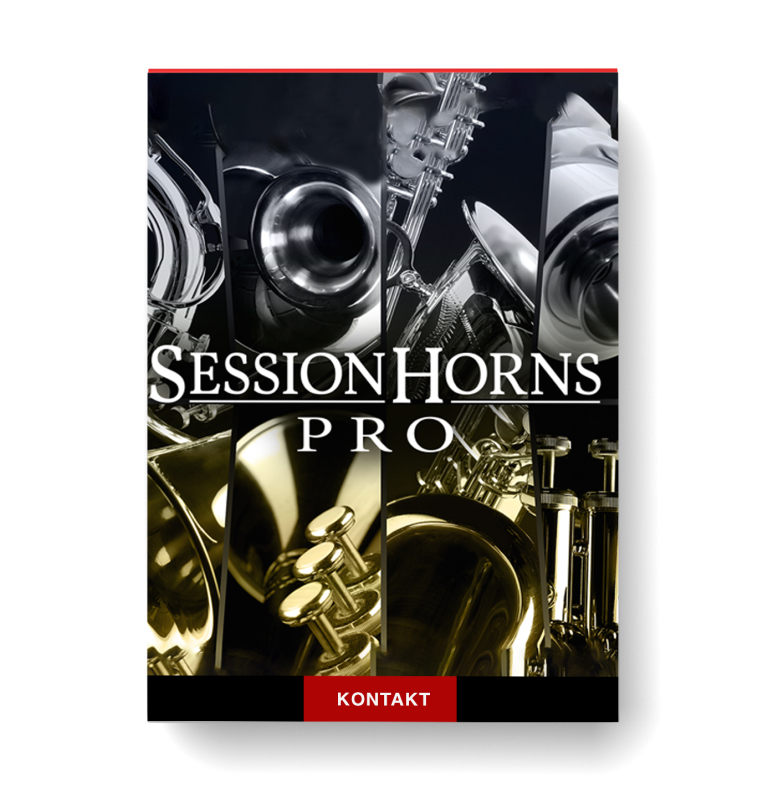
Discover Native Instruments – SESSION HORNS PRO
You Must Purchase Kontakt Pro From Us To Install & Use This Library In Full Version Click Here
Customize up to six-piece horn sections
Huge sample library delivers ultimate realism
Intelligent play modes for supreme ease-of-use
Explore product features & full description
SUPREME CONTEMPORARY HORNS
- Customize up to six-piece horn sections
- Huge sample library delivers ultimate realism
- Intelligent play modes for supreme ease-of-use

MAXIMUM PLAYABILITY

WORLD CLASS HORNS
SESSION HORNS PRO is the last word in playable horns. Arrange 10 perfectly-sampled instruments into sections of up to six pieces.
A 30 GB library delivers supreme depth and flexibility with added velocity layers and articulations. And intelligent auto-arranging gives you true-to-life horn arrangements no matter your skill level.
TEN WAYS TO PLAY
SESSION HORNS PRO gives you three saxophones, two trombones, three trumpets, tuba, and flugelhorn. 38 pre-arranged section presets for all popular styles get you started right.
Or customize your horn section with up to six instruments split into four voices. You can also play each instrument solo with ultimate realism.
Articulations Comparison Chart
Included Instruments Comparison Chart

EVERY DETAIL CAPTURED
The 30 GB sound library in SESSIONS HORNS PRO is ten times larger than the one in SESSION HORNS.
34 articulations, up to four round robins, up to four velocity layers, and true vibrato samples mean your horn arrangements sparkle.
ANIMATED PERFORMANCE
Jam on over 200 ready-to-play, expertly-arranged riffs with the Animator. Trigger up to six phrases at a time via keyswitch – always in perfect harmony.
Smart Voice Split makes sure that each note is handled by the right instrument and Legato Mode mimics real world performance technique for incredible realism.

MIXER AND EFFECTS
Set individual instrument levels and panning, compress and EQ each voice separately, and sweeten with reverb and delay.
Then add master effects including compression, EQ, tape saturation, and a lowpass filter. Finish off with the special ‘twang’ amp simulation for added mix glue.
Compatibility checklist
- Confirm the supplied build, operating system and required host before ordering.
Requirements vary by supplied version. Confirm your setup with support before purchasing.
Delivery & activation
- Complete your purchaseReview compatibility and purchase details.
- Download your filesAccess available downloads through your order and account.
- Follow the included setup guideContact GetPlugins if you need installation help.
Activation, where included, is provided by GetPlugins. Publisher-account registration, transferable publisher keys and a publisher-issued licence are not included. Read the activation policy.
Frequently asked questions
How do I receive my download?
After payment, access available files from your order details and GetPlugins account. Contact support if a download is missing.
What activation is included?
Follow the activation instructions supplied with your download. Activation is provided by GetPlugins. Confirm device allowances and reinstall arrangements before ordering.
Will this work with my computer and DAW?
Check the compatibility information for this listing and ask us to confirm the exact supplied build. Libraries may require a compatible sampler or additional software.
What if I need installation help?
Email support@getplugins.io with your order number, operating system, DAW and any error message.
Which updates are included?
Activation and updates are separate. Confirm the available version and update arrangements before ordering; do not assume access to future publisher releases.
How do I request a refund?
Contact support with your order number and issue details. Read our Refund Policy for eligibility and the request process.

Reviews
There are no reviews yet.