
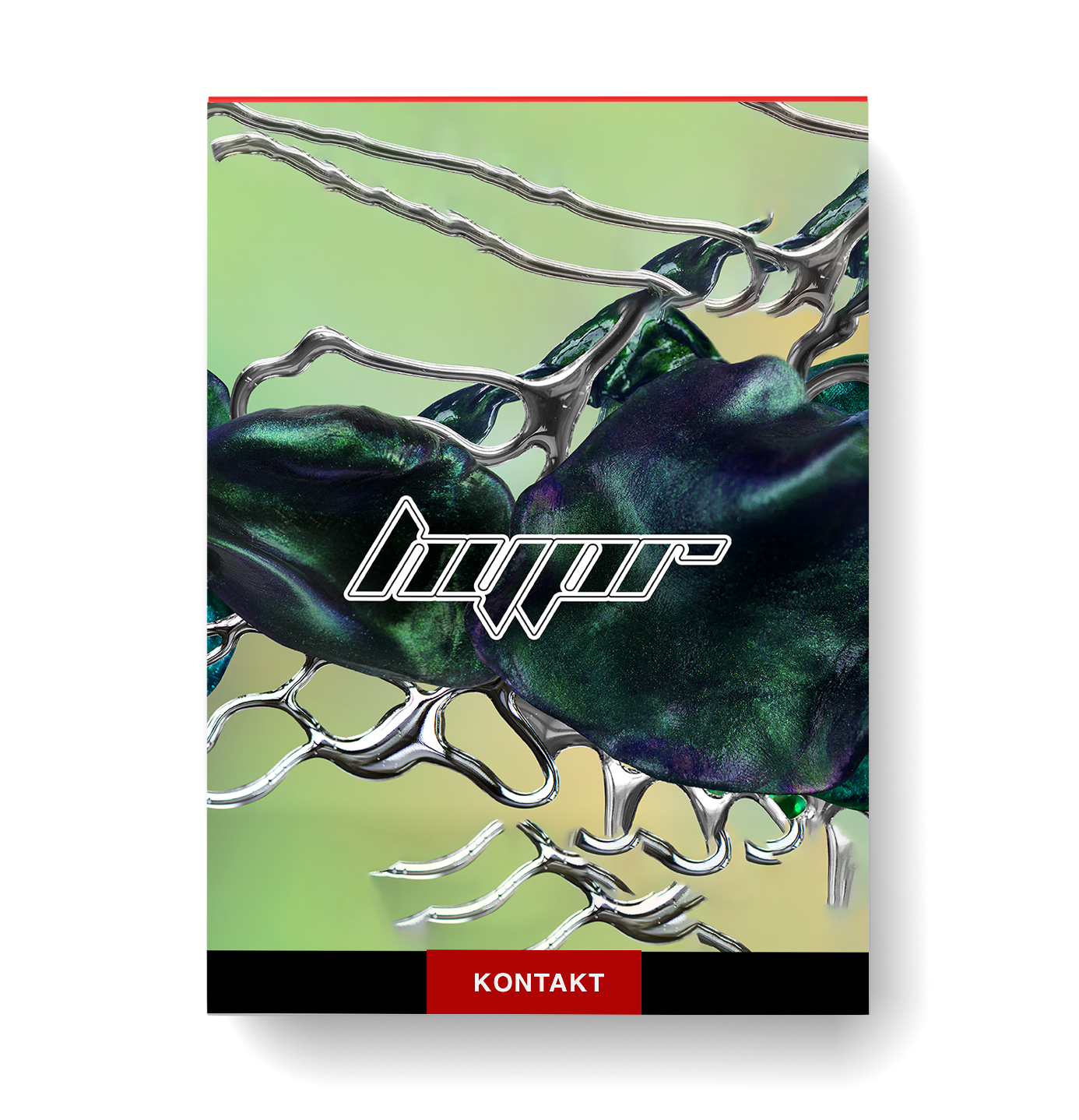
Discover Native Instruments – Play Series Hypr
You Must Purchase Kontakt Pro From Us To Install & Use This Library In Full Version Click Here
Dark, frenetic, and futuristic sounds inspired by the rebellious pulse of hyperpop
Packed with glitched-out synths, bold basses, eerie pads, and rhythmic sequences
Explore 150 editable presets that are built for maximum impact
Explore product features & full description
https://www.youtube.com/watch?v=2Od9mZA_Nyg
Synthetic shockwaves
- Dark, frenetic, and futuristic sounds inspired by the rebellious pulse of hyperpop
- Packed with glitched-out synths, bold basses, eerie pads, and rhythmic sequences
- Explore 150 editable presets that are built for maximum impact
- Part of the Play Series: inspiring presets and real-time control in an intuitive interface
Embrace the extreme
Glitched, distorted, and designed to disrupt, Hypr channels the bratty rebellion of a sound that thrives on contrast. From frizzing synths and crushing basses, to ethereal ambiance and erratic rhythms, each sound is a nod to the rule-breakers who shattered pop’s boundaries. Uncover a shocking sonic palette that is sharp, synthetic, and unapologetically loud.
Hypr was created in collaboration with Stewart Walker. Additional content by Callum Rose, Kinn, Ténèbre and RED.
 Modify the individual sound sources (A/B) from the Sound Editor page – giving you access to tuning, filters, panning, and envelopes.
 Customize the effects chain of any preset with the Effects Editor. Quickly select from a range of powerful Kontakt effects using the dropdown menu or drag-and-drop to change the order.
 Generate instant ideas with a flexible 16-step sequencer. You can also modulate up to six assignable macros, such as filter or distortion.
 Edit the assigned macro controls, control parameter ranges, change macro mappings, and create your own custom controls from one dedicated page. The colored macro dots give you visual feedback on your mappings for maximum ease of use.
 Customize the instrument your way from the Settings page. Edit key ranges, adjust velocity curves, and more.
 The main page of the instrument gives you a simple interface designed to help you focus on playing. Quickly tweak sounds using the six assignable macro knobs.

Compatibility checklist
- Confirm the supplied build, operating system and required host before ordering.
Requirements vary by supplied version. Confirm your setup with support before purchasing.
Delivery & activation
- Complete your purchaseReview compatibility and purchase details.
- Download your filesAccess available downloads through your order and account.
- Follow the included setup guideContact GetPlugins if you need installation help.
Activation, where included, is provided by GetPlugins. Publisher-account registration, transferable publisher keys and a publisher-issued licence are not included. Read the activation policy.
Frequently asked questions
How do I receive my download?
After payment, access available files from your order details and GetPlugins account. Contact support if a download is missing.
What activation is included?
Follow the activation instructions supplied with your download. Activation is provided by GetPlugins. Confirm device allowances and reinstall arrangements before ordering.
Will this work with my computer and DAW?
Check the compatibility information for this listing and ask us to confirm the exact supplied build. Libraries may require a compatible sampler or additional software.
What if I need installation help?
Email support@getplugins.io with your order number, operating system, DAW and any error message.
Which updates are included?
Activation and updates are separate. Confirm the available version and update arrangements before ordering; do not assume access to future publisher releases.
How do I request a refund?
Contact support with your order number and issue details. Read our Refund Policy for eligibility and the request process.


Reviews
There are no reviews yet.