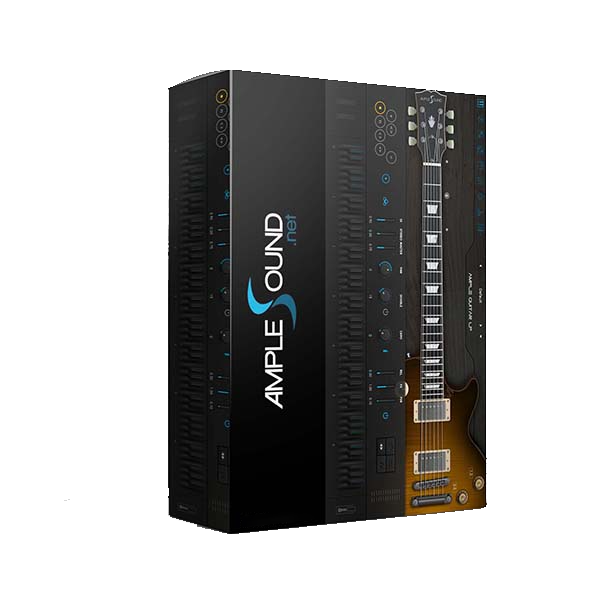
Gibson's Les Paul Custom, a higher end variation of the Gibson Les Paul guitar has been used by the majority of world famous musicians, spanning generations and genres, such as Wes Montgomery, Al Di Meola, Pat Metheny, Chuck Berry, Jeff Beck, Peter Frampton, The Beatles, The Rolling Stones, Led Zeppelin, B.B.King, Bob Marley, Eric Clapton, Carlos Santana, Gary Moore, Eddie Van Halen and many others.
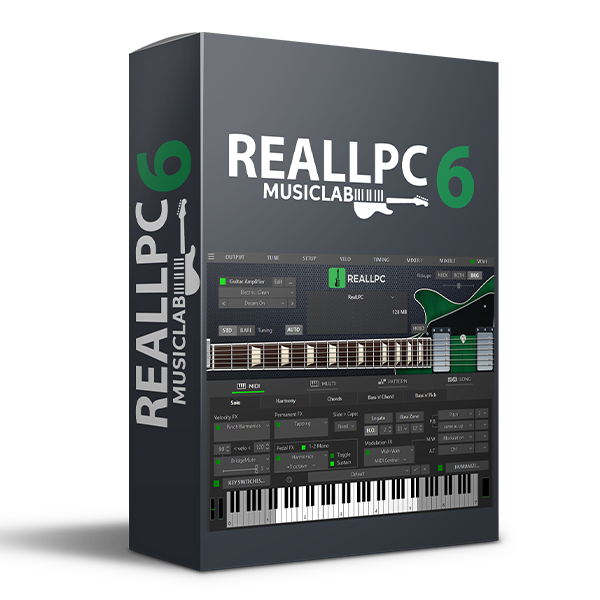
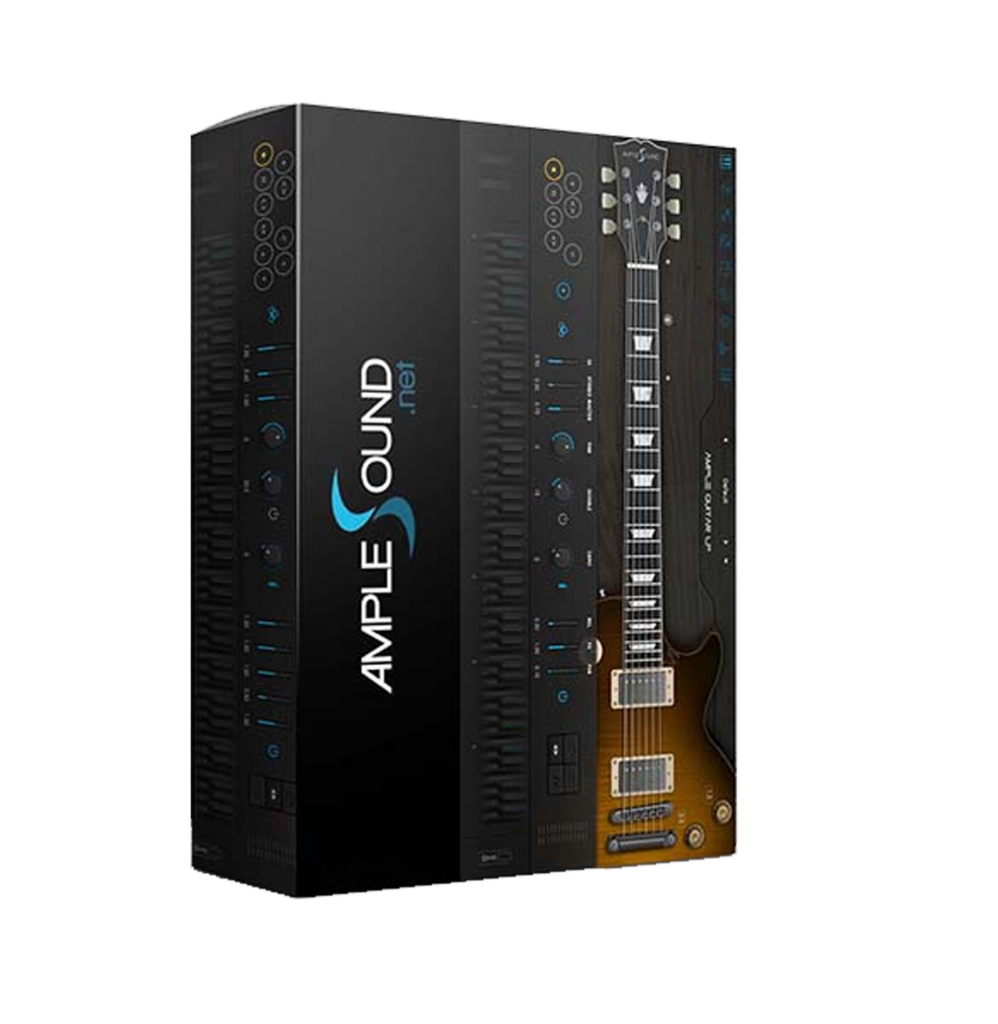
REALLPC - sample-based virtual instrument with an innovative approach to guitar sound modeling and guitar techniques emulating on a standard MIDI keyboard.
RealLPC provides incredible playability based on the unique performance modes and easy-to-use keyboard layout as well as the advanced key/pedal/velocity switch system allowing a keyboardist to perform guitar parts with a whole new level of realistic expression. RealLPC covers practically all sounds, articulations, and techniques a professional guitarist can produce on his Les Paul, including mute, bridge mute, harmonics, pinch harmonics, unison bend, strumming, picking, chord chopping, scrapes, and much more...
WAYS OF USING
There are three ways of using RealLPC virtual instrument.
- Intuitive keyboard layout allows LIVE/MIDI KEYBOARD PERFORMANCE with numerous articulations, noises, guitar-specific tricks, strumming and finger picking techniques.
- Any guitar performance produced on a MIDI keyboard can be recorded or directly programmed IN A MIDI TRACK OF ANY DAW.
- BUILT-IN SONG SEQUENCER designed to arrange up to the entire song by simply inserting chord symbols and selecting pre-recorded guitar rhythm patterns.
SOUNDS AND NOISES
We've carefully and meticulously recorded high quality dry samples of each fret of all strings directly from Les Paul Custom pick-ups which let you easily create any desired guitar sound using your favorite amplifier simulator. RealLPC sample library includes not only sustain sounds, but also other guitar-specific sounds with dynamics and nuances an experienced performer can get from his/her instrument.
GUITAR FX PROCESSOR
Version 6 supports external guitar FX processors which are important to create a realistic guitar part. Our experts have thoroughly examined guitar tones used in most popular songs played by greatest guitarists and came up with more than two hundred authentic presets which sound similar to what they heard, ready to be used in your next song. We recommend to use open-source Guitarix.vst virtual guitar amp as a robust and versatile solution to use these presets. Combining a virtual guitar and an FX processor allows you to store a guitar sound and an FX processor preset at the same time, which a real time saver.
TECHNIQUES AND CONTROL
An authentic sounding guitar part cannot be recorded by using samples on their own, but requires a bunch of guitar-specific techniques, which are simulated in RealLPC. Whether you are playing live or programing a DAW, these techniques are controllable by using special gestures, key switches, key velocity, modulation wheel, sustain pedal, key aftertouch, MIDI CC, DAW parameter automation, and any combinations of these.
CHORD VOICING
Guitar chord voicing is very unique depending on guitar construction and is absolutely necessary to reproduce in order to achieve authentically sounding chordal parts. Our patented technology provides accurate reproduction of guitar chord voicing automatically for 30 chord types in all existing inversions, extensions and alterations.
RHYTHM PATTERNS
In order to record an authentic accompaniment track, most session guitarists carefully study characteristic rhythm parts for the required style. We created a huge rhythm library consisting of 1250 patterns. It can be easily used for quickly creating guitar accompaniment parts in the DAW or in our internal Song sequencer.
REALISM
Sophisticated humanization algorithms vary samples, technique and control parameters, timing, and chord strum aspects to reach the best possible realism in guitar tracks. That helps you bring a digitally simulated guitar performance maximally close to an analog recording of a best-in-class session guitarist.
SUMMARY
RealLPC and all MusicLab Virtual Guitars are simply the best in the industry. They are convenient, featured-packed, and give the user endless musical options. Whether a Beginner, Professional or a Producer you will find our products the answer for all of your virtual guitar needs.
MusicLab. Making Virtual Instruments a Reality since 2004.
What's New in version 6.
VERSION 6.1
- Pro Tools 2023
- Several bug fixes, including VST3 plugin editor
VERSION 6.0.1
- Several bugs of the initial release fixed
200+ NEW GUITAR SOUNDS
- Over 200 carefully crafted new sounds which will greatly improve your sonic library
- You can use amp simulator plug-ins right within our instruments plus save and recall factory and user presets without leaving our instrument window
- Backward compatible with previous versions of RealLPC
- Strumming engine authenticity improvements
- DAW compatibility improvements

Reviews
There are no reviews yet.