jBridge is an application designed for bridging VST plugins in Windows (up to the 2.4 VST specification). Using inter-process communication mechanisms, it aims to make it possible to run 32bit plugins in 64bit hosts, 64bit plugins in 32bit hosts, or even bridge 32bit plugins to 32bit hosts, allowing to overcome the memory limitations of a…
A very handy tool that can be used for converting 32-bit plugins to 64-bit plugins and later use in the modern audio…
Got a quick and simple installation process.
Need to make sure that the bridge and the host are running in administrator mode otherwise you may encounter some errors.
Explore product features & full description
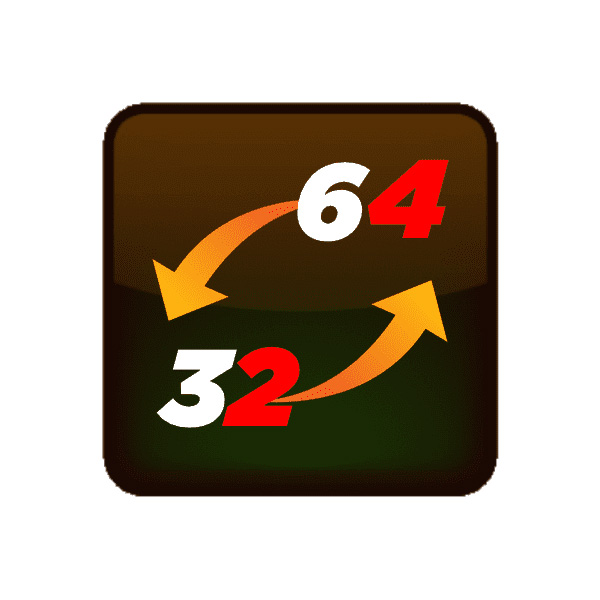
jBridge is an application designed for bridging VST plugins in Windows (up to the 2.4 VST specification). Using inter-process communication mechanisms, it aims to make it possible to run 32bit plugins in 64bit hosts, 64bit plugins in 32bit hosts, or even bridge 32bit plugins to 32bit hosts, allowing to overcome the memory limitations of a single 32bit process, in this last case.
KEY FEATURES:
A very handy tool that can be used for converting 32-bit plugins to 64-bit plugins and later use in the modern audio environment.
Got a quick and simple installation process.
Need to make sure that the bridge and the host are running in administrator mode otherwise you may encounter some errors.
Aims to make it possible to run 32-bit plugins in 64-bit hosts and 64-bit plugins in 32-bit hosts.
Lets you overcome the memory limitations of a single 32-bit process.
System Requirements:
Operating System: Windows XP/Vista/7/8/8.1/10
Memory (RAM): 1 GB of RAM is required.
Hard Disk Space: 2 MB of free space required.
Processor: Intel Pentium 4 or later.
Compatibility checklist
Confirm the supplied build, operating system and required host before ordering.
Complete your purchaseReview compatibility and purchase details.
Download your filesAccess available downloads through your order and account.
Follow the included setup guideContact GetPlugins if you need installation help.
Activation, where included, is provided by GetPlugins. Publisher-account registration, transferable publisher keys and a publisher-issued licence are not included. Read the activation policy.
Frequently asked questions
How do I receive my download?
After payment, access available files from your order details and GetPlugins account. Contact support if a download is missing.
What activation is included?
Follow the activation instructions supplied with your download. Activation is provided by GetPlugins. Confirm device allowances and reinstall arrangements before ordering.
Will this work with my computer and DAW?
Check the compatibility information for this listing and ask us to confirm the exact supplied build. Libraries may require a compatible sampler or additional software.
What if I need installation help?
Email support@getplugins.io with your order number, operating system, DAW and any error message.
Which updates are included?
Activation and updates are separate. Confirm the available version and update arrangements before ordering; do not assume access to future publisher releases.
How do I request a refund?
Contact support with your order number and issue details. Read our Refund Policy for eligibility and the request process.
Customer Reviews
Reviews
There are no reviews yet.
Be the first to review “JBridge (Windows)” Cancel reply








Reviews
There are no reviews yet.