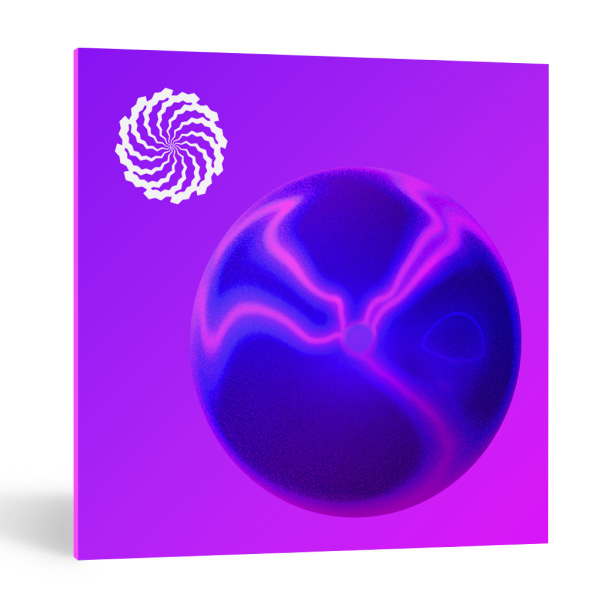
iZotope – Plasma (Windows)
£20.00
Discover iZotope – Plasma (Windows)
Plasma is an innovative, intuitive saturation tool designed to add color to your mixes and masters. Using its cutting-edge Adaptive Flux Saturation technology, Plasma enhances your audio by boosting frequencies dynamically, giving your tracks warmth, depth, and clarity.
Adaptive Flux Saturation technology for intelligent, dynamic saturation
24 Target Profiles for mixing and mastering precision
Adjustable Attack, Release, and Overdrive settings
Explore product features & full description
Plasma is an innovative, intuitive saturation tool designed to add color to your mixes and masters. Using its cutting-edge Adaptive Flux Saturation technology, Plasma enhances your audio by boosting frequencies dynamically, giving your tracks warmth, depth, and clarity.
Revolutionary Flux Saturation Technology
Unlike traditional saturators, Plasma’s Flux Saturation technology adapts to your audio. It applies dynamic processing, ensuring saturation is added precisely where needed. This results in richer, warmer mixes, while maintaining the integrity of your sound.
Your New Secret Weapon for Sound Design
Plasma is perfect whether you’re warming up a track or pushing it to its limits. Its intuitive interface makes it easy to apply to individual mix elements or entire masters. It’s designed to simplify the workflow while delivering professional results.
Customizable Sound Profiles and Adjustments
With 24 target profiles to choose from, you can fine-tune Plasma’s effect to suit drums, vocals, or full-blown masters. Additionally, the Attack and Release adjustments, along with an Overdrive fader, allow you to add just the right amount of edge to your tracks.
Advanced Frequency and Channel Controls
Plasma offers detailed control over your sound’s frequencies. Boost the high, mid, or low frequencies independently, and use Mid/Side processing to control the stereo field. Fine-tune the start and end of your audio for precise control.
Explore 49 Custom Presets
Whether you’re aiming for a bright, deep, or warm sound, Plasma’s 49 custom presets offer a solid starting point. Each preset is designed by professionals to help you achieve the perfect sound quickly.
Key Features of Plasma Saturation System
- Adaptive Flux Saturation technology for intelligent, dynamic saturation
- 24 Target Profiles for mixing and mastering precision
- Adjustable Attack, Release, and Overdrive settings
- Mid/Side and Transient/Sustain channel modes
- Independent high and low-frequency controls
- Delta and Bypass toggle buttons for easy comparison
- 49 professional presets to jumpstart your creativity
- Intuitive Interface for an easy, streamlined workflow
Compatibility checklist
- Windows 10,11 (64Bit Only)
- VST3, AAX
- Formats: VST3 · AAX
Requirements vary by supplied version. Confirm your setup with support before purchasing.
Delivery & activation
- Complete your purchaseReview compatibility and purchase details.
- Download your filesAccess available downloads through your order and account.
- Follow the included setup guideContact GetPlugins if you need installation help.
Activation, where included, is provided by GetPlugins. Publisher-account registration, transferable publisher keys and a publisher-issued licence are not included. Read the activation policy.
Frequently asked questions
How do I receive my download?
After payment, access available files from your order details and GetPlugins account. Contact support if a download is missing.
What activation is included?
Follow the activation instructions supplied with your download. Activation is provided by GetPlugins. Confirm device allowances and reinstall arrangements before ordering.
Will this work with my computer and DAW?
Check the compatibility information for this listing and ask us to confirm the exact supplied build. Libraries may require a compatible sampler or additional software.
What if I need installation help?
Email support@getplugins.io with your order number, operating system, DAW and any error message.
Which updates are included?
Activation and updates are separate. Confirm the available version and update arrangements before ordering; do not assume access to future publisher releases.
How do I request a refund?
Contact support with your order number and issue details. Read our Refund Policy for eligibility and the request process.

Reviews
There are no reviews yet.