
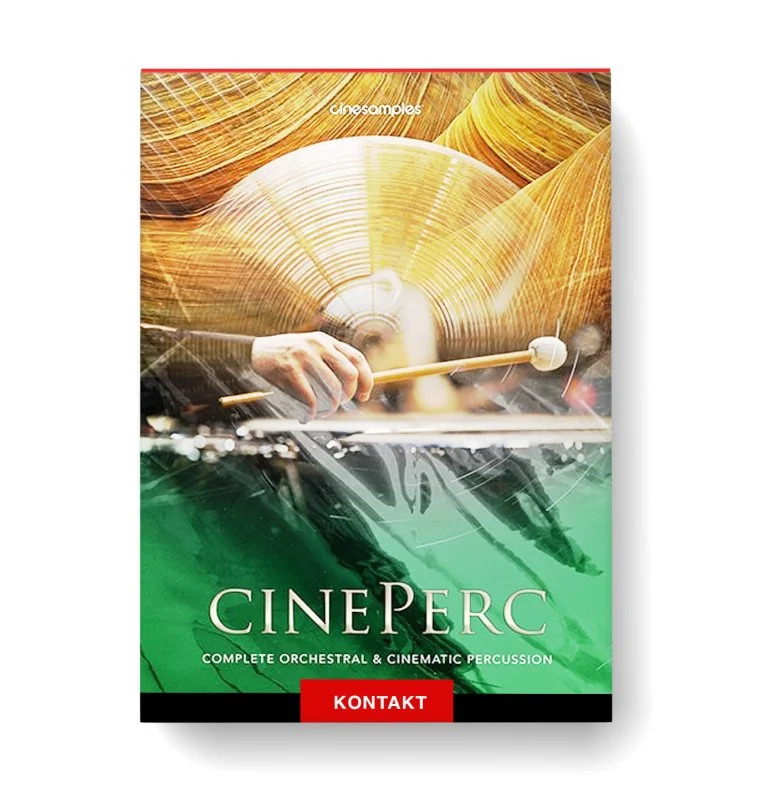
Discover Cinesamples CinePerc Complete
You Must Purchase Kontakt Pro From Us To Install & Use This Library In Full Version Click Here
Explore product features & full description
CinePerc
— Best Orchestral Percussion Library
Complete Orchestral Percussion Library – CinePerc, recorded at the legendary MGM Scoring Scoring Stage at Sony Pictures Studios in Los Angeles, is a powerhouse complete orchestral percussion library. This cinematic percussion library spans orchestral, auxiliary, ethnic, woods, and metal instruments and provides a one-stop solution for your entire percussion needs. An easy-to-use, top cinematic percussion VST for orchestral and trailer music production.
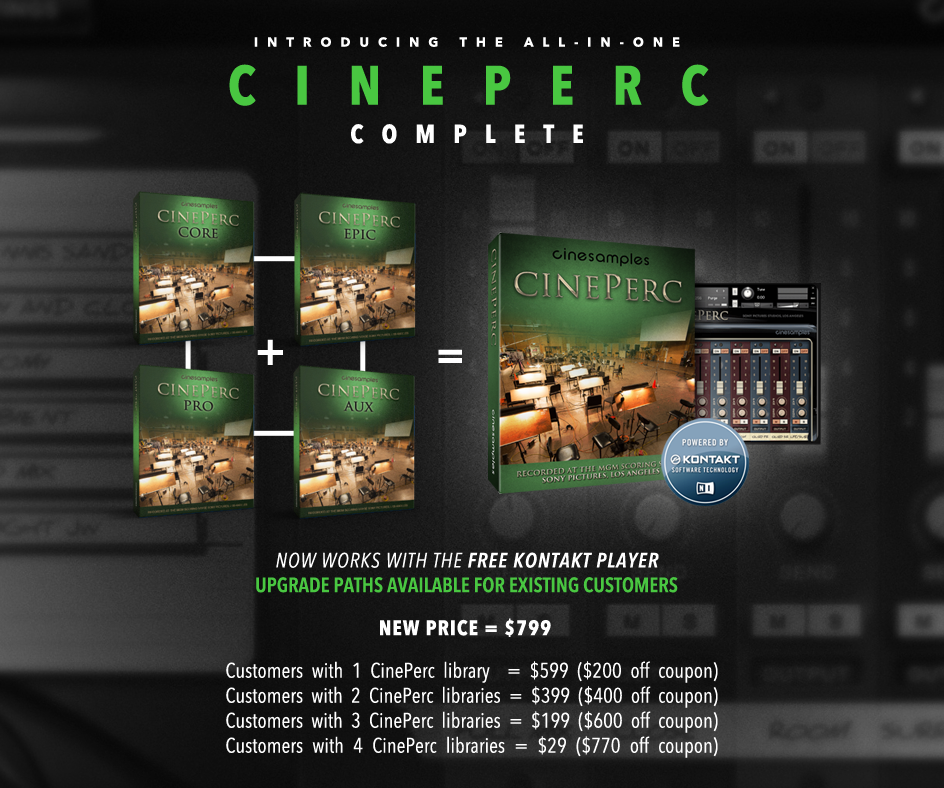
MERGING PRIOR LIBRARIES
CinePerc as a whole is now represented by one library, rather than four (Core, Pro, Aux, Epic). All instruments are clearly organized into a new folder structure which helps the user instantly identify which type of sound they are looking for (for instance Metals, Melodic, Ethnic, etc).

KONTAKT PLAYER COMPATIBLE
 CinePerc does not require you to purchase any additional sample playback software, and is licensed to work with Native Instrument’s free Kontakt Player. Explore the latest version of Kontakt here. Now all you need is a sequencer like Logic, Cubase, Digital Performer, LIVE, or Pro Tools, and you’ll be up and running.
ORCHESTRAL ENSEMBLE PATCH
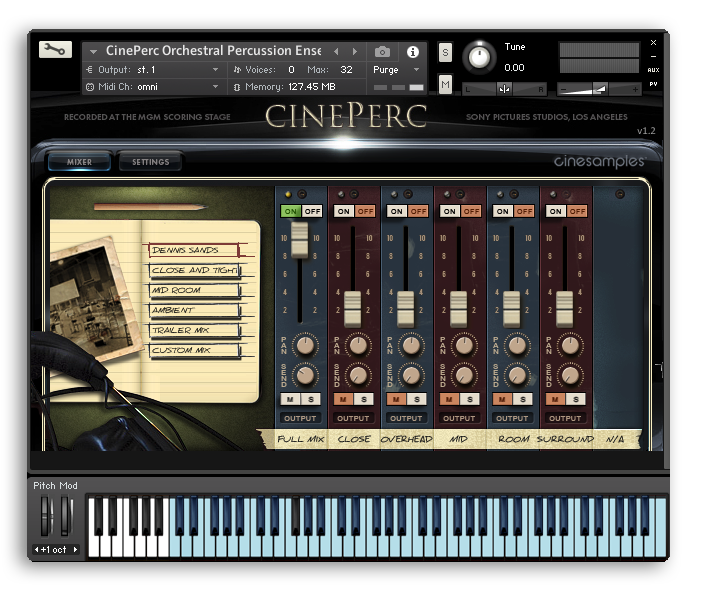
The brand new "CinePerc Orchestral Percussion Ensemble" patch is comprised largely of instruments from the '01 ORCHESTRAL' folder, giving the user a complete orchestral percussion pallet underneath their fingers. Intuitively mapped, this patch makes creating orchestral percussion mockups quick and easy. Detailed mapping info can be found in the User Manual (downloadable below).

RE-MAPPING
The entire line of CinePerc instruments have been remapped in order to create a consistent and intuitive layout for the user. Non-chromatic instruments have now been centered around middle C on the keyboard, so the user knows instantly where to begin upon loading a new instrument and playing. Other small tweaks have also been added for ease of use, such as several instruments being split out to their own patch for clarity sake (for instance different mallet types, different snare drums, etc., now each have their own patch).
Compatibility checklist
- Confirm the supplied build, operating system and required host before ordering.
Requirements vary by supplied version. Confirm your setup with support before purchasing.
Delivery & activation
- Complete your purchaseReview compatibility and purchase details.
- Download your filesAccess available downloads through your order and account.
- Follow the included setup guideContact GetPlugins if you need installation help.
Activation, where included, is provided by GetPlugins. Publisher-account registration, transferable publisher keys and a publisher-issued licence are not included. Read the activation policy.
Frequently asked questions
How do I receive my download?
After payment, access available files from your order details and GetPlugins account. Contact support if a download is missing.
What activation is included?
Follow the activation instructions supplied with your download. Activation is provided by GetPlugins. Confirm device allowances and reinstall arrangements before ordering.
Will this work with my computer and DAW?
Check the compatibility information for this listing and ask us to confirm the exact supplied build. Libraries may require a compatible sampler or additional software.
What if I need installation help?
Email support@getplugins.io with your order number, operating system, DAW and any error message.
Which updates are included?
Activation and updates are separate. Confirm the available version and update arrangements before ordering; do not assume access to future publisher releases.
How do I request a refund?
Contact support with your order number and issue details. Read our Refund Policy for eligibility and the request process.

Reviews
There are no reviews yet.