

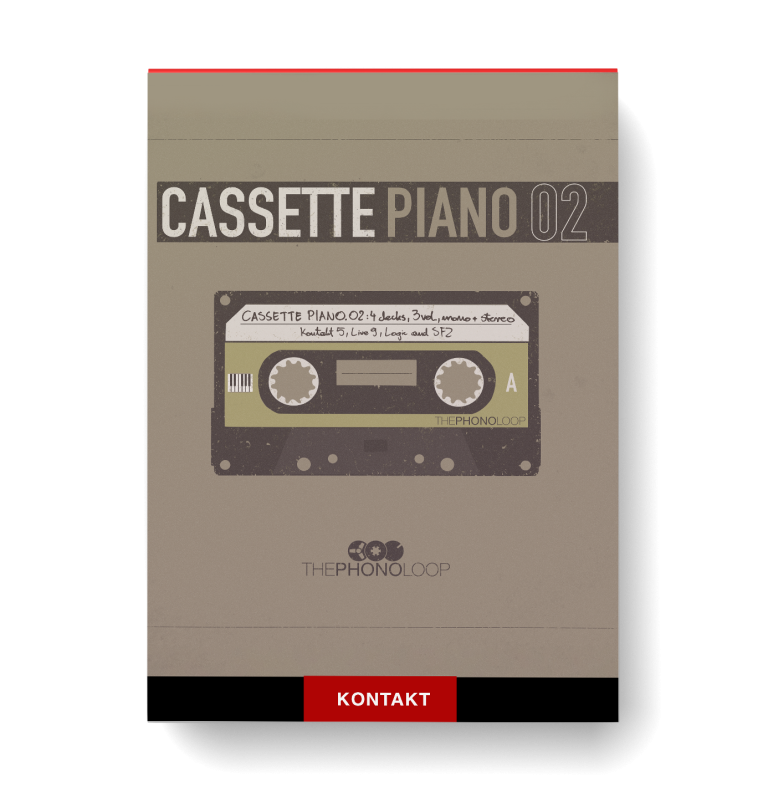
Discover Cassette Piano 02
You Must Purchase Kontakt Pro From Us To Install & Use This Library In Full Version Click Here
Deck A STEREO - the highest quality, very low pitch instability, plus it was recorded in stereo
Deck A MONO - the same quality as the one above but recorded in mono
Deck B MONO - the same one used in previous instruments (Cassette Piano, Cassette Keys.01, Cassette Mallets.01), slightly loose drive belt introduces a…
Explore product features & full description


Audio Demos
The Idea & Process
One of the main improvements of Cassette Piano.02 is a completely new set of samples of an (not so perfect) old upright piano recorded in a ballet training room (in both stereo and mono, with mics at the back of the piano) which resulted in surprisingly organic and tasty sound with all kinds of little imperfections. In order to make the best use of those recordings, and to further expand the sound capabilities of the instrument, four different decks were used to process the samples.
Below, you can listen to how each of those decks affects the sound in their own different way:
-
Deck A STEREO - the highest quality, very low pitch instability, plus it was recorded in stereo
-
Deck A MONO - the same quality as the one above but recorded in mono
-
Deck B MONO - the same one used in previous instruments (Cassette Piano, Cassette Keys.01, Cassette Mallets.01), slightly loose drive belt introduces a lot of pitch instability (sounds great when transposed down)
-
Deck C MONO - the noisiest deck of all with medium amount of pitch instability
-
Deck D MONO - similar to deck A but with more instability in pitch and overall sound
Every note has been carefully denoised with a high quality algorithm to avoid noise stacking when playing more than one note (there’s still some noise left in the samples to avoid denonising artifacts). Noise can still be added with the noise knob - it’s much more flexible this way and allows the ability to adjust the volume of the noise independently whilst also applying parameters such as filtering. It also creates a more realistic sound, so when playing a five voice chord, only one sample of noise instead of five stacked on top of each other will be heard.
Custom impulse responses in Kontakt version
Kontakt version contains custom impulses (4 spring impulses, 4 hall impulses & 3 corridor impulses), along with a choice of whether you want it to be placed pre or post insert effects - same thing goes for the delay.
Useful and fun production tool
If you like vintage sounds and you're looking for something to enhance your production toolbox, then this product will be for you.
Simulated Round Robin
Makes faster note passages sound more realistic and adds to the overall nonlinearity of the instrument - available in Kontakt and SFZ versions only.
Variety of sounds
Aside from the sound of a cassette record with this instrument you can easily create some weird sounds and there are already quite a few presets included to get you started (Kontakt & Ableton Live versions only).
Specs
Available in multiple popular formats: Kontakt 5, Ableton Live 9, Logic, SFZ & Multiformat
5 GB of samples (1325 samples in total)
Recorded on 4 different decks
Recorded in mono and stereo
5 noise samples (each around 2 minutes long)
3 velocity layers
Organic sound with lots of little imperfections
Kontakt version
Full version of Kontakt 5.6.6 (or higher) required - not compatible with Kontakt Player
46 presets
One-page interface for easy and fast sound design
Convolution Reverb with custom impulses (spring, hall, corridor)
Ableton Live version
Full version of Live 9.7 (or higher) required
46 custom Instrument Racks with mapped macros
Custom Effect Racks
Logic version
Full version of Logic Pro X required - not tested in Logic Pro 9
25 basic presets (normal, reverse 100%, reverse 75%, reverse 50% & reverse 25% for each deck)
SFZ version
Compatible with any SFZ player, for example: Plogue Sforzando
10 presets (5 normal and 5 with simulated round-robin)
Compatibility checklist
- Confirm the supplied build, operating system and required host before ordering.
Requirements vary by supplied version. Confirm your setup with support before purchasing.
Delivery & activation
- Complete your purchaseReview compatibility and purchase details.
- Download your filesAccess available downloads through your order and account.
- Follow the included setup guideContact GetPlugins if you need installation help.
Activation, where included, is provided by GetPlugins. Publisher-account registration, transferable publisher keys and a publisher-issued licence are not included. Read the activation policy.
Frequently asked questions
How do I receive my download?
After payment, access available files from your order details and GetPlugins account. Contact support if a download is missing.
What activation is included?
Follow the activation instructions supplied with your download. Activation is provided by GetPlugins. Confirm device allowances and reinstall arrangements before ordering.
Will this work with my computer and DAW?
Check the compatibility information for this listing and ask us to confirm the exact supplied build. Libraries may require a compatible sampler or additional software.
What if I need installation help?
Email support@getplugins.io with your order number, operating system, DAW and any error message.
Which updates are included?
Activation and updates are separate. Confirm the available version and update arrangements before ordering; do not assume access to future publisher releases.
How do I request a refund?
Contact support with your order number and issue details. Read our Refund Policy for eligibility and the request process.



Reviews
There are no reviews yet.