


Discover Audiofier – Tetrality
You Must Purchase Kontakt Pro From Us To Install & Use This Library In Full Version Click Here
Explore product features & full description
Description
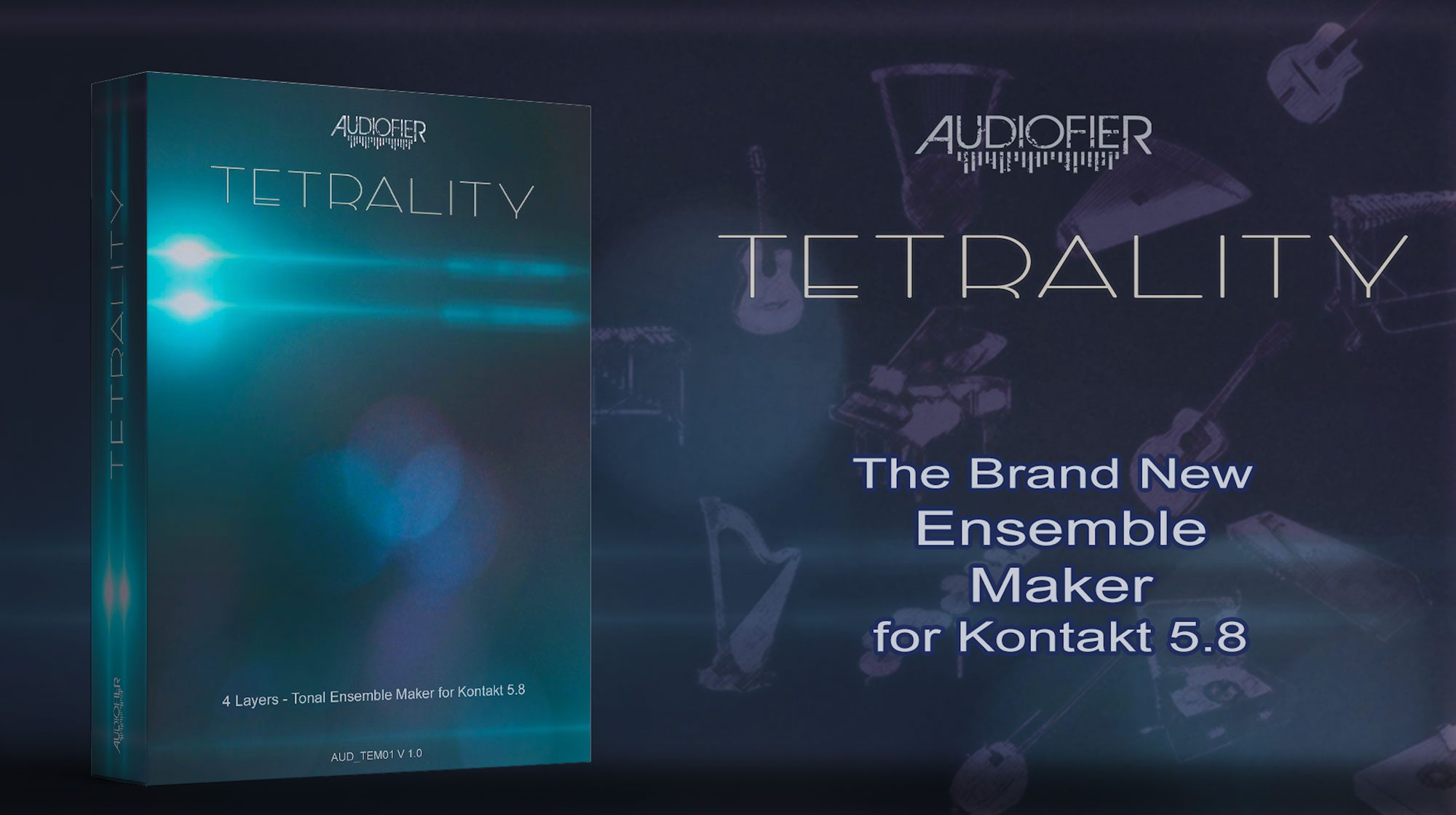
From the Ensemble Makers Series
Fast, creative, unpredictable ways to arrange your music… in a click.
Loops and sequences instrumental rhythms, melodies, arpeggios and riffs that complement each other perfectly.
Introducing TETRALITY
The Brand New Tonal Ensemble Maker
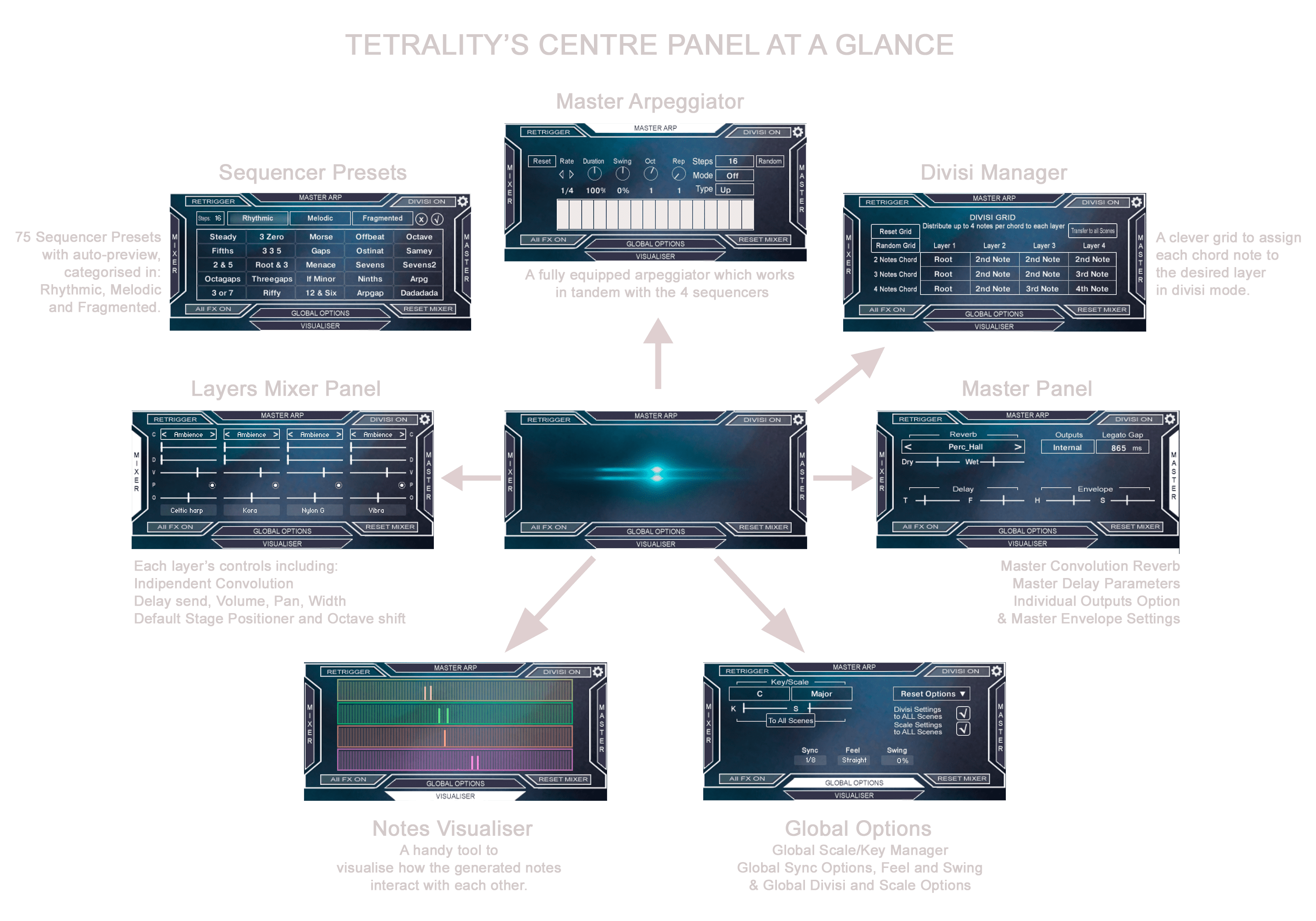
TETRALITY produces incredible combinations of acoustic instruments patterns which follow your chords. With 20 organic multi-sampled instruments and 4 layers, TETRALITY provides endless gorgeous arpeggiations and sequences arrangements which will beautify your tracks.
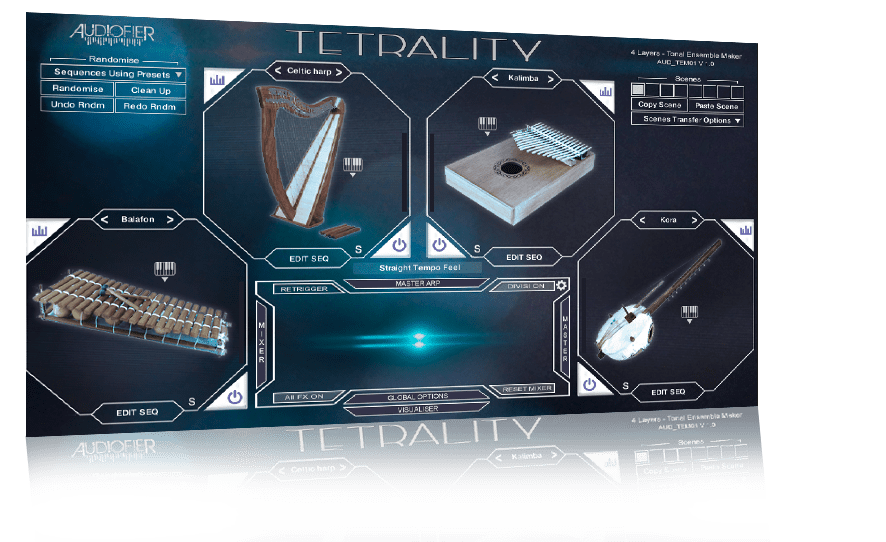
TETRALITY’s instruments have been chosen specifically to create elegant ensembles and unique sonic scapes.
TETRALITY can store up to eight master scenes which can be recalled on the fly while performing: each scene can include totally different instruments, mappings, sequences, speeds, scales, mixer settings and more.
TETRALITY’s instruments can be spatially arranged as captured on a stage, or can be also panned as required.
TETRALITY can improvise at different levels of variations amounts, so the sequences will never be stale and repetitive. It can also add groups of notes we call “Ornaments” to spice up the arrangement.
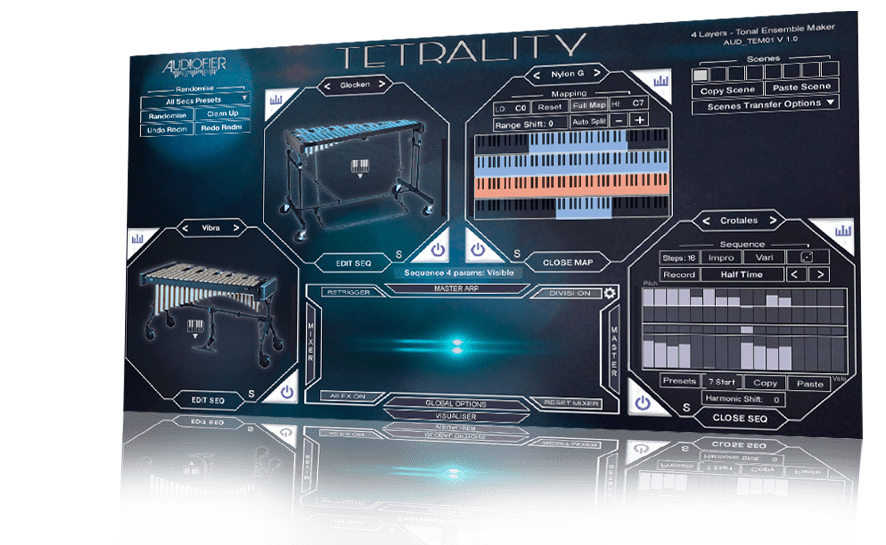
TETRALITY sports four sound layers, 20 instruments per layer, individual polyrhytmic sequencer and mapping options per layer.
TETRALITY’s divisi feature recognises up to four notes chords so each of the four sequencers will play a separated melody or phrase, without doubling other instruments notes.
TETRALITY’s extensive randomisation options will create automatically beautiful arrangements that work without clashing notes, and with rhythms, phrases and ornaments that make musical sense.
Compatibility checklist
- Confirm the supplied build, operating system and required host before ordering.
Requirements vary by supplied version. Confirm your setup with support before purchasing.
Delivery & activation
- Complete your purchaseReview compatibility and purchase details.
- Download your filesAccess available downloads through your order and account.
- Follow the included setup guideContact GetPlugins if you need installation help.
Activation, where included, is provided by GetPlugins. Publisher-account registration, transferable publisher keys and a publisher-issued licence are not included. Read the activation policy.
Frequently asked questions
How do I receive my download?
After payment, access available files from your order details and GetPlugins account. Contact support if a download is missing.
What activation is included?
Follow the activation instructions supplied with your download. Activation is provided by GetPlugins. Confirm device allowances and reinstall arrangements before ordering.
Will this work with my computer and DAW?
Check the compatibility information for this listing and ask us to confirm the exact supplied build. Libraries may require a compatible sampler or additional software.
What if I need installation help?
Email support@getplugins.io with your order number, operating system, DAW and any error message.
Which updates are included?
Activation and updates are separate. Confirm the available version and update arrangements before ordering; do not assume access to future publisher releases.
How do I request a refund?
Contact support with your order number and issue details. Read our Refund Policy for eligibility and the request process.

Reviews
There are no reviews yet.