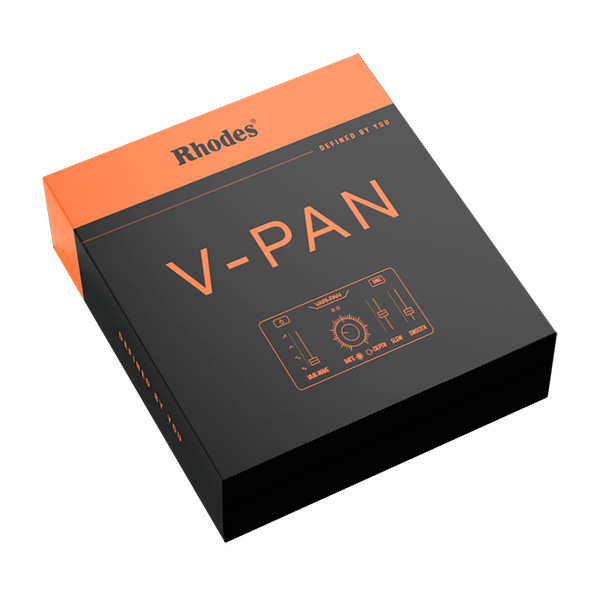
If you want to add depth and dimension to a keyboard or synth, create mind-blowing textures for a guitar, infuse ethereal sounds into FX, or even add a unique twist to vocals, check out V-Pan. Rhodes has been a pioneer in the world of music technology for decades. In the 1970s, we introduced the iconic…
We modeled directly from the Rhodes MK8’s unique Vari-Pan hardware circuit.
Left/right pan LEDs.
Smoothly variable waveform for maximum sonic flexibility.
Explore product features & full description
If you want to add depth and dimension to a keyboard or synth, create mind-blowing textures for a guitar, infuse ethereal sounds into FX, or even add a unique twist to vocals, check out V-Pan. Rhodes has been a pioneer in the world of music technology for decades. In the 1970s, we introduced the iconic “vibrato” stereo panning effect on the suitcase piano, setting the industry standard for innovation.
Possibilities
We modeled directly from the Rhodes MK8’s unique Vari-Pan hardware circuit.
Left/right pan LEDs.
Smoothly variable waveform for maximum sonic flexibility.
Speed ranges from ultra-slow to audio speed for synth-style effects and ring modulation.
Deep depth control.
Parameter value readout.
Waveform Slew and Smooth controls for further customization of the panning waveform.
Complete your purchaseReview compatibility and purchase details.
Download your filesAccess available downloads through your order and account.
Follow the included setup guideContact GetPlugins if you need installation help.
Activation, where included, is provided by GetPlugins. Publisher-account registration, transferable publisher keys and a publisher-issued licence are not included. Read the activation policy.
Frequently asked questions
How do I receive my download?
After payment, access available files from your order details and GetPlugins account. Contact support if a download is missing.
What activation is included?
Follow the activation instructions supplied with your download. Activation is provided by GetPlugins. Confirm device allowances and reinstall arrangements before ordering.
Will this work with my computer and DAW?
Check the compatibility information for this listing and ask us to confirm the exact supplied build. Libraries may require a compatible sampler or additional software.
What if I need installation help?
Email support@getplugins.io with your order number, operating system, DAW and any error message.
Which updates are included?
Activation and updates are separate. Confirm the available version and update arrangements before ordering; do not assume access to future publisher releases.
How do I request a refund?
Contact support with your order number and issue details. Read our Refund Policy for eligibility and the request process.
Customer Reviews
Reviews
There are no reviews yet.
Be the first to review “Rhodes Music – Rhodes V-Pan (Windows)” Cancel reply











Reviews
There are no reviews yet.