
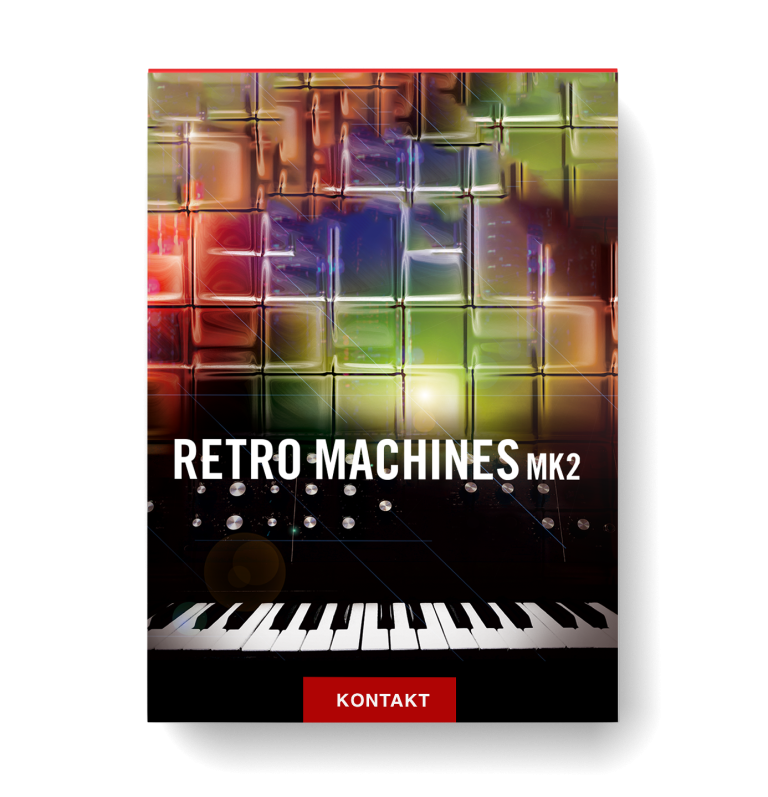
Discover Native Instruments – Retro Machines Mk2
You Must Purchase Kontakt Pro From Us To Install & Use This Library In Full Version Click Here
Consolidated user interface for instant control
Smart arpeggiator with advanced custom options
Innovative chord player for performance and more
Explore product features & full description
VINTAGE SYNTH COLLECTION
- Consolidated user interface for instant control
- Smart arpeggiator with advanced custom options
- Innovative chord player for performance and more

RETRO SOUND, MODERN PERFORMANCE
RETRO MACHINES MK2 is a collection of 16 definitive analog synthesizers and keyboards, lovingly sampled and refined for the world's leading sample platform, KONTAKT.
The collection covers the classic, the idiosyncratic and the exotic instruments that defined electronic pop in the 70s and 80s. Today, the originals are hard-to-find, expensive, and often temperamental. So if you'd rather be making music than worrying about tuning, here's your vintage ticket: RETRO MACHINES MK2 gives you thick, creamy, analog sound without the repairs, and with all the benefits of state-of-the-art software technology.

SOUND CONTROL

ARPEGGIATOR AND CHORD PLAYER
The arpeggiator in RETRO MACHINES MK2 is a modern re-interpretation of the arpeggiators in the original machines. Choose 16 steps or 12-step triplet mode, and define the velocity of each individual step. What's more, you can assign a different sound variation to each step in the pattern —a smart trick for dynamic, expressive arpeggios.
The Chord Player creates chords from single notes, which is especially useful in combination with the arpeggiator. In Fixed Chord mode, set your intervals and play chords with one finger up and down the keyboard. Turn off Fixed Chord, choose a key template, and the chords you hear automatically fit the selected key, for perfect, elegant harmony.
Compatibility checklist
- Confirm the supplied build, operating system and required host before ordering.
Requirements vary by supplied version. Confirm your setup with support before purchasing.
Delivery & activation
- Complete your purchaseReview compatibility and purchase details.
- Download your filesAccess available downloads through your order and account.
- Follow the included setup guideContact GetPlugins if you need installation help.
Activation, where included, is provided by GetPlugins. Publisher-account registration, transferable publisher keys and a publisher-issued licence are not included. Read the activation policy.
Frequently asked questions
How do I receive my download?
After payment, access available files from your order details and GetPlugins account. Contact support if a download is missing.
What activation is included?
Follow the activation instructions supplied with your download. Activation is provided by GetPlugins. Confirm device allowances and reinstall arrangements before ordering.
Will this work with my computer and DAW?
Check the compatibility information for this listing and ask us to confirm the exact supplied build. Libraries may require a compatible sampler or additional software.
What if I need installation help?
Email support@getplugins.io with your order number, operating system, DAW and any error message.
Which updates are included?
Activation and updates are separate. Confirm the available version and update arrangements before ordering; do not assume access to future publisher releases.
How do I request a refund?
Contact support with your order number and issue details. Read our Refund Policy for eligibility and the request process.



Reviews
There are no reviews yet.