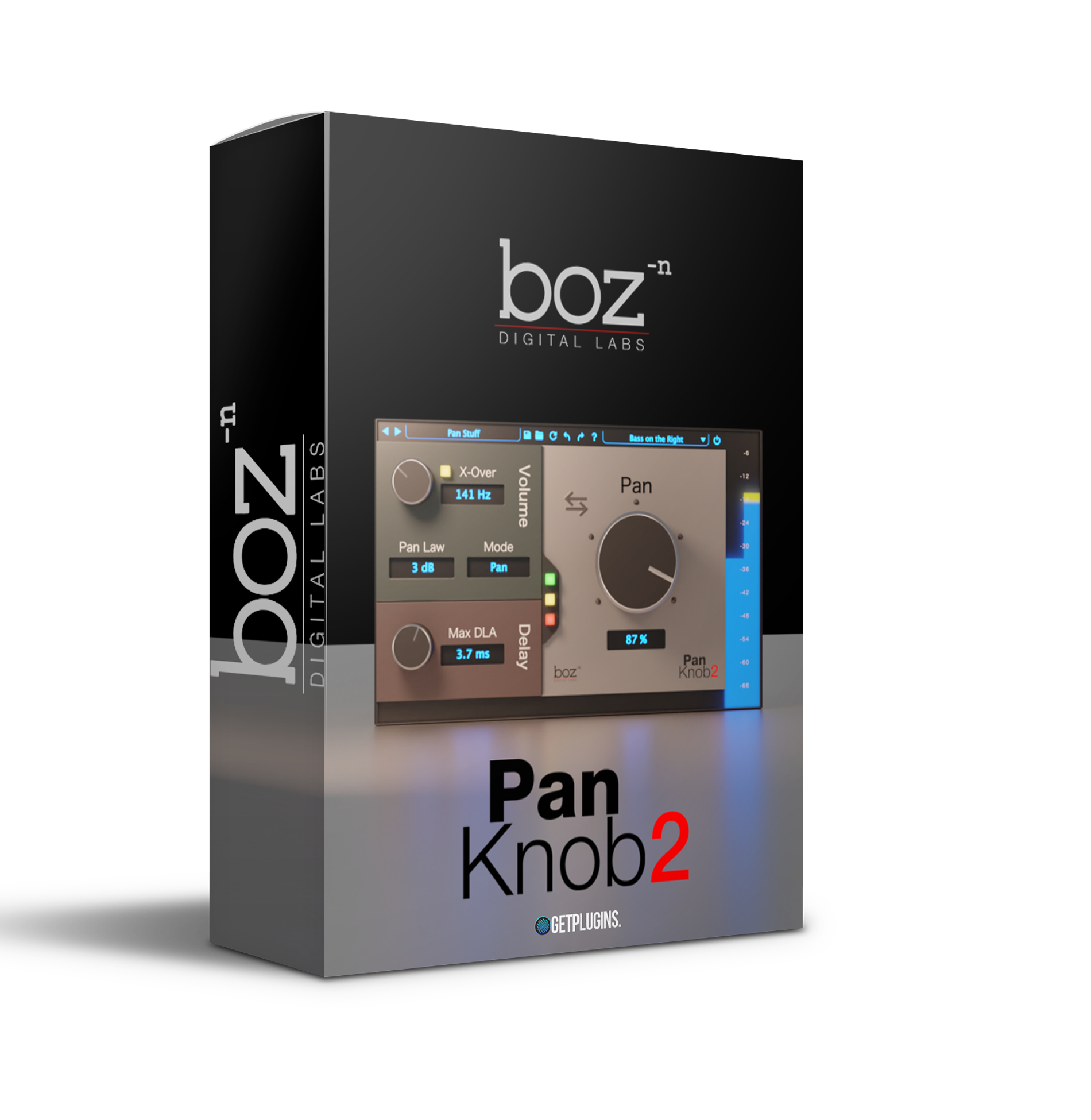
🎛 Boz Digital Labs – Pan Knob 2
Precision Stereo Control Made Simple
Take complete command of your stereo field with Pan Knob 2 by Boz Digital Labs — a deceptively powerful panning plugin crafted for producers, composers, mix engineers, and modern music creators who demand absolute clarity, balance, and spatial precision.
Clean interface. Zero clutter. Maximum control.
This is panning — intelligently redesigned for today’s workflow.
🎚 More Than Just a Pan Knob
At first glance, Pan Knob 2 appears minimal — but under the hood, it delivers advanced stereo manipulation tools that go far beyond standard left/right balance.
With multiple panning laws and intelligent gain compensation, you can:
-
Maintain consistent perceived loudness while moving elements in the stereo field
-
Prevent unwanted level drops in mono playback
-
Achieve smooth, natural stereo transitions
Your mix stays controlled, focused, and translation-ready.
No surprises. No compromise.
🔀 Multiple Pan Modes for Total Flexibility
Pan Knob 2 includes versatile panning algorithms tailored to different mixing scenarios:
-
Balance Mode – Traditional left/right level control
-
Pan Mode – True stereo panning for natural spatial imaging
-
Dual Pan Mode – Independent control of left and right channels
From subtle vocal placement to aggressive stereo widening on synths and guitars, Pan Knob 2 adapts to your creative vision with precision.
Fine-tuned positioning or dramatic stereo motion — you decide.
🎧 Stereo Width & Mono Compatibility Control
Modern productions must translate across multiple systems — from headphones to club systems to streaming platforms. Pan Knob 2 gives you intelligent stereo management tools:
-
Adjust overall stereo width and spread
-
Collapse low frequencies for tighter, cleaner bass
-
Instantly improve mono compatibility
Perfect for electronic producers, cinematic composers, and content creators who require clear, punchy, and translation-safe mixes across every playback environment.
⚡ Fast Workflow. Professional Results.
Designed for efficiency and clarity, Pan Knob 2 delivers:
-
A clean, intuitive interface
-
Low CPU consumption
-
Immediate visual feedback
-
Precise numerical control
No complicated routing. No unnecessary extras.
Just surgical stereo placement in seconds.
🎬 Ideal For
-
Music producers shaping modern stereo landscapes
-
Film & game composers building immersive environments
-
Mixing engineers refining depth and dimension
-
Beatmakers enhancing drum imaging and groove
-
Podcasters and content creators improving clarity









Reviews
There are no reviews yet.