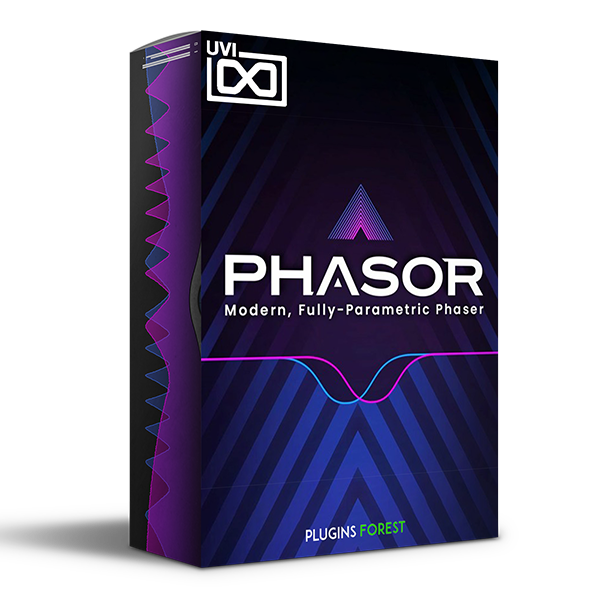
UVI – Phasor (Windows)

Explore UVI – Phasor (Windows) for your music production setup.
Formats: confirm before ordering

£20.00

Discover UVI – Phasor (Windows)

Explore UVI – Phasor (Windows) for your music production setup.

Explore product features & full description

Your New Go-To Phaser

Phasor is a powerful and dynamic studio tool, offering up a broad palette of modulation, filtering, and distortion effects thanks to its unique multimode design and deeply configurable parametric LFO. From buttery stereo field enhancement to rhythmic reinforcement with tweakable LFO waveshape and swing to more creative and specialized effects utilizing min and max frequency range, feedback, and drive, Phasor is featured and easy-to-use, delivering exceptional sound quality across a wide range of sweet spots.

IN-DEPTH

Modern Features

Phasor includes a number of powerful features that let you easily dial in anything from surgical enhancement to two-fisted rhythmic mutilation. Use the Min and Max knobs to set the frequency range, then couple it with Depth to create laser-focused parallel effects, while a bipolar Feedback knob offers a wide range of additive and subtractive filtering effects. Add grit to your sound with Drive, and evaluate your changes confidently with Trim, I/O metering, and A/B snapshotting to easily level-match and compare your effect.

Multimode LFO Design

One of the most powerful components of Phasor is its multimode LFO design, allowing you to choose between Off, Random, S&H, and Parametric LFO modes. Off mode disables the LFO allowing you to design static or purely automated effects, while S&H and Random offer stepped and smooth randomization linked to Rate, letting you apply a variable amount of controlled chaos to your sound.


Compatibility checklist

  • Confirm the supplied build, operating system and required host before ordering.

Requirements vary by supplied version. Confirm your setup with support before purchasing.

Delivery & activation

  1. Complete your purchaseReview compatibility and purchase details.
  2. Download your filesAccess available downloads through your order and account.
  3. Follow the included setup guideContact GetPlugins if you need installation help.

Activation, where included, is provided by GetPlugins. Publisher-account registration, transferable publisher keys and a publisher-issued licence are not included. Read the activation policy.

Frequently asked questions

How do I receive my download?

After payment, access available files from your order details and GetPlugins account. Contact support if a download is missing.

What activation is included?

Follow the activation instructions supplied with your download. Activation is provided by GetPlugins. Confirm device allowances and reinstall arrangements before ordering.

Will this work with my computer and DAW?

Check the compatibility information for this listing and ask us to confirm the exact supplied build. Libraries may require a compatible sampler or additional software.

What if I need installation help?

Email support@getplugins.io with your order number, operating system, DAW and any error message.

Which updates are included?

Activation and updates are separate. Confirm the available version and update arrangements before ordering; do not assume access to future publisher releases.

How do I request a refund?

Contact support with your order number and issue details. Read our Refund Policy for eligibility and the request process.

Customer Reviews

Reviews

There are no reviews yet.

Be the first to review “UVI – Phasor (Windows)”

Your email address will not be published. Required fields are marked *